
Table of Contents
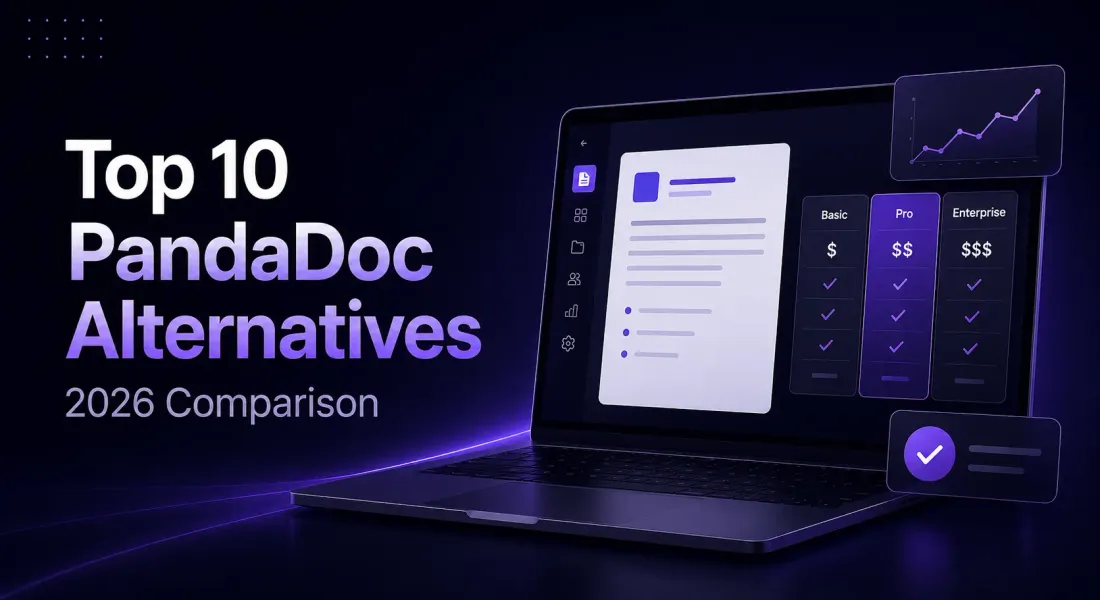
Top 10 PandaDoc Alternatives (2026 Comparison)
PandaDoc is a solid, established platform, and most people searching for an alternative are not unhappy with the product itself. They have hit a specific wall, and it is worth naming precisely before comparing options.
Pricing and feature details below are pulled directly from G2, Capterra, and each vendor’s own product pages rather than estimated, so the comparison is grounded in what each tool actually does and costs, not marketing copy. For context on what separates a genuinely useful tool from a document generator with a signature button bolted on, see this list of business proposal tools for founders.
Quick Comparison
| Tool | Rating | Starting Price | Best For |
|---|---|---|---|
| Proposal.biz | See below | From $19/mo | URL-based branded proposals, full document lifecycle |
| Proposify | 4.6/5 (1,143) | $19/mo | Sales teams wanting deal-stage proposal tracking |
| Qwilr | 4.6/5 (914) | From $35/mo | Interactive, web-page style proposals |
| GetAccept | 4.6/5 (1,267) | Contact vendor | Sales engagement plus document workflow |
| Storydoc | 4.7/5 (67) | $30/mo | Presentation-style decks and interactive docs |
| Prospero | 4.8/5 (136, Capterra) | $19/mo ($12/mo annual) | Freelancers and small agencies |
| Better Proposals | 4.3/5 (51) | $19/mo | Simple contract and proposal workflow |
| Nusii | 4.5/5 (24) | $29/mo | Solo consultants and freelance proposals |
| Proposable | 4.2/5 (74) | $19/mo | Basic proposal creation on a tight budget |
| DocuSign | 4.5/5 (2,628) | Contact vendor | Teams that only need e-signatures, not full proposals |
Ratings above are sourced from G2 and Capterra as of writing. The write-ups below focus on what actually differentiates each tool rather than repeating the score.
Why Teams Look For A PandaDoc Alternative
PandaDoc’s own G2 reviews are candid about where the friction sits, and it is rarely the core product. It is almost always the gap between what a growing team needs and what the entry-level plan actually includes, a pattern covered in more depth in this breakdown of the ROI of proposal software.
- The features that matter for a controlled sales process, content library, CRM sync, custom branding, and approval workflows, sit behind the $49-per-seat Business plan, not the $19 Essentials tier.
- Enterprise pricing is not published. Reviewers describe the upgrade conversation as sales-oriented rather than consultative, with jumps of over $2,000 a year to unlock features a mid-sized team may only partly need.
- Editing a shared template can unintentionally affect automations already running on it, which one reviewer reported broke over 100 in-flight documents.
- Teams that only need e-signatures end up paying for proposal-building features they never touch.
- Seat-based pricing means the cost climbs in step with headcount, which growing teams feel faster than the feature set tends to justify.
What To Ask Before You Switch
Once a team has decided to look elsewhere, the comparison usually focuses on price and rating and skips a shorter, more practical list. These are the questions worth answering before signing anything new.
- Can existing templates be imported or rebuilt automatically from a URL or uploaded document, or does every one need to be recreated by hand?
- Does the new tool preserve the signing history and audit trail for documents already completed in PandaDoc, or does that record stay locked in the old account?
- What happens to proposals already sent and awaiting a signature mid-migration? Some will need to be resent from the new platform.
- Does the new tool’s pricing scale predictably as the team grows, or does it hit its own tier wall a year from now?
- Is there a contract minimum or notice period on the current PandaDoc plan that affects the timing of the switch?
That last question matters more than it looks. Once documents are live in a new tool, tracking proposal engagement properly from day one avoids a gap in your own data during the transition month.
Top 10 PandaDoc Alternatives
1. Proposal.biz
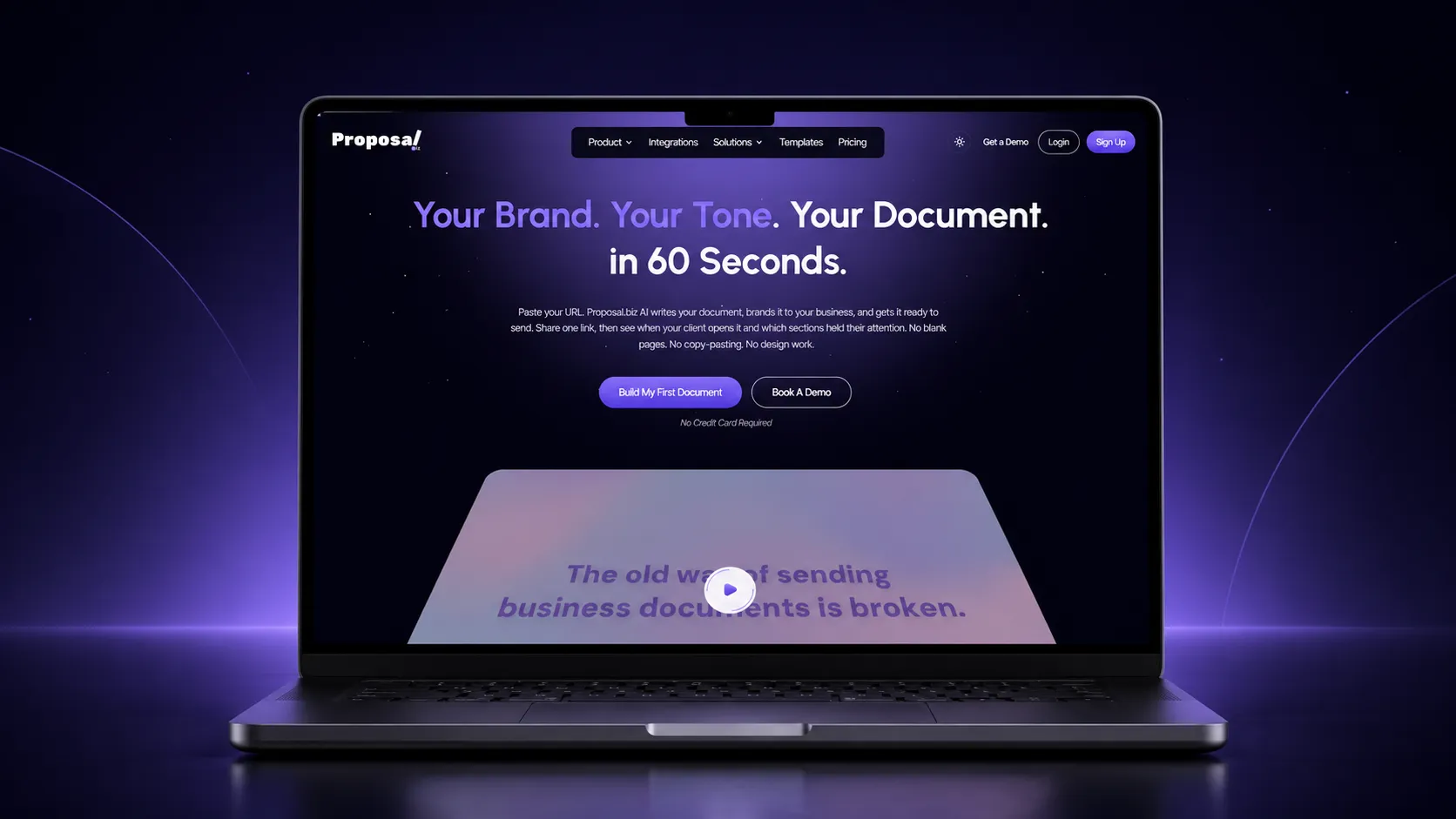
Proposal.biz is built around a different starting point than most of this list. Paste a website URL and the platform extracts brand assets into a Smart Content Library, then generates a fully branded document from a prompt. Every proposal, contract, or one-pager pulled from that library matches the brand automatically, without a designer touching it. That matters most for teams currently stitching together a separate proposal tool, a separate e-signature tool, and a separate analytics dashboard, since it collapses the three into one place.
- Smart Content Library that auto-extracts brand assets, logo, colours, fonts, tone, from a website URL
- AI document generation across proposals, contracts, SOWs, decks, and more
- Built-in e-signatures included from the Starter tier, not gated to a higher plan
- Document analytics showing opens, clicks, and scroll depth on every send
- Published pricing on every tier, including the top Business plan, with no sales call required
Document analytics and engagement tracking show what happens after a document is sent, and built-in e-signatures close the loop without exporting to a third-party signing tool. Pricing runs Starter from $19 a month for solo use, Professional from $39 a month with custom branding and full integrations, and Business from $89 a month for growing teams. It is the strongest fit for a team that wants one workspace for the entire document lifecycle rather than a proposal builder with e-signature and analytics as separate add-ons. Create and send proposals directly from that library, or see the full feature set for what the AI layer covers beyond proposals.
2. Proposify
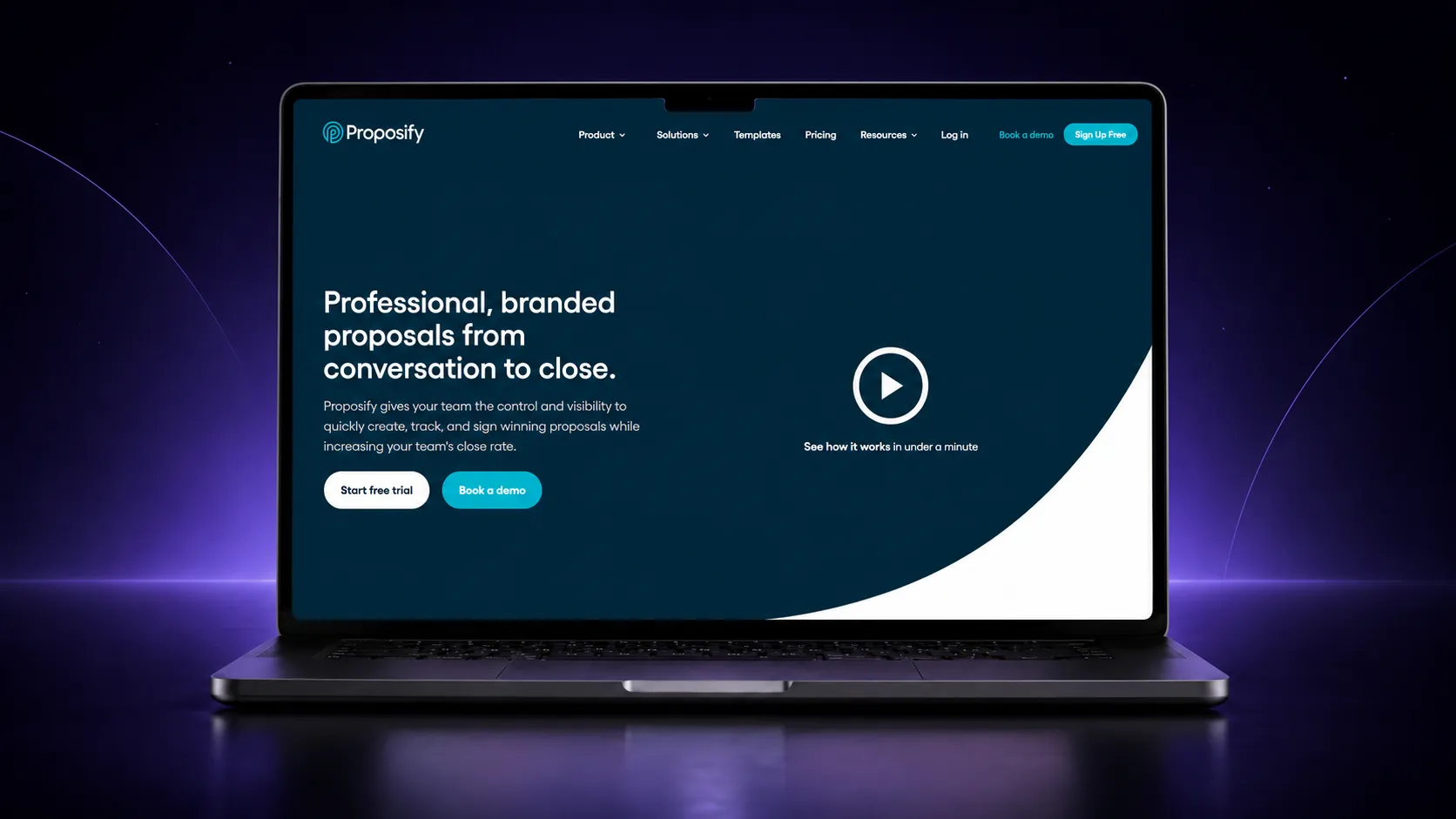
Proposify is one of the more established dedicated proposal tools on the market, well reviewed on G2, and built specifically around the sales-proposal workflow rather than documents in general. Its defining strength is deal-stage tracking that mirrors where a proposal sits in the pipeline, which suits sales teams that already think in stages and want the proposal status to update automatically as it moves.
- Flexible, drag-and-drop design editor
- Electronic signatures built in
- CRM integrations for deal-stage syncing
- Data-driven insights and reporting
- Interactive, editable pricing tables
- Approval workflows and content management
Pricing starts at $19 per user per month on the Basic plan, with the Business plan running $780 per user annually. The trade-off is scope: Proposify is built for sales proposals specifically, so teams that also need contracts or internal documents in the same tool often end up running a second platform alongside it. It is a strong pick if your workflow starts and ends with the sales proposal; less so if you need one tool for everything client-facing. See the direct Proposify alternative breakdown for a fuller comparison.
3. Qwilr

Qwilr, well reviewed on G2, takes a different format entirely, building proposals as interactive, link-based web pages rather than document-style PDFs. The USP is engagement: a prospect can explore pricing scenarios with an embedded calculator, watch an explainer video, or book a call directly inside the proposal, none of which a static document can do.
- Proposals built as shareable web pages, not static PDFs
- Embedded video, calendar links, and interactive ROI calculators
- E-signatures and payment collection directly on the page via QwilrPay
- Real-time engagement alerts through Slack or email
- CRM-connected automation for proposal creation
Pricing starts at $35 a month per user. That web-first format is a genuine strength for buyers who respond well to interactive content, particularly in SaaS and agency sales, and a mismatch for procurement teams that expect a downloadable, printable document to file internally. If your buyers regularly ask for a PDF copy for their records, weigh that friction before switching. Full comparison at the Qwilr alternative page.
4. GetAccept

GetAccept, well reviewed on G2, leans further into sales engagement than most tools on this list, positioning itself as an AI-native Digital Sales Room rather than a standalone proposal builder. The USP is context: the proposal, the buyer conversation, and the deal history live in the same workspace, so a rep is not switching between a document tool and a separate messaging thread to answer a buyer question mid-deal.
- AI-native Digital Sales Room combining content, proposals, and e-signing in one workspace
- AI analysis of meetings, calls, emails, and CRM data to help build proposals
- Real-time tracking of exactly how buyers engage with each deal
- Native CRM integrations keeping data synced automatically
- Buyer communication tools built directly into the document
Pricing is not published and requires contacting the vendor. It is a strong fit for sales organisations running a multi-touch, multi-stakeholder deal process, and more complexity than teams outside sales, such as HR or legal sending standard agreements, typically need. See the GetAccept alternative comparison for the fuller picture.
5. Storydoc
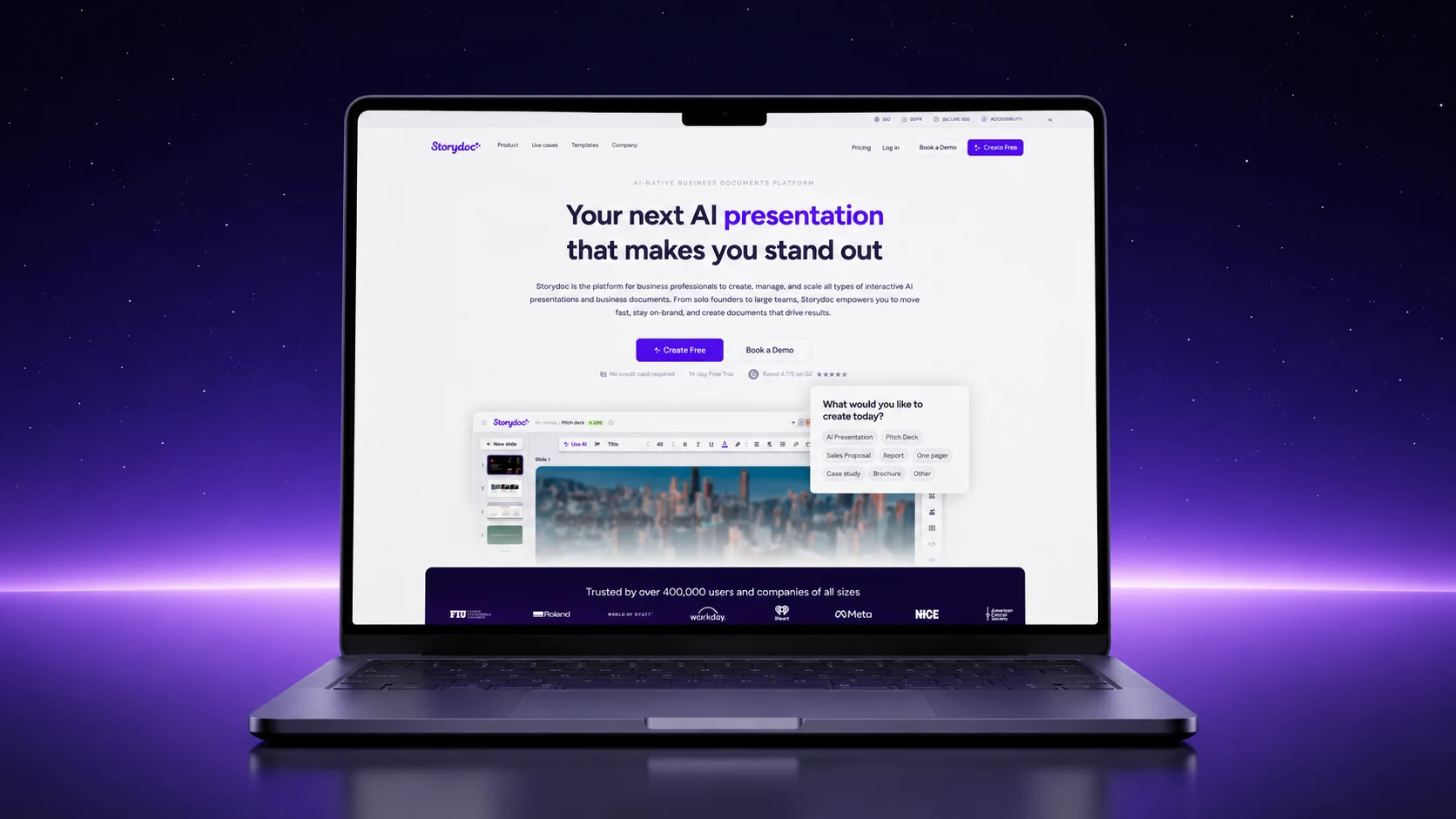
Storydoc, well reviewed on G2, is closer to an interactive presentation tool than a traditional proposal builder, and its USP is speed of visual output: describe what you need and the AI layer drafts the deck structure, copy, and imagery together rather than one at a time. It suits teams whose bottleneck is design time, not proposal logic.
- AI-assisted presentation and deck generator
- AI text and image generation for proposal content
- Business-ready template library
- Analytics panel showing engagement after a document is sent
- Integrations with common sales and marketing tools
Pricing starts at $30 a month for the Starter tier, rising to $45 for Pro. Storydoc is a better fit for pitch-style documents and sales decks than for detailed contracts or line-item proposals with heavy pricing tables, so treat it as a pitch-deck specialist rather than a full proposal replacement. Full breakdown at the Storydoc alternative page.
6. Prospero
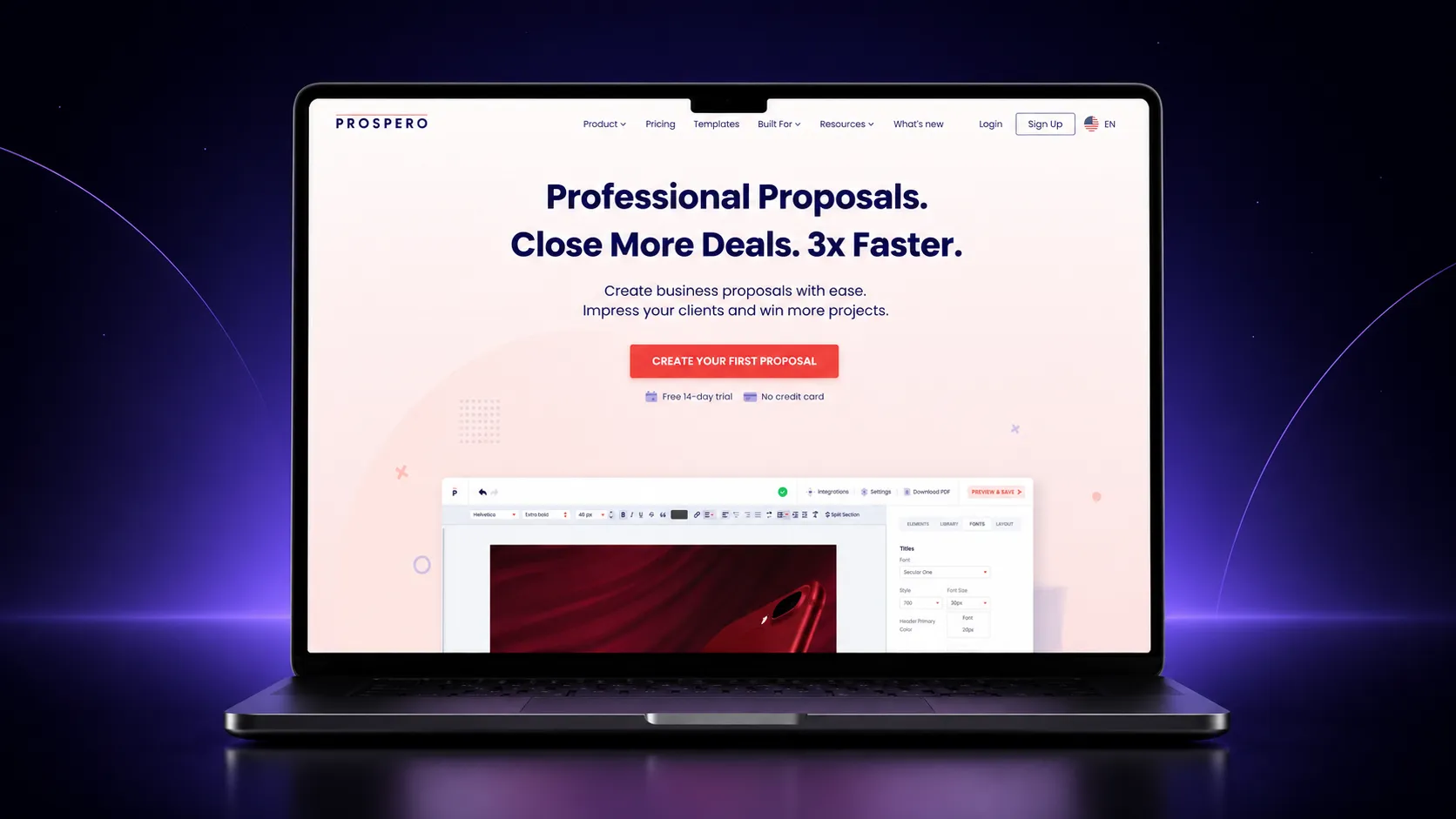
Prospero, strongly reviewed on Capterra, is aimed squarely at freelancers and small agencies who want a clean, fast proposal tool without an enterprise feature set they will never use. The USP is the built-in generative AI assistant paired with a genuinely low price, which makes it one of the few tools on this list where AI drafting is not reserved for a higher tier.
- Customisable, intuitive proposal editor
- Secure, multi-device e-signature
- Content library with pre-designed templates and media
- Real-time tracking of proposal status and engagement
- Centralised product and pricing catalogue for consistent quoting
- Generative AI assistant for drafting and editing proposal text
Pricing is straightforward at $19 a month, or $12 a month billed annually. It is a strong choice while a business stays small; teams that later need multi-seat collaboration, approval workflows, or deeper CRM automation tend to outgrow it within a year or two. See the Prospero alternative comparison.
7. Better Proposals
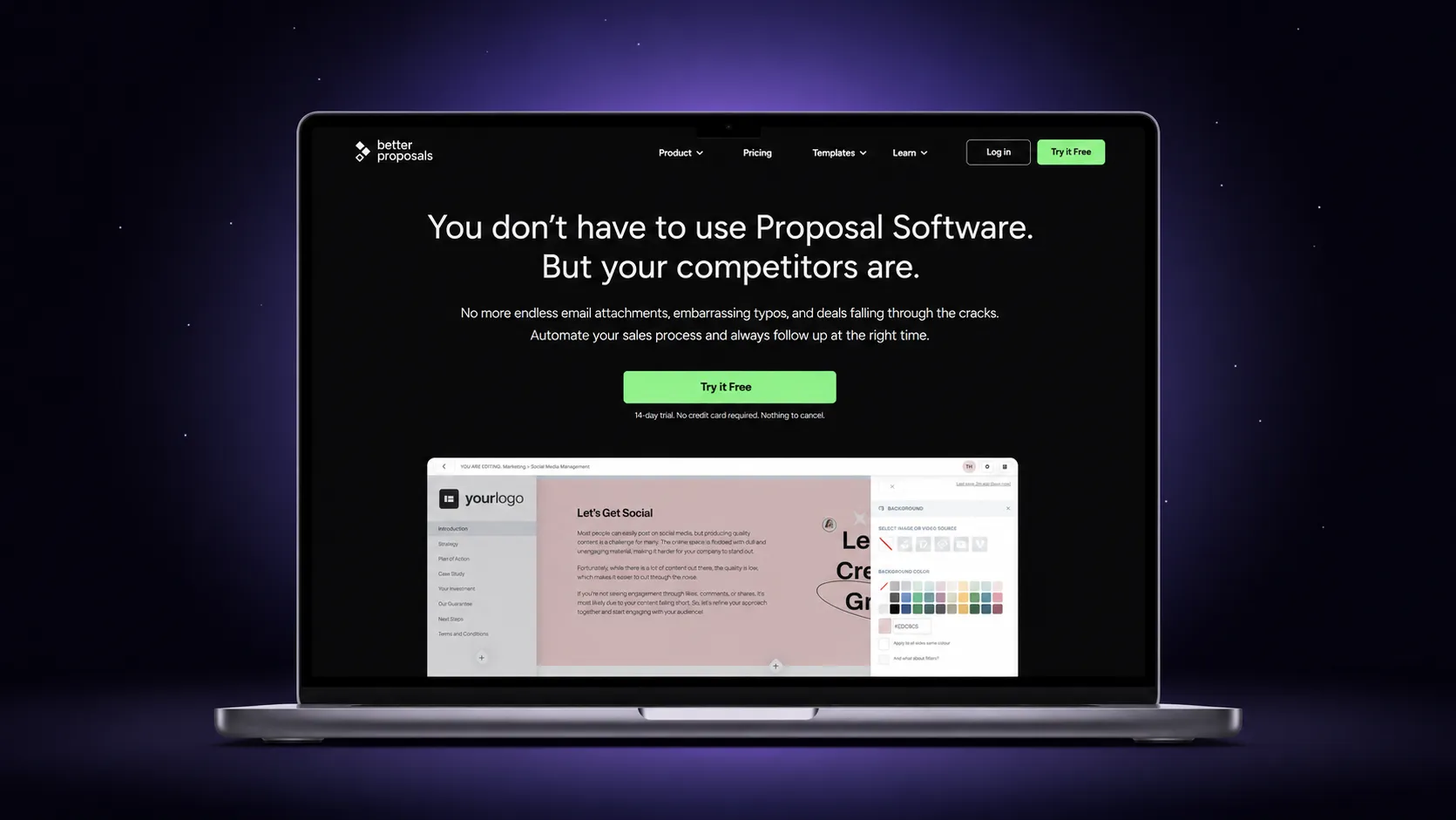
Better Proposals, reviewed on G2, leads with breadth of ready-made templates and integration count rather than a single standout mechanism. The USP is speed to first send: with 250-plus templates and over 50 integrations, a new user can usually get a branded proposal out within the same afternoon they sign up.
- 250+ professionally designed templates
- Mobile-friendly, web-based documents with embedded video
- E-signatures and secure payment collection
- Integrations with 50+ tools including CRM and payment platforms
- Real-time notifications and proposal performance tracking
Pricing runs Starter at $19 a month, Premium at $49, and Enterprise at $129. It covers the basics reliably but has less depth in content library management than the more feature-dense tools on this list, so it suits a team that wants breadth of templates over deep customisation. Full comparison at the Better Proposals alternative page.
8. Nusii
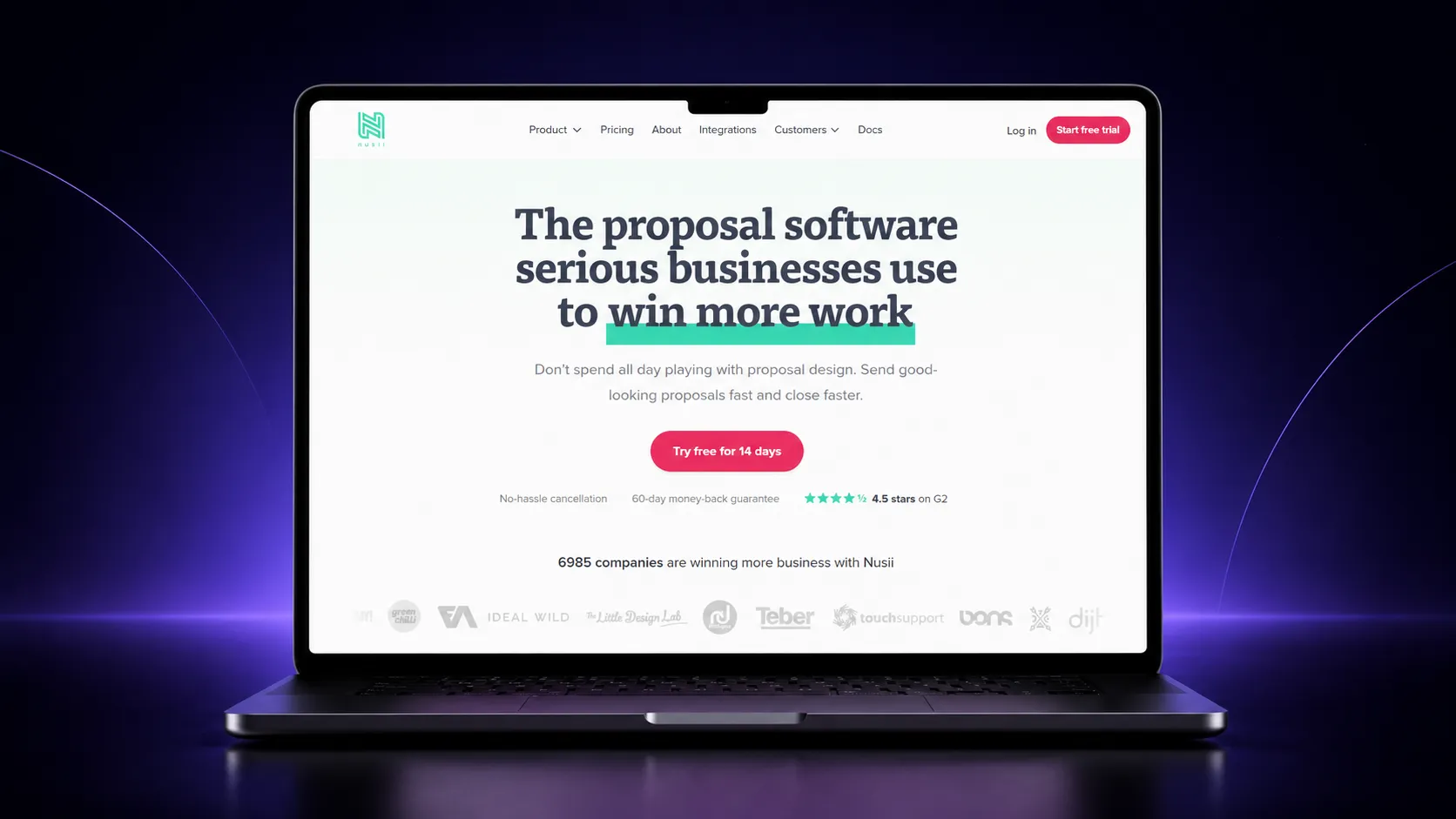
Nusii, reviewed on G2, is built specifically for individual freelancers and very small teams, and it deliberately avoids the automation and workflow layers larger tools add. The USP is exactly that narrowness: nothing to configure, nothing to learn beyond writing a proposal and getting it signed, which matters more to a solo consultant than any amount of extra functionality.
- E-signatures with multi-signature support
- Reusable proposal sections and full templates
- Client-side proposal tracking
- Integrations with common business and payment tools
Pricing starts at $29 a month on the entry tier, rising to $49 for small teams. It is a good fit for as long as a business stays solo or near-solo; once a team needs CRM automation or deeper analytics, the narrow scope that made it easy to adopt becomes the reason to move on. See the Nusii alternative breakdown.
9. Proposable
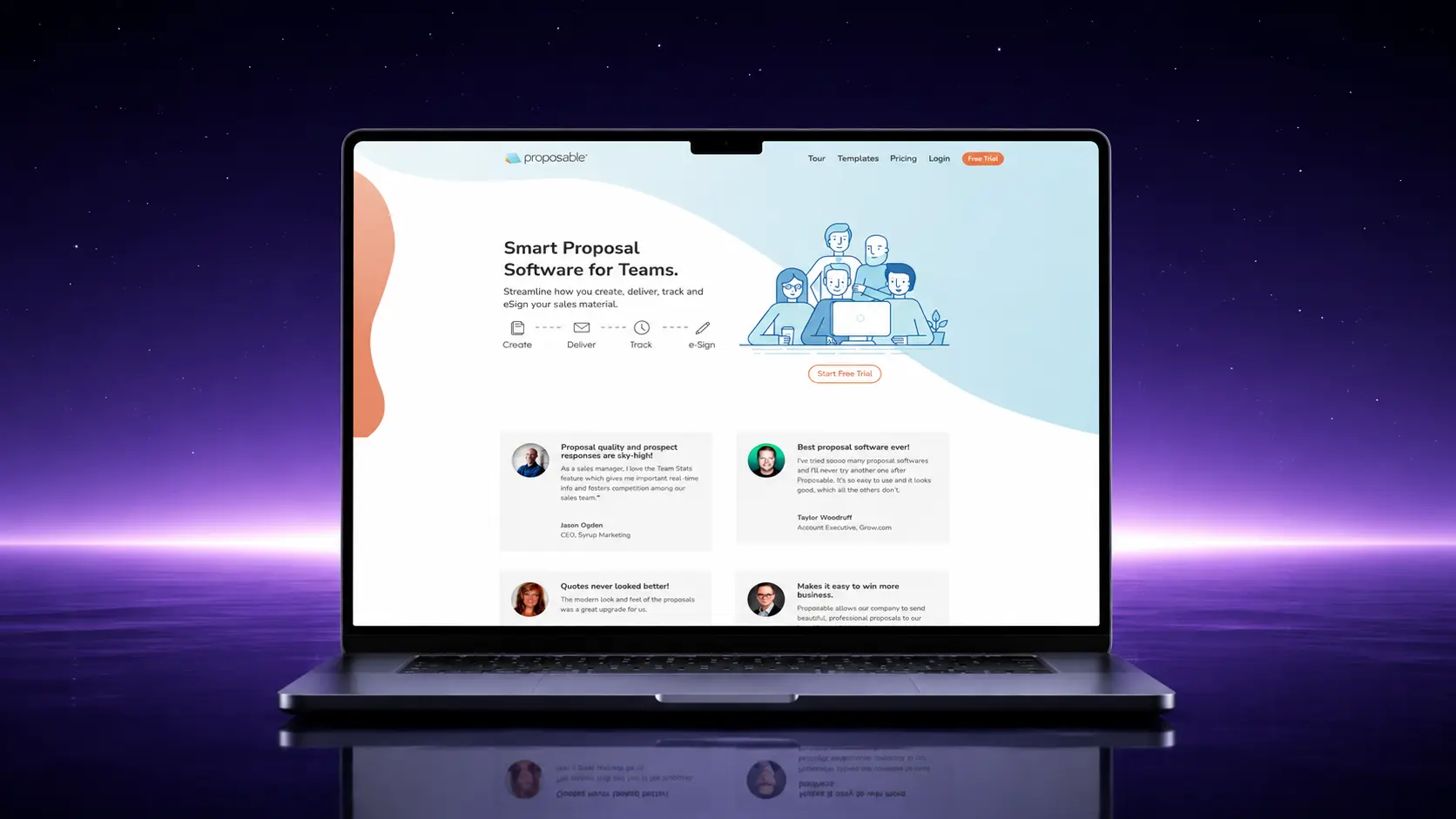
Proposable, reviewed on G2, leads on price rather than polish, and reviewers consistently describe it as functional and inexpensive. The USP is that it is genuinely the lowest-friction upgrade from a word processor: dynamic fields and rich media without a steep setup curve, which makes it a reasonable first step for a team that has never used dedicated proposal software before.
- Document creation with variables and dynamic fields
- Flexible template creation
- Rich media embedding inside proposals
- Basic approval workflow support
Pricing starts at $19 a month. It is a sensible entry point for a team that mainly needs proposals to stop living in a word processor, and one most teams outgrow once they need stronger design flexibility or a deeper content library. A direct three-way comparison is available at Proposable vs PandaDoc vs Proposal.biz.
10. DocuSign
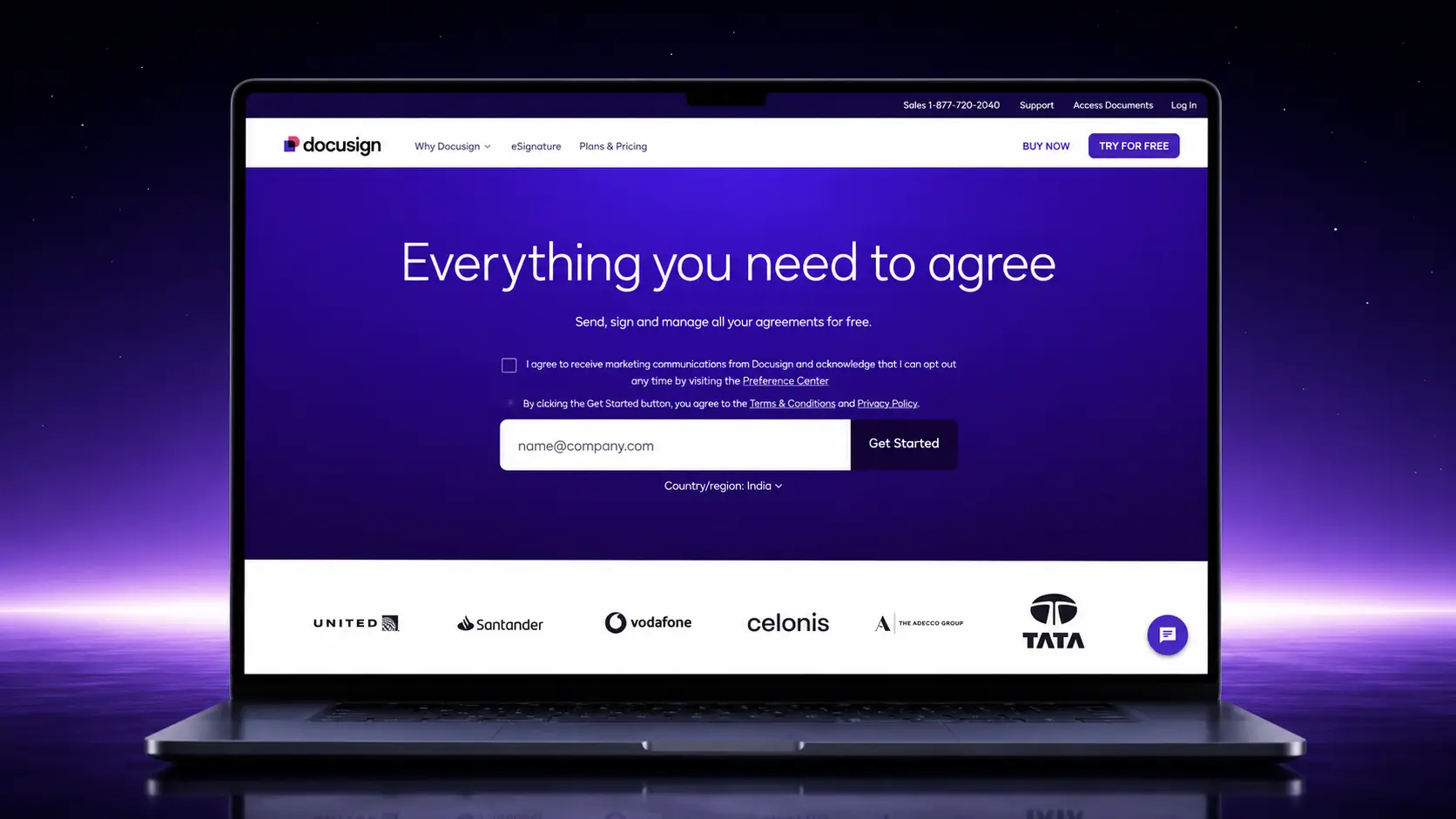
DocuSign is not a proposal tool, and it is worth including for exactly that reason: a meaningful share of the people searching for a PandaDoc alternative only ever used PandaDoc for e-signatures and never touched the proposal builder. DocuSign, reviewed on G2, is the category leader for e-signing specifically, and its USP is depth in exactly one job: agreement workflow, audit history, and compliance, done at a scale few competitors match.
- Send, sign, and track agreements
- AI-assisted agreement analysis through its Intelligent Agreement Management platform
- Workflow automation for repetitive agreement processes
- Integrations with existing business systems
- Real-time insights turning signed agreements into reportable data
Pricing is not published and requires contacting sales. If signing is genuinely the only feature you use, DocuSign is worth evaluating on its own. If you also need to build the document, brand it, and track engagement before it reaches the signature stage, it solves only the last step of a longer process, and pairing it with a separate proposal tool reintroduces the two-tool problem this list is trying to help you avoid.
When To Choose Which PandaDoc Alternative
Ratings alone will not tell you which tool fits. Match the scenario that sounds most like your team to the recommendation next to it.
| If You… | Choose | Why |
|---|---|---|
| Need the full document lifecycle, not just e-signatures bolted onto a builder | Proposal.biz | Create, collaborate, send, sign, and track in one platform with transparent pricing |
| Run a sales team wanting proposals synced to deal stages | Proposify | Built specifically around sales-proposal tracking |
| Want proposals as interactive web pages instead of static PDFs | Qwilr | Link-based pages with embedded calculators and video |
| Need proposals folded into a broader sales engagement workflow | GetAccept | AI-native Digital Sales Room with buyer communication built in |
| Send more pitch-style decks than line-item proposals | Storydoc | AI-assisted presentation format |
| Are a freelancer or very small agency wanting the cheapest clean option | Prospero | Highest-rated tool on this list, from $12/mo billed annually |
| Only need simple proposals and contracts without much else | Better Proposals | 250+ templates covered without a steep learning curve |
| Are a solo consultant sending proposals occasionally | Nusii | Built specifically for freelance-scale usage |
| Have a tight budget and just need proposals out the door | Proposable | Lowest barrier to entry on this list |
| Only ever used PandaDoc to collect signatures | DocuSign | Category leader for e-signature specifically |
Final Word
PandaDoc earns its reputation, and for teams already comfortable paying for the Business tier, it remains a solid choice. The alternatives worth considering fall into two groups: tools that do less than PandaDoc for a lower price, which suit freelancers and very small teams, and tools that fold proposal creation into a broader branded document workflow without gating the features that matter behind a higher tier.
If the second group describes what you need, a Smart Content Library that reads your brand straight from your own website is worth a direct look before committing to another sales call to find out what Enterprise pricing actually costs. And whichever tool you land on, keeping e-signatures built into the proposal itself rather than bolted on separately is worth treating as a requirement, not a nice-to-have.
Frequently Asked Questions
What is the best free PandaDoc alternative?
Most tools on this list, including Proposal.biz, Proposify, and Prospero, offer a free trial rather than a permanent free tier. If a genuinely free plan matters more than features, expect a lower usage cap and fewer integrations than a paid tier provides.
What is the cheapest PandaDoc alternative?
Proposal.biz, Proposify, Better Proposals, and Proposable all start at $19 a month. Beyond the starting price, compare what each entry tier actually includes, since PandaDoc’s own $19 Essentials plan excludes the content library and CRM integration features most growing teams need.
Which PandaDoc alternative is best for a small team?
Prospero and Nusii are built specifically for freelancers and very small teams. For a team of three to ten expecting to grow, Proposal.biz’s Professional tier and Proposify’s Business plan both scale further without a steep re-platforming jump.
Is there proposal software like PandaDoc but with clearer pricing?
Proposal.biz publishes all three of its pricing tiers, including the top Business tier, without requiring a sales call. PandaDoc’s Enterprise pricing and GetAccept’s pricing both require contacting the vendor directly.
Do any of these alternatives handle e-signatures as well as PandaDoc?
Proposal.biz, Proposify, Better Proposals, and GetAccept all include e-signatures in their core plans. DocuSign remains the specialist if e-signing volume, not proposal creation, is the primary requirement.
Can I switch from PandaDoc without losing my existing templates?
Most alternatives, including Proposal.biz, let you rebuild templates from a source URL or an uploaded document rather than starting from a blank page, which shortens the switching process considerably compared to manually recreating every template by hand.

Ronak Surti

 Ronak Surti