
Table of Contents
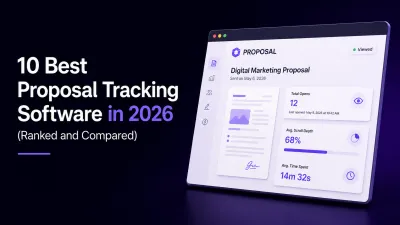
10 Best Proposal Tracking Software in 2026 (Ranked and Compared)
You sent the proposal three days ago. Since then, nothing. No reply, no questions, no signature. You have no idea if the client opened it, skimmed it, or forwarded it to a decision maker who binned it.
Proposal tracking software ends that silence. The right platform tells you when your document was opened, how long the client spent on each section, and when to follow up. The best ones go further and handle creation, sharing, signing, and payment in the same place.
This guide ranks the 10 best proposal tracking tools in 2026, what each one does well, and who should use it.
What Is Proposal Tracking Software?
Proposal tracking software lets you send client-facing documents as trackable web links instead of static attachments, then reports back on engagement. At minimum, it can track proposal opens. Better platforms measure scroll depth and time spent per section, so you know exactly what your client read and what they skipped.
Most modern platforms bundle tracking with the rest of the document lifecycle: creation, collaboration, e-signatures, and payment collection. That matters because a well-written business proposal is not finished when it is sent. It is finished when it is signed and paid.
If you only need to see who viewed a file, dedicated document tracking software exists. If you want the full journey from draft to payment, an all-in-one platform is the better buy.
Why Proposal Engagement Tracking Matters
Proposals go unanswered for boring reasons. The client got busy. The pricing section raised a question nobody voiced. The document was forwarded to someone you have never spoken to. Without proposal engagement tracking, you are guessing which of these happened and following up blind.
With tracking, your follow-up gets specific. If the client spent four minutes on the pricing section and never reached your case studies, you know exactly what the next call should cover. That precision is the difference between “just checking in” and a follow-up that actually moves the deal.
How We Evaluated These Tools
Every tool on this list was assessed against five criteria:
- Tracking depth. Does it only log opens, or does it show scroll depth and time per section?
- Creation speed. How fast can you go from blank page to client-ready document?
- Lifecycle coverage. Does it handle signing and payment, or does tracking end at analytics?
- Branding effort. How much manual design work does a professional document require?
- Fit. Who is this actually built for: sales teams, agencies, freelancers, or enterprises?
Quick Comparison Table
| Tool | Best For | Standout Tracking Capability | E-Signatures | Payments |
|---|---|---|---|---|
| Proposal.biz | B2B teams wanting AI-generated branded documents with full lifecycle tracking | Opens, scroll depth, and time per section | Yes | Yes(Coming Soon) |
| PandaDoc | Sales teams needing document automation at scale | Open and view analytics | Yes | Yes |
| Proposify | Sales managers who want proposal metrics across a team | Proposal activity and metrics | Yes | No native |
| Qwilr | Teams selling with interactive web-page proposals | Page view and engagement data | Yes | Yes |
| Better Proposals | Small businesses wanting simple, fast proposals | Open and read notifications | Yes | Yes |
| DocSend | Anyone needing pure document tracking software | Page-by-page viewing analytics | Basic | No |
| GetAccept | Sales teams running digital sales rooms | Engagement tracking with video | Yes | No native |
| Prospero | Freelancers on a budget | Open and view tracking | Yes | No native |
| Nusii | Agencies wanting no-fuss proposals | Open notifications | Yes | No native |
| Ignition | Accounting and professional services firms | Client acceptance tracking | Yes | Yes |
The 10 Best Proposal Tracking Software Tools in 2026
1. Proposal.biz
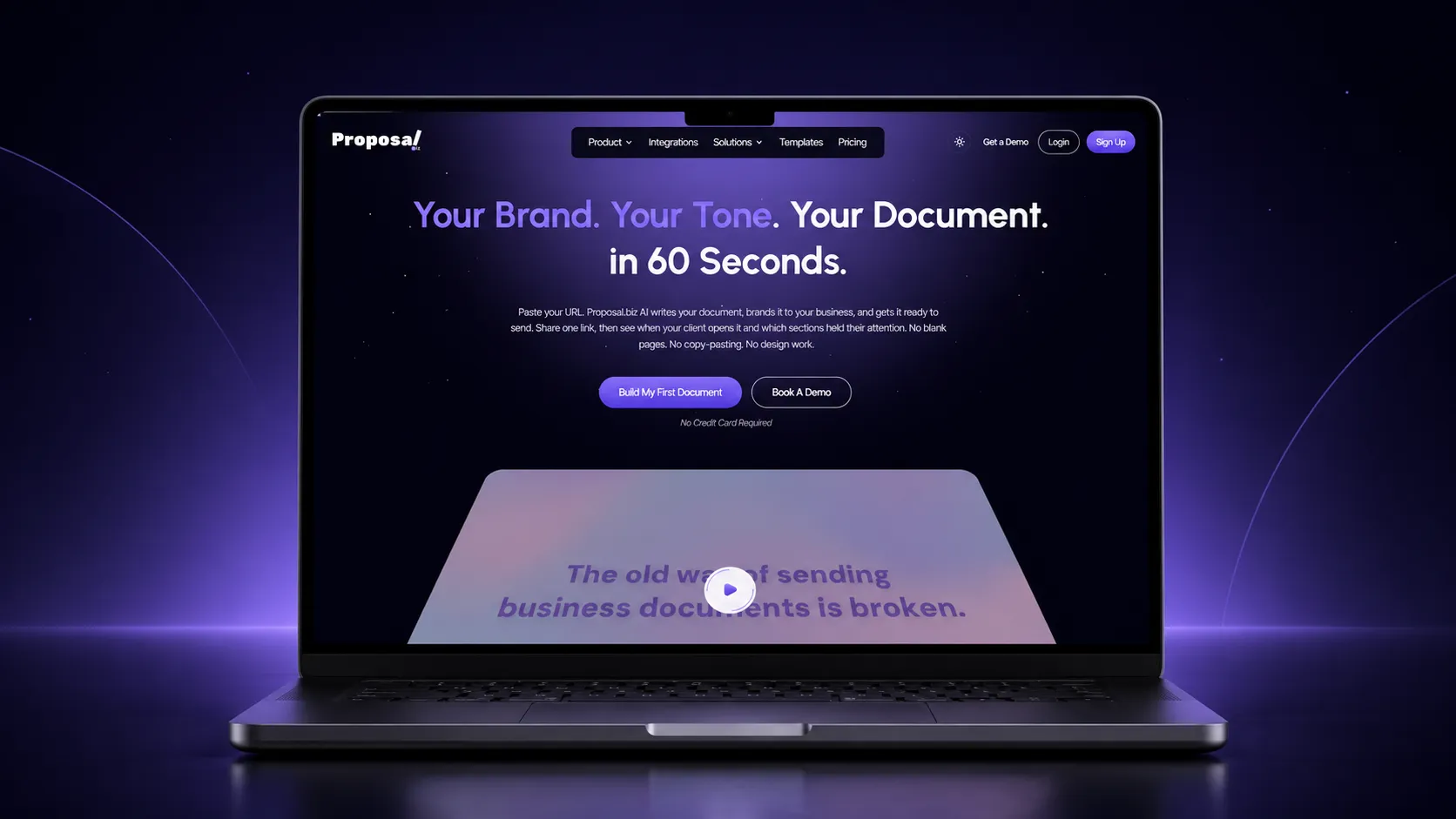
Proposal.biz is an AI-powered document platform that removes the slowest part of the job: building the document. Paste your website URL and the AI extracts your logo, colours, fonts, tone, services, pricing, and case studies into a Smart Content Library, then generates a complete, branded, client-ready document from a single prompt. The same engine covers proposals, pitch decks, SOWs, contracts, reports, and more, and the full feature set carries each document through the entire lifecycle: create, collaborate, automate, send, sign, and analyse and get paid.
The tracking is where the loop closes. Every document goes out as a trackable web link, never an attachment, and the analytics show opens, scroll depth, and time spent per section. You see which section your client read three times and which one they skipped, so every follow-up lands with precision. Clients sign directly inside the same link and pay at the point of signing, which means the document you tracked is also the document that closes the deal. Competitors bolt tracking onto documents you assembled by hand. Proposal.biz generates the document, brands it, and tracks it in one continuous motion.
Key tracking features:
- Trackable web links for every document, no attachments required
- Open tracking that shows when a client viewed the document
- Scroll depth tracking to see how far the client actually got
- Time spent per section, so you know what held attention and what lost it
- Engagement data per document to time your follow-up precisely
- E-signature status and signing date recorded, with confirmation emails to both parties
- Payment collection tied to the document, closing the loop from sent to paid
Best for: Founders, sales leaders, and B2B teams of 10 to 200 people, plus agencies and consultants, who want AI-generated branded documents and full lifecycle visibility in one product.
2. PandaDoc
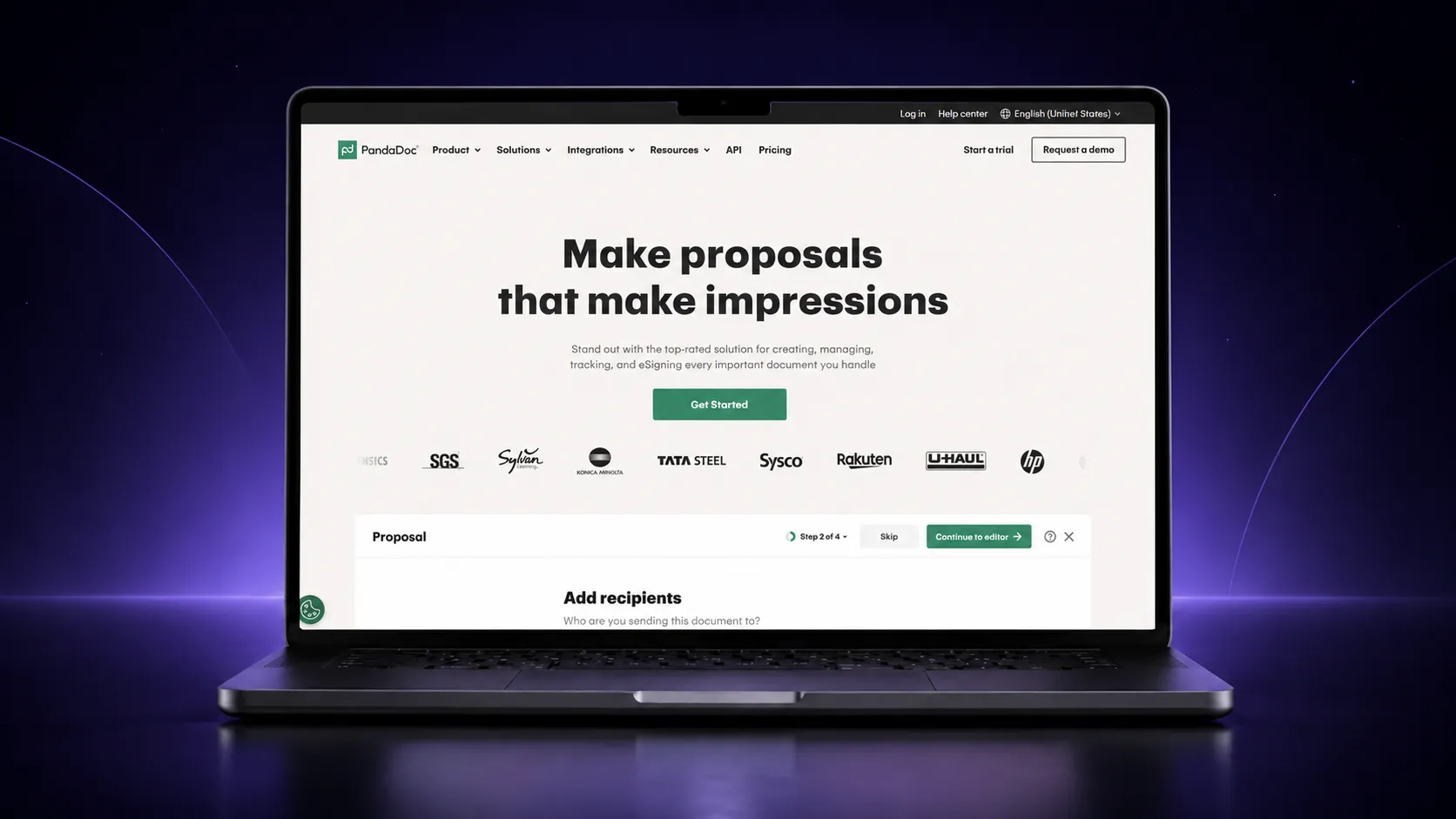
PandaDoc is one of the most established names in proposal automation software. It offers a large template library, a drag-and-drop editor, pricing tables, and workflow automation aimed at sales teams sending documents at volume. Analytics cover opens and viewing activity, and e-signatures and payment collection are built in. The trade-off is assembly: documents are built from templates and content blocks, so branding and structure remain largely manual work.
Key tracking features:
- Open and view notifications on sent documents
- Document activity analytics per recipient
- Audit-style visibility into document status
- E-signature completion tracking
Best for: Mid-sized sales teams that live in templates and need volume automation.
3. Proposify
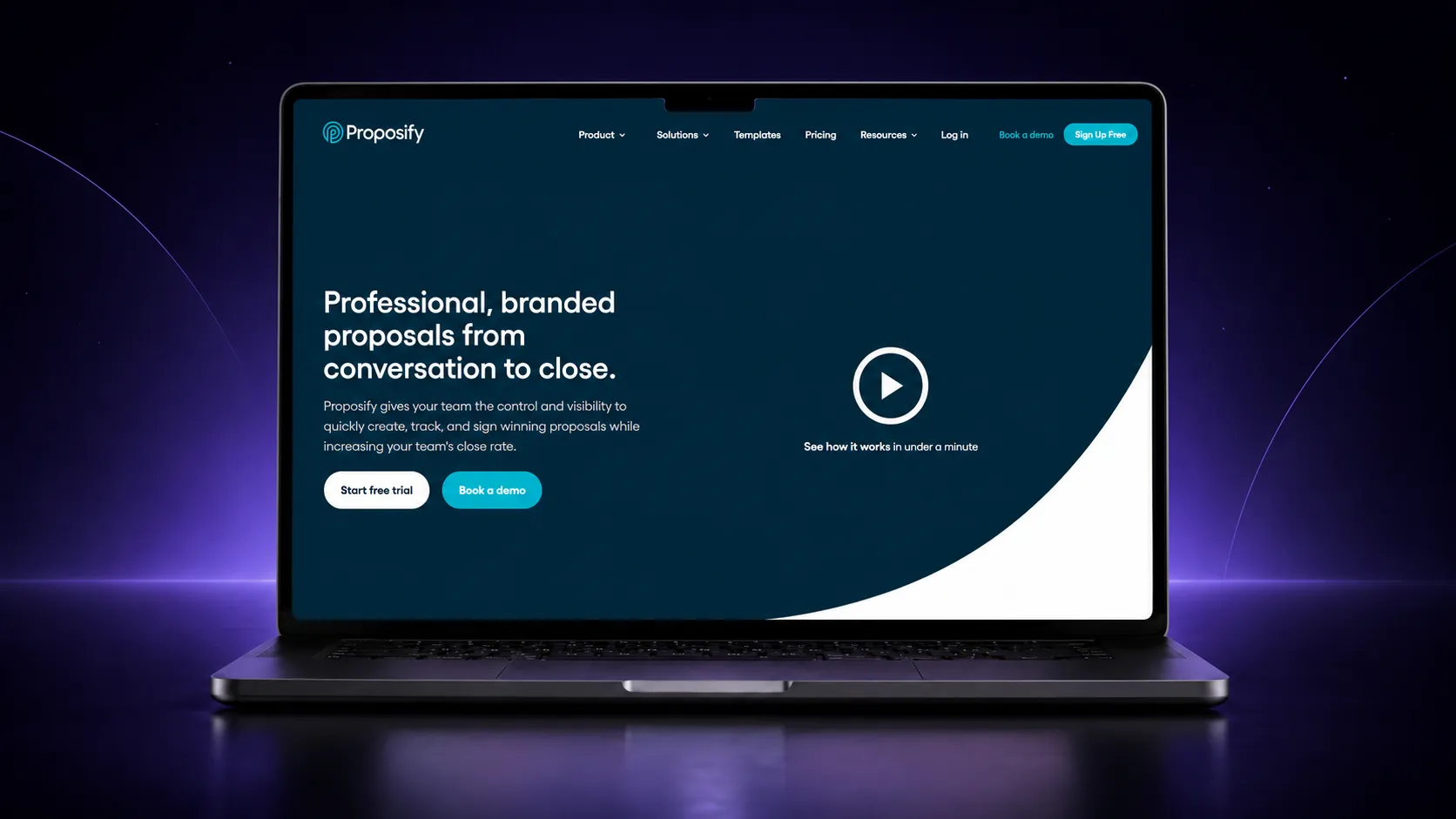
Proposify is built for sales managers who want visibility across a whole team’s proposals, not just their own. Its metrics show how proposals perform across the pipeline, which templates convert, and where deals stall. The editor is design-focused and capable, though it carries a steeper learning curve than simpler tools.
Key tracking features:
- Proposal open and activity tracking
- Team-wide proposal metrics and reporting
- Template performance insights
- E-signature status tracking
Best for: Sales managers who want proposal analytics across a team.
4. Qwilr
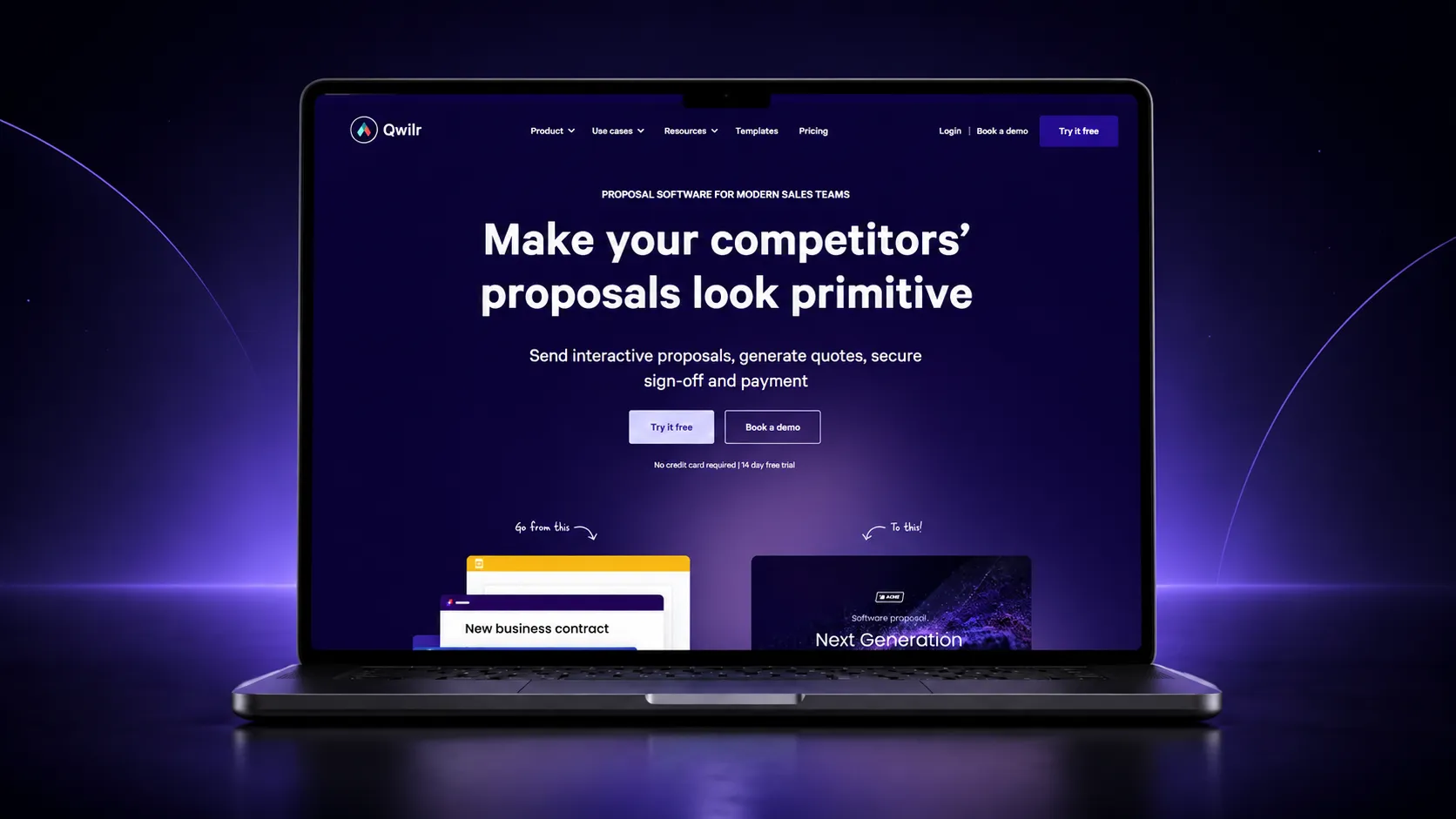
Qwilr replaces static documents with interactive web pages. Proposals feel like modern landing pages with embedded video, interactive pricing, and smooth mobile viewing. Engagement data shows how buyers interact with each page. It is a strong choice when presentation is the differentiator, less so when you need heavy document variety beyond sales collateral.
Key tracking features:
- Page view tracking and notifications
- Engagement data on buyer interactions
- Time-based viewing insights
- Acceptance and e-signature tracking
Best for: Teams whose proposals need to look like polished web experiences.
5. Better Proposals
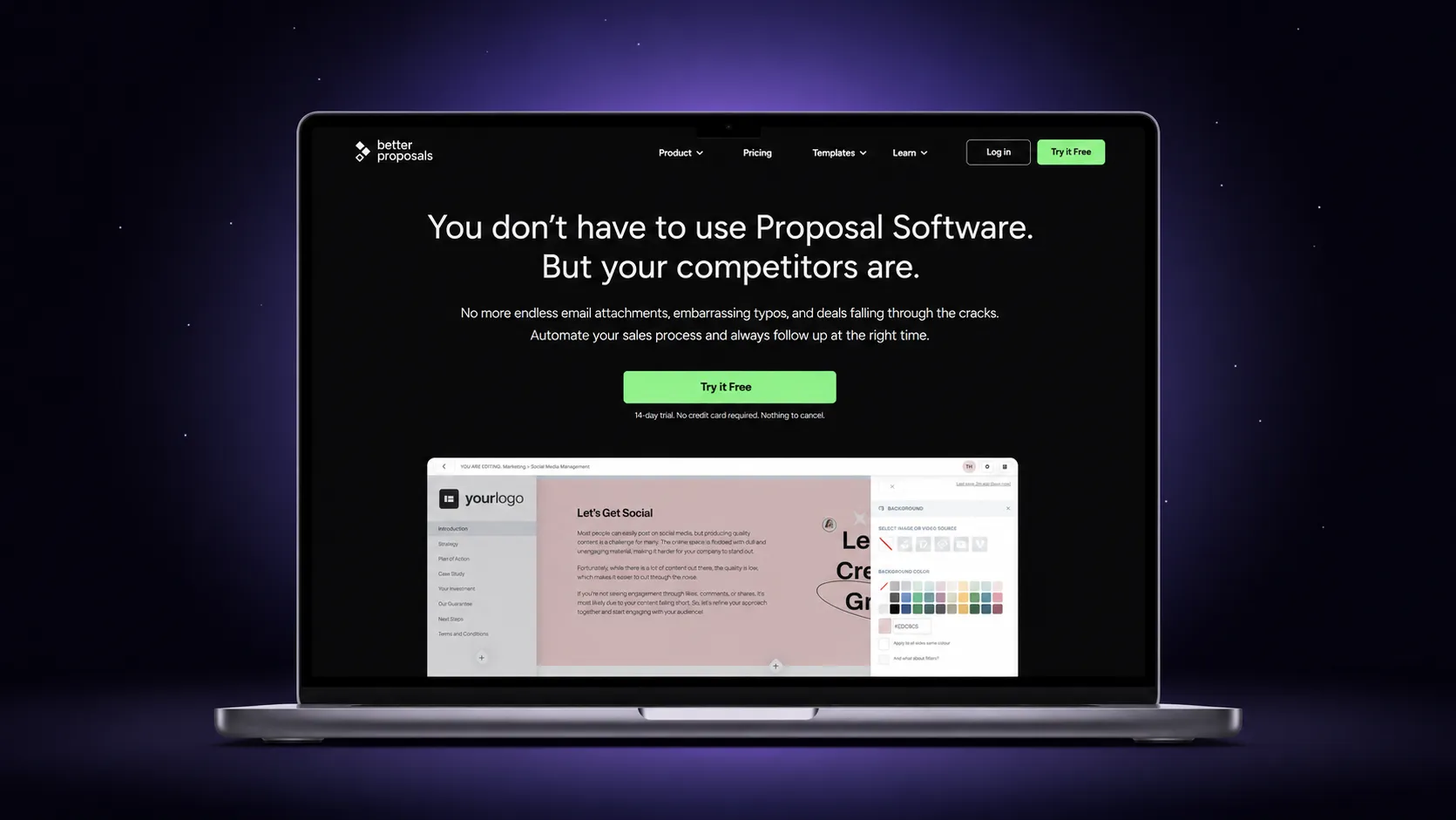
Better Proposals keeps things deliberately simple: web-based proposals, clean templates, fast setup, and clear tracking. You know when a proposal is opened and read, clients sign online, and payments can be taken on acceptance. It will not generate documents for you or manage a wide document range, but for straightforward proposal sending it does the job without fuss.
Key tracking features:
- Open and read notifications
- Viewing activity per proposal
- Signature status tracking
- Payment on acceptance
Best for: Small businesses that want simple proposals sent fast.
6. DocSend
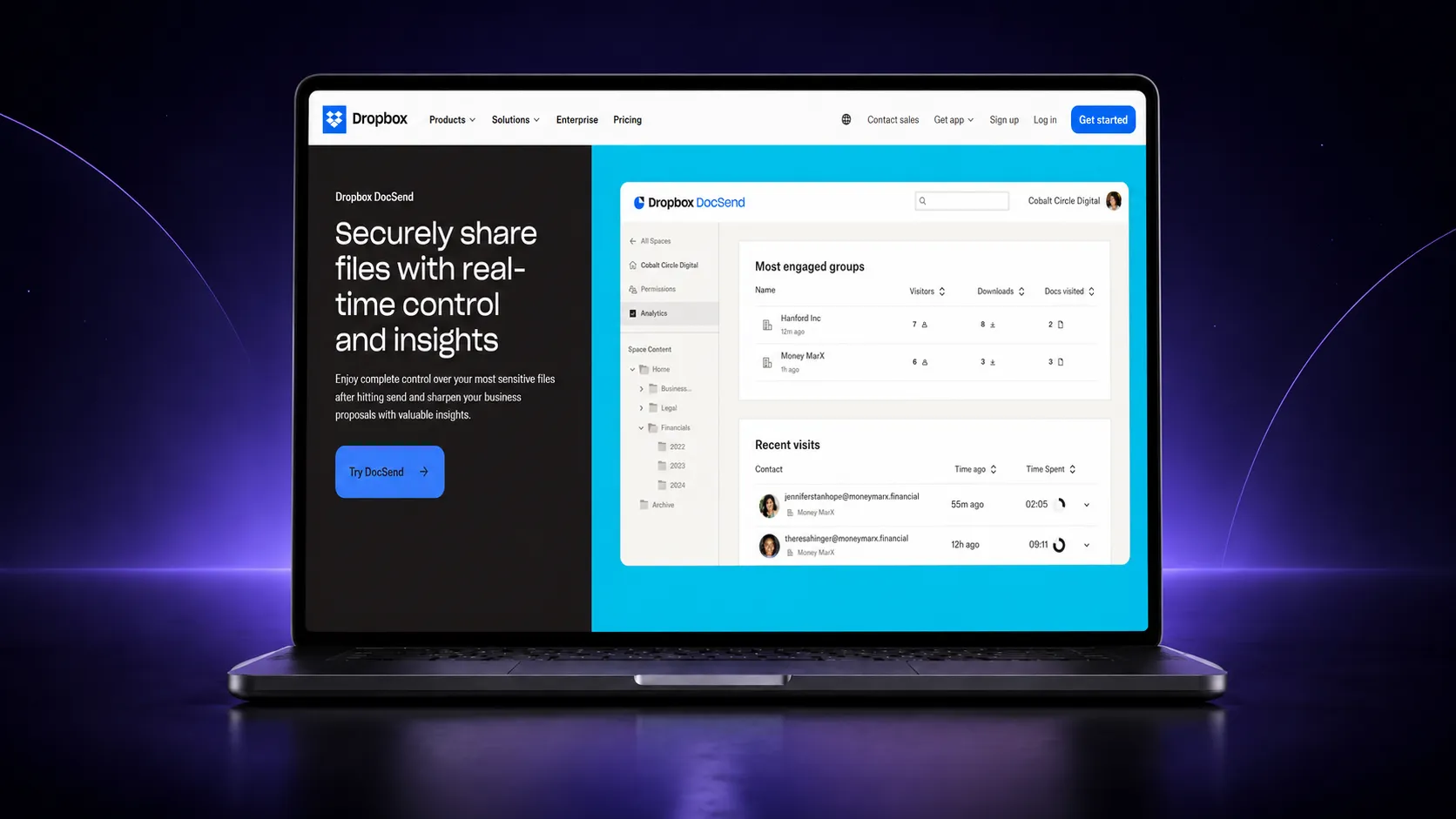
DocSend is not a proposal builder at all. It is pure document tracking software: upload any file, share it as a controlled link, and get page-by-page analytics on who viewed what and for how long. Fundraising teams and sales teams use it to track decks and PDFs they have built elsewhere. If creation, signing, and payment matter to you, pair it with something else or pick an all-in-one platform.
Key tracking features:
- Page-by-page viewing analytics
- Visitor-level tracking on shared links
- Link access controls and expiry
- Forwarding visibility on shared documents
Best for: Teams that only need deep tracking on documents built elsewhere.
7. GetAccept
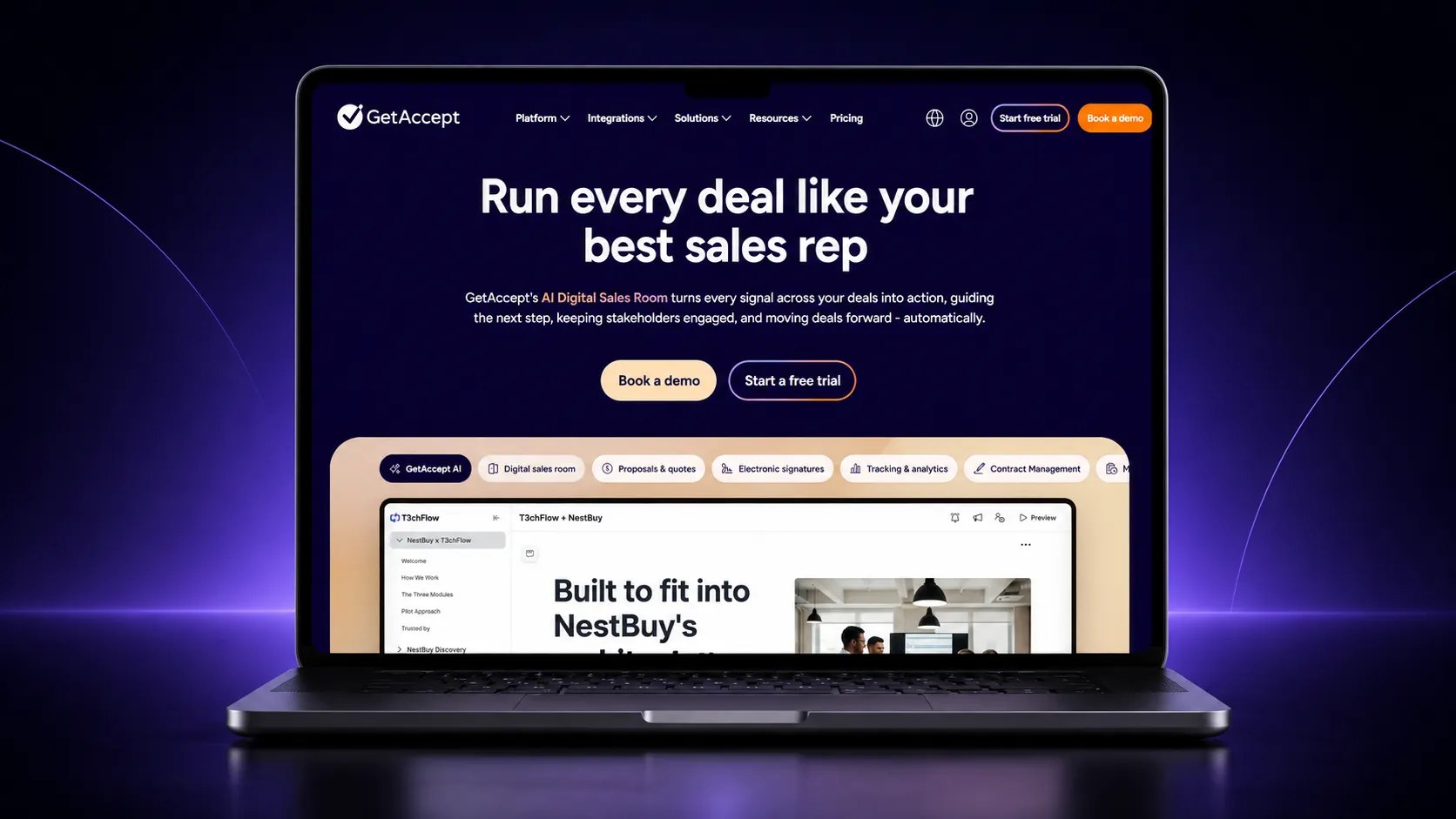
GetAccept positions itself as a digital sales room. Instead of sending a lone document, you invite buyers into a shared space with proposals, video messages, chat, and mutual action plans. Engagement tracking spans the whole room, which suits complex B2B deals with multiple stakeholders. It is heavier than most teams need for straightforward proposal sending.
Key tracking features:
- Engagement tracking across documents and sales rooms
- Stakeholder-level visibility on who is viewing
- Video and content interaction data
- E-signature progress tracking
Best for: B2B sales teams running multi-stakeholder deals.
8. Prospero
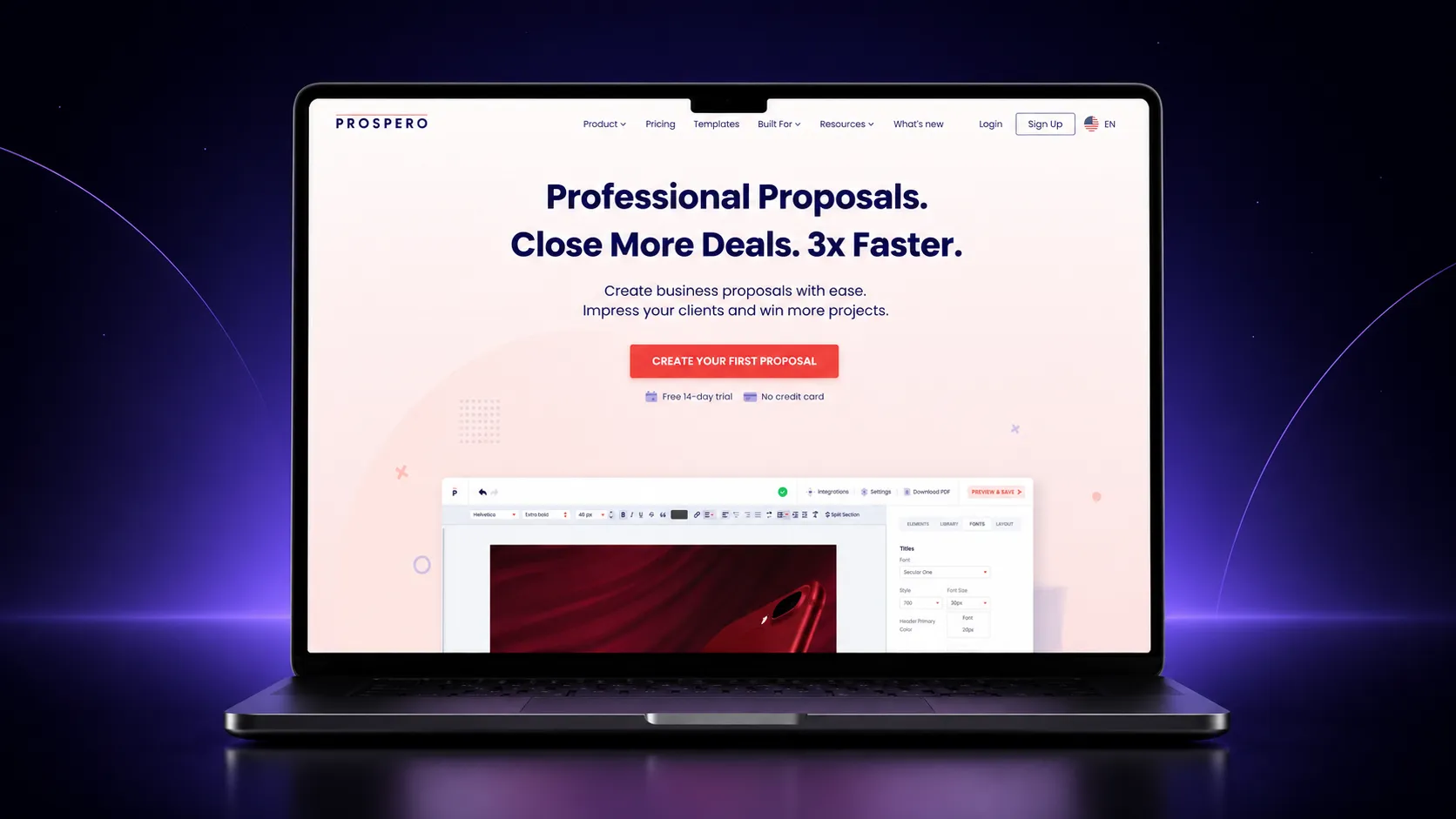
Prospero is the budget pick. It covers the essentials: templates, a simple editor, open and view tracking, and e-signatures, at a price point friendly to freelancers and very small teams. Depth is limited across the board, but if your requirement is “send a decent proposal and know when it is opened,” it delivers.
Key tracking features:
- Open and view tracking
- Notification on proposal activity
- Signature status tracking
- Basic proposal analytics
Best for: Freelancers and solo consultants watching costs.
9. Nusii
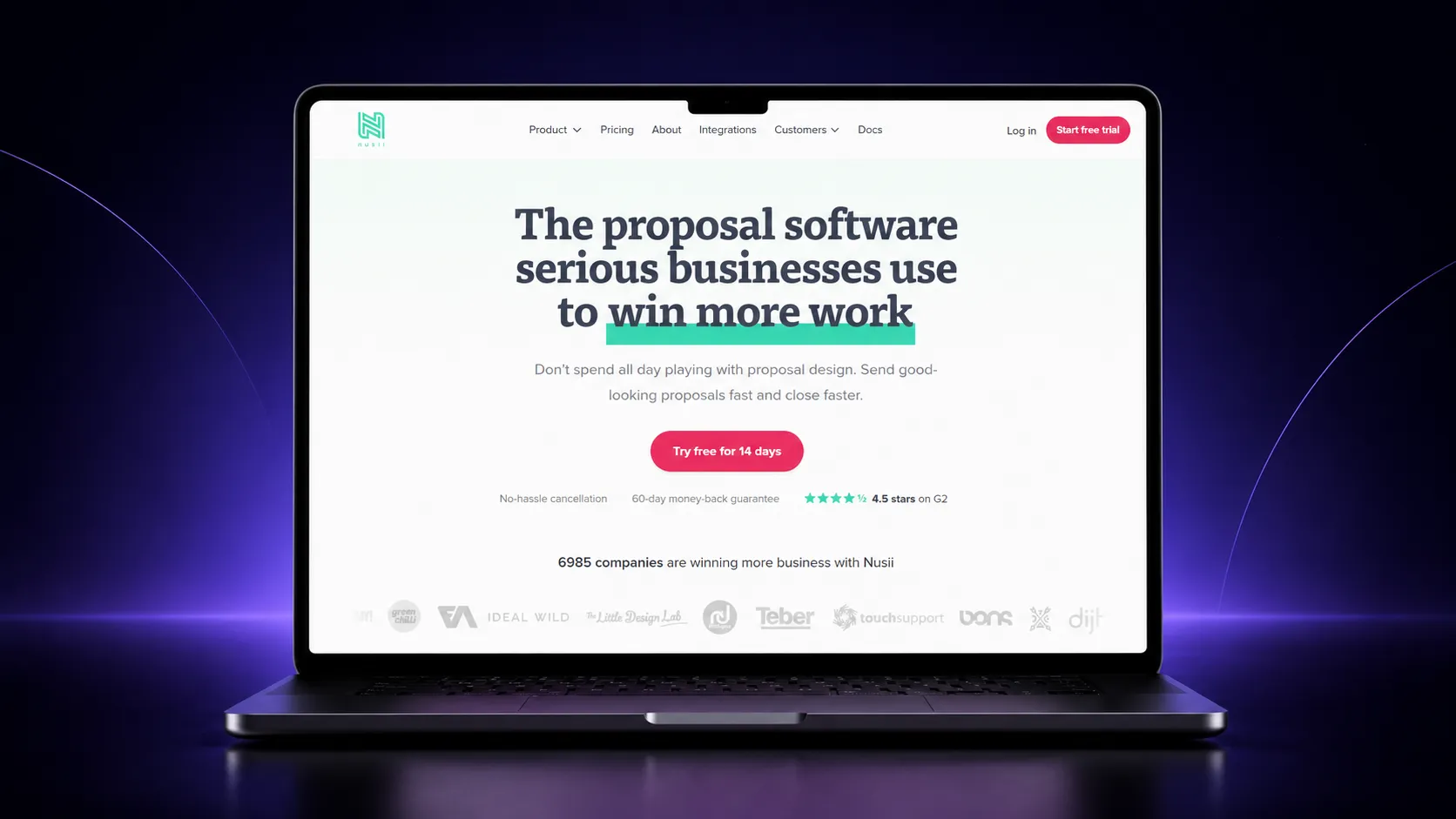
Nusii is built for agencies that find most proposal software bloated. The editor strips away design complexity in favour of speed, and tracking covers the essentials: you are notified when a client opens a proposal, and you can see acceptance status at a glance. It trades power for simplicity, deliberately.
Key tracking features:
- Open notifications per proposal
- Proposal status tracking
- Acceptance and signature visibility
- Template reuse for repeat clients
Best for: Agencies that want proposals out the door with zero friction.
10. Ignition
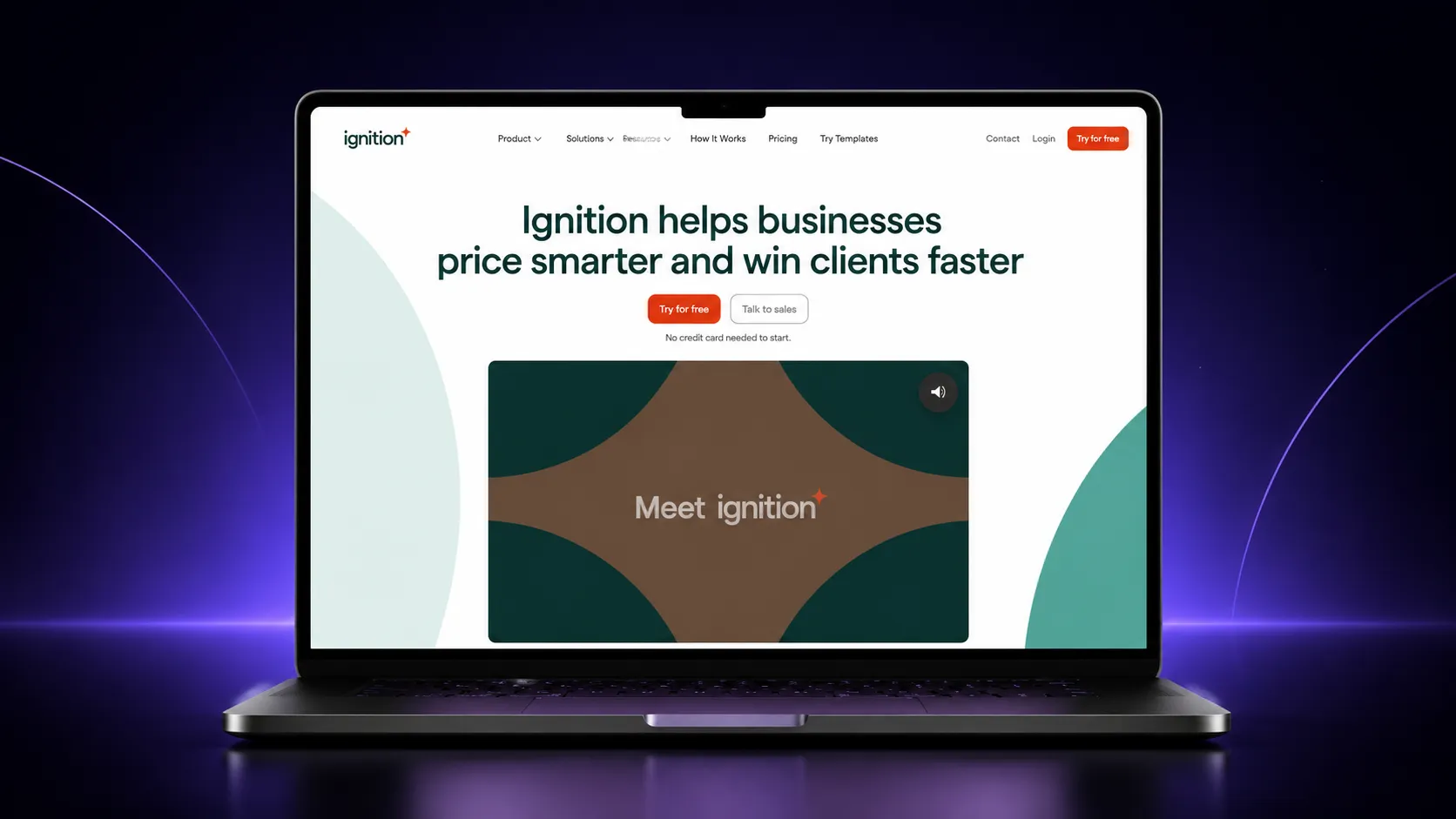
Ignition serves accounting, bookkeeping, and professional services firms specifically. It combines proposals with engagement letters, recurring billing, and automated payment collection. Tracking focuses on client acceptance rather than deep reading analytics, because in this niche the goal is signed engagements and collected fees, not section-level insight.
Key tracking features:
- Client acceptance tracking
- Proposal status visibility
- Payment and billing tracking tied to accepted proposals
- Renewal and engagement tracking over time
Best for: Accounting and professional services firms billing recurring clients.
How to Choose the Right Proposal Tracking Software
The best proposal tracking tools are the ones matched to your job, not the ones with the longest feature list.
If your bottleneck is creation, meaning documents take hours to draft and brand before anyone can track anything, choose a platform that generates branded documents for you. This is where Proposal.biz stands apart: the URL-to-document workflow removes the assembly stage entirely.
If you only need visibility on files built elsewhere, dedicated document tracking software like DocSend is the cleaner fit. If you run complex multi-stakeholder deals, a sales room approach like GetAccept earns its weight. If you are a freelancer sending five proposals a month, do not pay for enterprise machinery; a free plan and an Upwork proposal template will cover you.
Whatever you pick, insist on three things: trackable links instead of attachments, analytics that go deeper than opens, and e-signatures built into the document itself. Anything less and you are back to guessing.
Conclusion
Tracking alone does not win deals; the document still has to be good, and a strong sales proposal template is where that starts. It tells you what happened after you hit send, but the platforms that change outcomes are the ones that compress the whole cycle: draft, send, sign, and get paid without switching tools.
That is why Proposal.biz leads this list. Every other tool starts working after you have built the document. Proposal.biz starts at your URL, generates the branded document for you, and then tracks every open, scroll, and section read until the client signs and pays. If your bottleneck is deep tracking on existing files, DocSend serves that narrow job well. If you want the whole lifecycle in one window, from first draft to money in the bank, see what Proposal.biz costs and put it head to head with whatever you use today. The silence after you hit send should have ended years ago.
Frequently Asked Questions
What is proposal tracking software?
Proposal tracking software shares documents as trackable web links and reports engagement back to you. It shows when a client opens the document and, on better platforms, how far they scrolled and how long they spent on each section, so you can follow up with precision instead of guesswork.
How do I know if a client opened my proposal?
Send it as a trackable link rather than a PDF attachment. Platforms like Proposal.biz record the open, then show scroll depth and time spent per section. Attachments give you nothing once they leave your outbox, which is why serious sellers stopped using them.
What is the best PandaDoc alternative?
Proposal.biz is the strongest PandaDoc alternative if creation speed matters. PandaDoc automates template-based workflows well, but documents are still assembled manually. Proposal.biz generates a fully branded document from your website URL and a prompt, then tracks, signs, and collects payment in the same window.
Is proposal tracking software worth it for small businesses?
Yes, because small teams feel wasted follow-up time hardest. Knowing which proposals were opened and which sections held attention means every follow-up call has a purpose. Tools like Prospero and Better Proposals keep costs low, while Proposal.biz adds AI generation for teams sending varied documents.
What is the difference between proposal software and e-signature software?
E-signature software handles one step: collecting signatures on finished documents. Proposal platforms cover the wider lifecycle, including creation, sharing, engagement tracking, and signing in one place. If you already track and create elsewhere, standalone e-signing is fine. Otherwise an all-in-one platform removes the tool-switching.
Can proposal tracking software show which sections clients actually read?
Some can. Basic tools only track proposal opens. Stronger proposal analytics, like those in Proposal.biz, measure scroll depth and time spent per section, revealing whether your client studied the pricing and skipped the case studies. That section-level insight is what makes follow-ups specific and effective.
Do trackable links work better than PDF attachments?
Yes. Links open on any device without downloads, always show the latest version, and feed engagement data back to you. Attachments go silent the moment you hit send. Trackable links are also where signing and payment can happen, turning the document into the deal itself.
What should I look for in proposal automation software?
Look for automation across the whole lifecycle, not just templates. That means AI-assisted creation, automatic branding, CRM sync, automated reminders, built-in e-signatures, and payment collection. If a tool only automates formatting, you are still doing the heavy lifting everywhere else.

Ronak Surti
 Ronak Surti