
Top 9 Free Proposal Software Tools
Most proposal tools will happily tell you they have a free plan. What they are less eager to tell you is what that plan actually leaves out.
That gap tends to show up only after you have already built a proposal, filled in your client’s details, and hit a wall you did not see coming. This list is for anyone weighing that risk directly.
Maybe you are a freelancer sending your first few proposals, reluctant to pay before landing a client, or a small agency testing a switch away from a word processor. Or maybe you are a founder who just needs a business proposal free online without committing to a monthly bill.
Whichever describes you, the best free proposal software for the job depends less on the longest feature list and more on one specific thing. That one thing is which piece of the workflow, drafting, branding, signing, or tracking, you actually need covered without paying.
Nine tools are broken down below on exactly that basis, not just what they cost. What matters more is what each free plan actually gets you, where it runs out, and how to tell whether you have outgrown it.
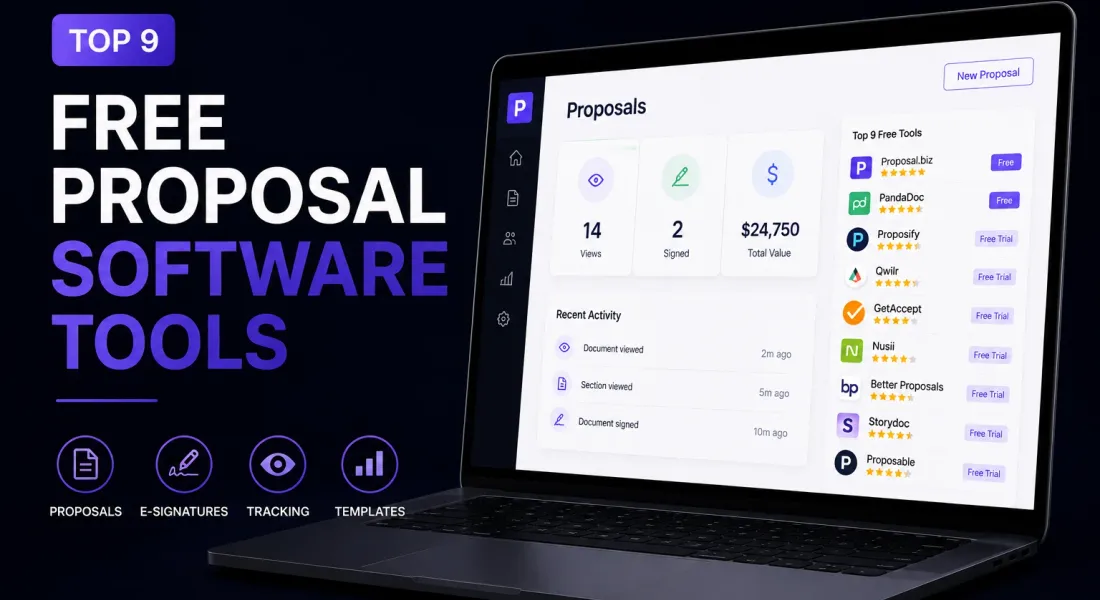
Top 9 Free Proposal Software
Only two tools on this list, Proposal.biz and PandaDoc, offer a plan you can keep using indefinitely without paying anything. Everything else gives you a fourteen day trial and then asks for a card.
Both are reasonable ways to get access to proposal writing software free of charge, at least temporarily, but they solve different problems. A free forever plan is worth it if you send proposals occasionally and do not want an ongoing bill for something you use a few times a month.
A trial is worth it if you want to properly stress test a tool’s paid feature set before committing, and you are prepared to make a decision on a deadline.
| Tool | Free access | Starting paid price | Best for |
|---|---|---|---|
| Proposal.biz | Free forever, no credit card | $19/month | AI drafted proposals with e-signing and tracking |
| PandaDoc | Free forever, capped documents | $19/user/month | Occasional e-signing and simple documents |
| Proposify | 14-day free trial | $35/user/month | Sales teams wanting locked, approved content |
| Qwilr | 14-day free trial | $35/user/month | Interactive, web based proposals |
| GetAccept | Free trial, length varies | $25/user/month | Video personalised sales rooms |
| Nusii | 14-day free trial | $29/month | Agencies wanting a simple, no frills builder |
| Better Proposals | 14-day free trial | $13/user/month | Freelancers wanting fast, templated design |
| Storydoc | 14-day free trial | $17 to $19.80/month | Interactive pitch decks and narrative proposals |
| Proposable | Free trial, length varies | $19/user/month | Simple proposal delivery with content reuse |
1. Proposal.biz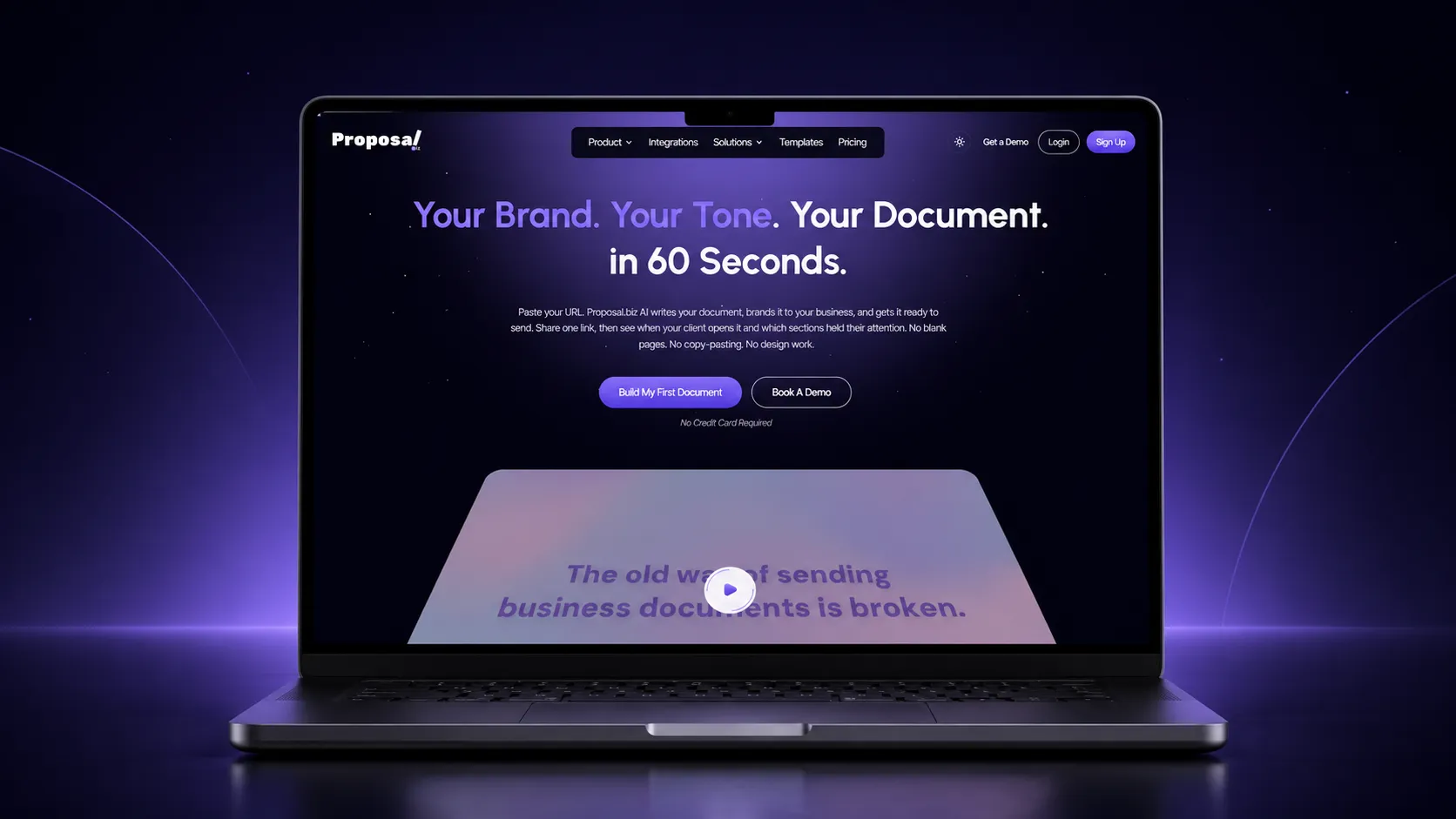
Proposal.biz is the outlier on this list because its free plan is not a stripped down version of the product, it is the actual product, just with usage caps instead of feature caps.
You get AI document generation from a prompt or a pasted website URL, a full drag and drop editor, e-signatures, and open tracking, all without a credit card. The way the free plan is structured is worth understanding rather than just skimming.
You get up to fifty documents and twenty five pages per document, which is generous enough that most solo users will not think about it for weeks.
AI generation runs on a pool of one thousand credits, drawn down as you generate and regenerate sections, and you can connect up to three content sources.
Meaning your website plus a couple of other places Proposal.biz pulls brand and service details from, so the AI has more than a blank prompt to work with. None of that is locked behind a trial clock. It simply keeps working until you hit the ceiling.
What you actually get on the free plan:
- A full first draft generated from a prompt or your website URL, not just a blank template you fill in by hand
- E-signatures built into the same link you send, so a client can sign without a separate tool or a forwarded PDF
- Open and view tracking, so you know whether a sent proposal was ever actually opened, without upgrading to see it
- Fifty documents, twenty five pages each, one thousand AI credits, and three connected content sources, all before you would need to pay anything
- A drag and drop editor for adjusting the AI generated draft, not just accepting it as is
The tradeoff shows up once your usage grows past testing. Custom branding and a custom domain, both fairly standard asks once you are sending client facing documents regularly rather than occasionally.
Sit behind the paid tiers rather than the free one, specifically the $39 a month plan that also adds more seats. For a solo consultant testing the waters, the free plan’s line is a reasonable one.
For a small agency already sending polished, branded documents through other channels, it is worth knowing that branding upgrade point upfront rather than discovering it mid proposal.
How AI proposal generators are changing this workflow is worth reading if you are still deciding whether AI drafted proposals are a genuine time saver or just a novelty for your specific use case.
2. PandaDoc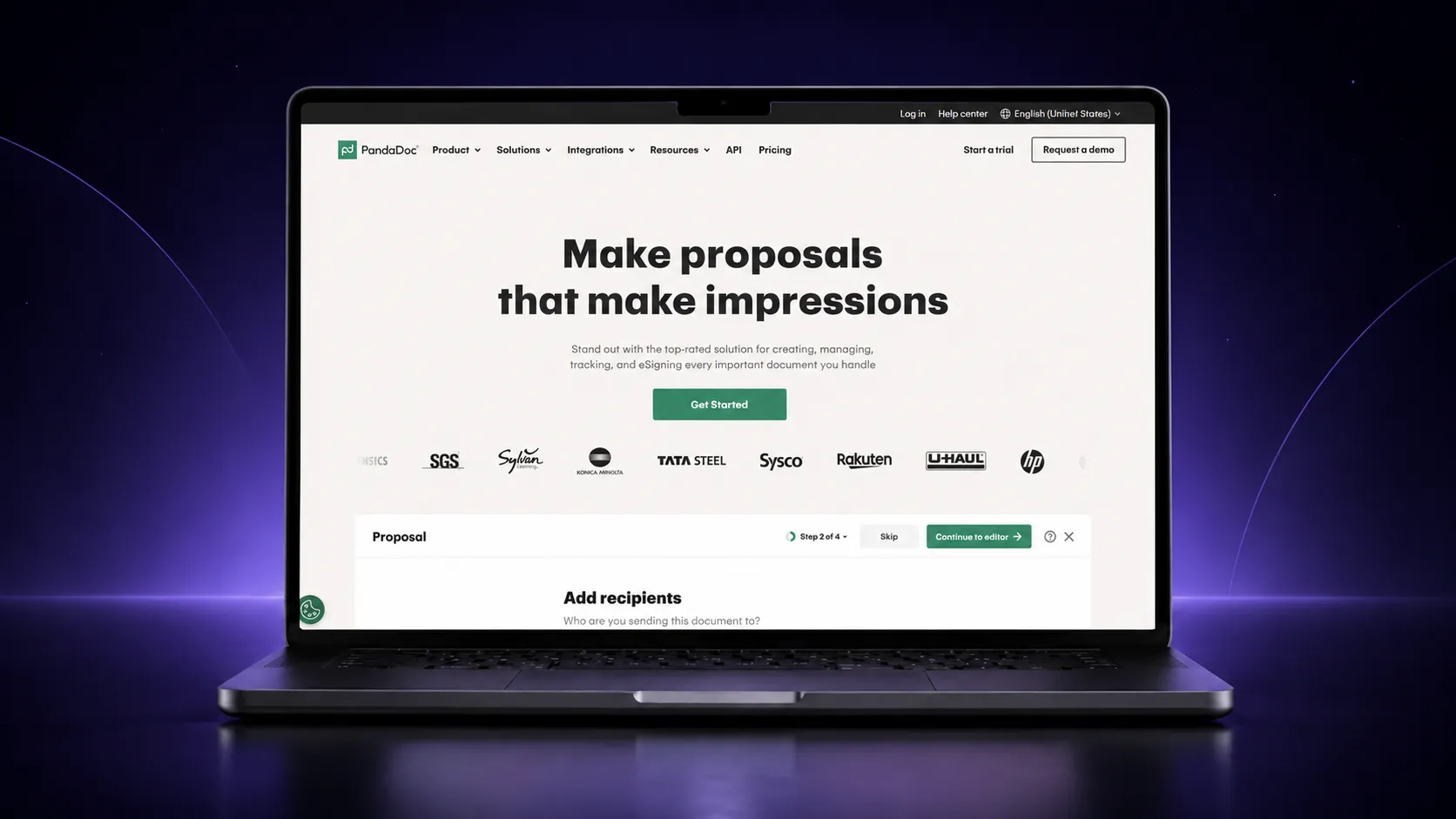
PandaDoc’s free plan solves a narrower problem than Proposal.biz’s does, and it is upfront about that. It is built for getting a document signed, not for writing one.
If you already have a proposal drafted somewhere else and just need a professional, trackable way to get it signed, the free plan does that job well and does not expire.
What you actually get on the free plan:
- Unlimited e-signatures, with no cap on how many documents you sign per month
- A basic drag and drop editor for formatting a document you already have the content for
- No AI drafting at all on the free tier, that sits behind the paid plans
- A document cap that is noticeably tighter than Proposal.biz’s, so heavy senders will feel it sooner
- No tracking or analytics on the free tier either, that is bundled with the paid plans alongside templates
The honest way to think about PandaDoc’s free plan is as an e-signature tool that happens to include a document editor, rather than a proposal writing tool that happens to include signing.
If drafting is the part you actually need help with, this is the wrong free plan for that job.
Paid plans start at $19 per user per month and unlock templates, tracking, and a content library, though AI drafting features sit even further up the pricing ladder, and CRM integrations further still.
3. Proposify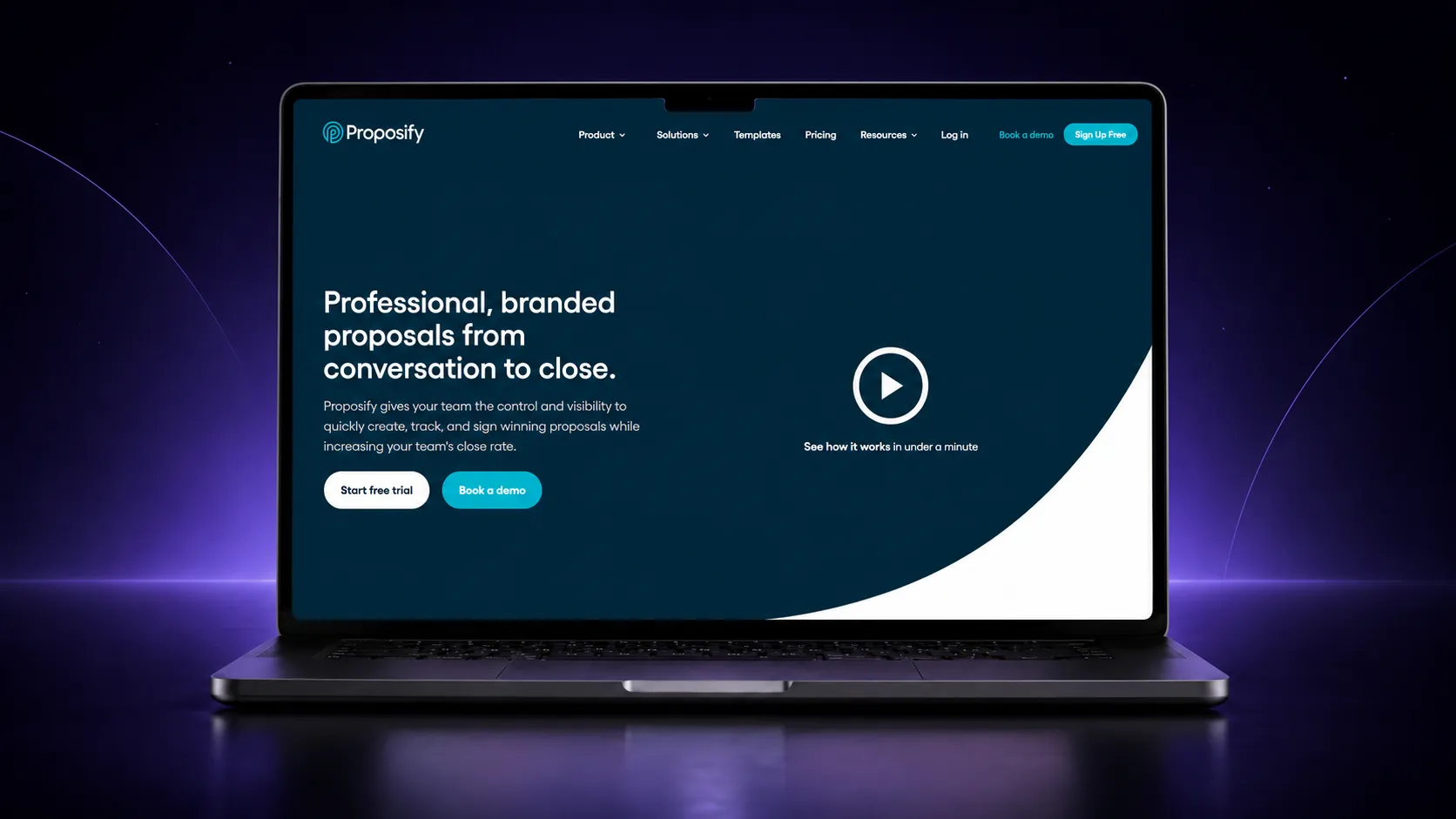
Proposify does not pretend to have a free plan, which is oddly refreshing. What you get instead is a fourteen day trial with genuinely full access, including the AI writing assistant, so you can test the actual paid experience rather than a watered down preview of it.
What the trial actually includes:
- Full access to the AI writing assistant for drafting and rewriting sections
- Content locking, so approved pricing and legal language cannot be accidentally edited by a rep in a hurry
- A shared content library for reusable blocks and pricing tables
- The same tracking and analytics the paid plans offer, not a reduced version
- Role based permissions, so who can approve or edit which sections is controlled rather than open to anyone with the link
Proposify is built for sales teams that need to stop reps from freelancing on pricing or legal wording. That is a real problem if you have ever had a proposal go out with the wrong number in it.
That is a genuinely useful thing to test during a fourteen day window. But it also means the trial is most useful if you already have a team and process to test it against, not if you are a solo user kicking the tyres.
Paid plans start at $35 per user per month, and the permission controls that make content locking meaningful are generally a higher tier feature rather than included at entry pricing.
4. Qwilr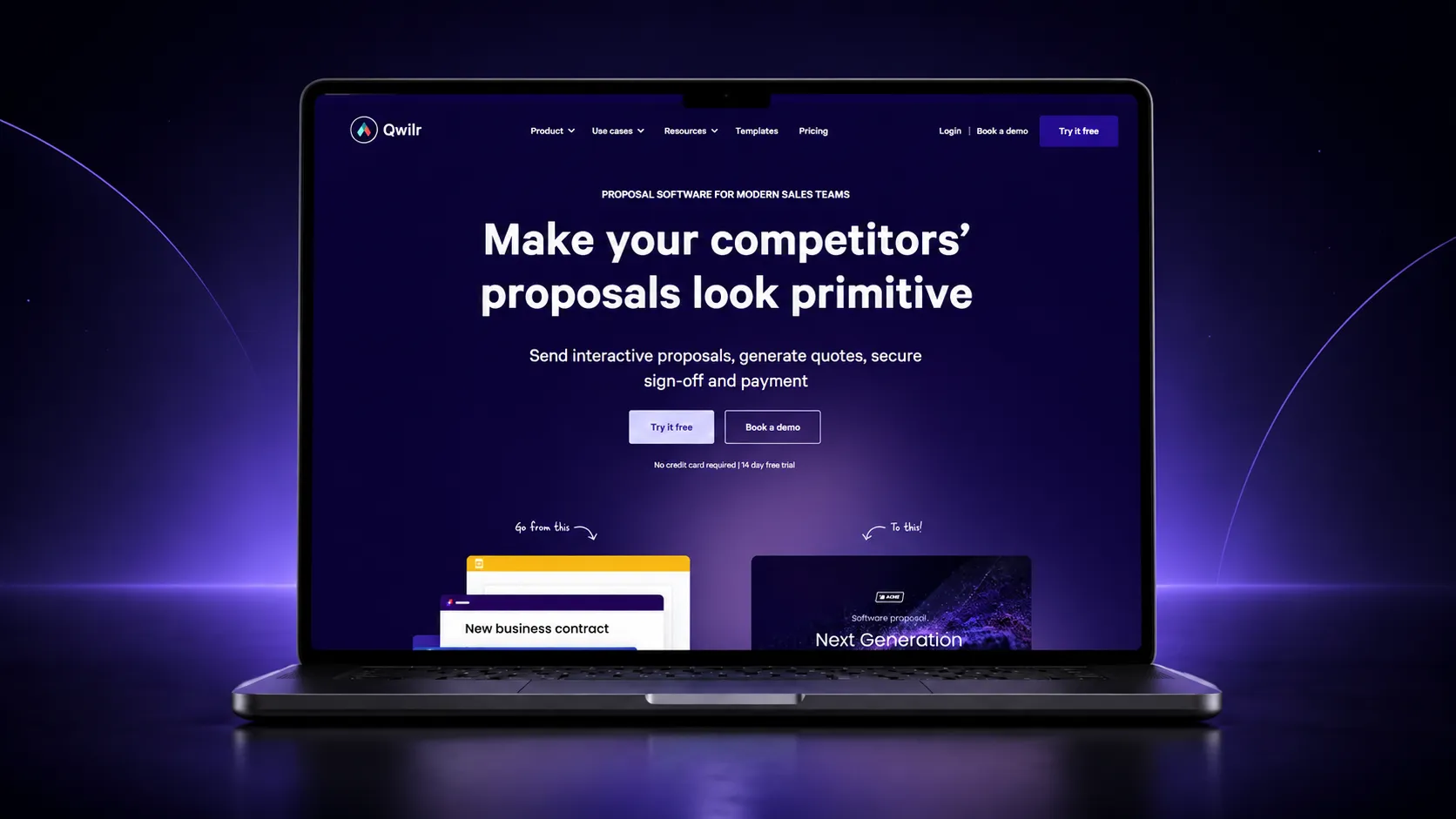
Qwilr’s fourteen day trial is worth trying specifically because the product itself is unusual: a proposal built in Qwilr is a web page, not a document. That is either exactly what you want or completely beside the point, depending on how your clients expect to receive things.
What the trial actually includes:
- Interactive, web based proposals with embedded video and dynamic pricing
- Section level analytics showing which parts of the proposal a client actually spent time on
- The same editor and templates available on the paid plans
- No credit card required to start, so there is no billing risk to testing it
- A separate, free AI tool outside the trial that scans your website for a rough first draft, useful for a quick preview before you commit to the trial itself
The section level engagement data is the feature worth actually testing during the trial, since it is the one thing a static document genuinely cannot do.
If your clients are used to receiving a PDF and forwarding it around internally, an interactive web page can feel like friction rather than polish. So it is worth sending one to an actual client during the trial rather than judging it from the editor alone.
Paid plans start at $35 per user per month, and the Enterprise tier has a ten seat minimum, which matters if you are a smaller team weighing this against tools without that floor.
5. GetAccept
GetAccept offers a free trial, though how long it lasts is not consistently stated across its own marketing, which is worth knowing before you plan a workflow around it. Confirm the current terms directly rather than assuming fourteen days like most of the rest of this list.
What the trial actually includes:
- A shared digital sales room where the proposal, video messages, and e-signing all live in one space with the buyer
- Real time tracking of exactly when and how a signer interacts with the document
- AI drafted content generated inside the platform, not just a template
- Entry pricing starting at $25 per user per month once the trial ends, focused specifically on e-signing
- Native CRM integrations included across its paid plans, rather than gated to an enterprise tier
GetAccept is really a sales enablement tool that includes proposal creation, not the other way around, and the video messaging feature is the clearest sign of that.
It is worth testing if your sales process already leans on personal video outreach and you want the proposal to live in the same space. If that is not part of how you sell, you are paying for a feature set that goes well beyond what most proposals need.
And a simpler tool further down this list will likely serve you faster.
6. Nusii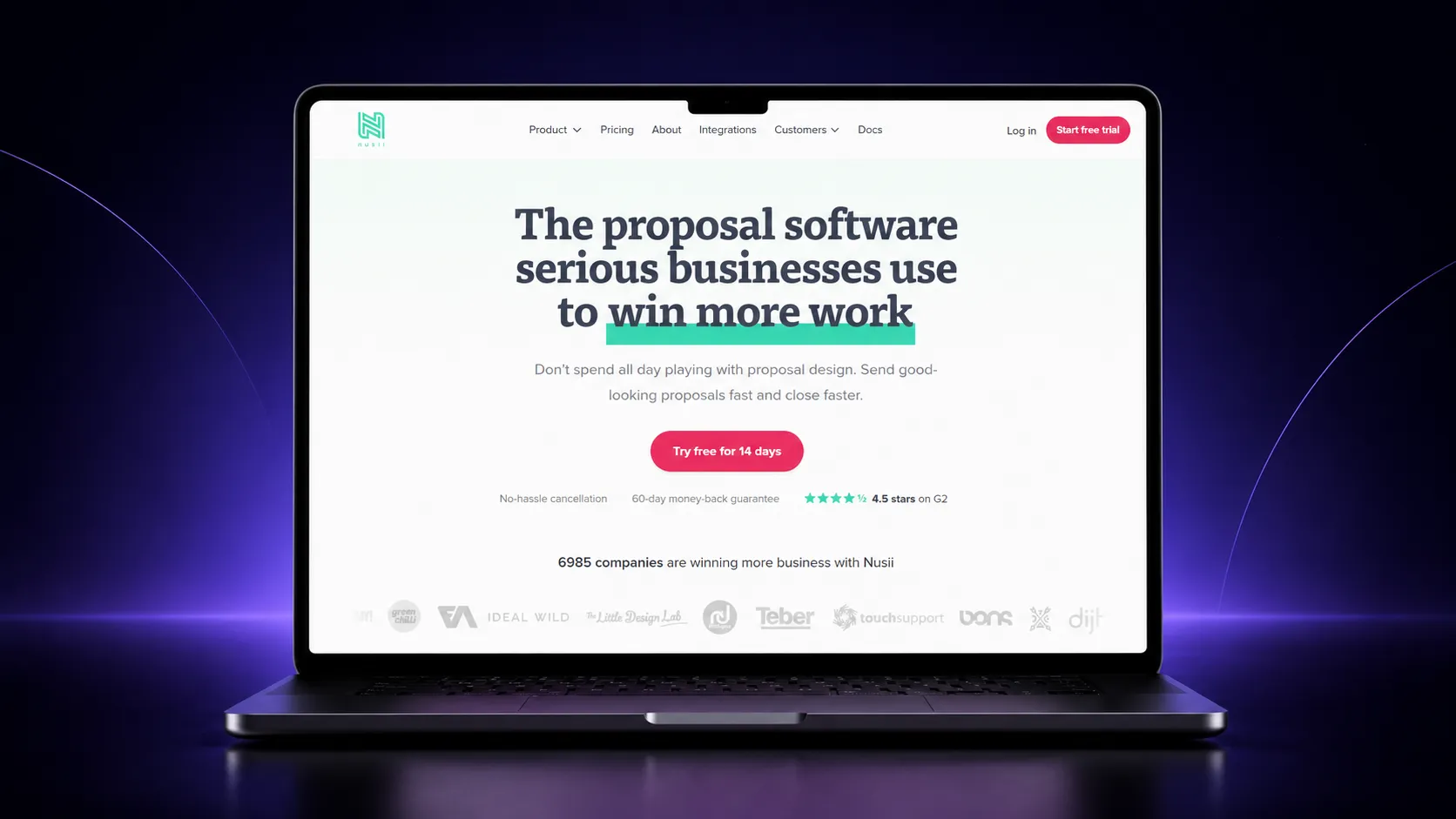
Nusii’s fourteen day trial is the right one to test if the rest of this list feels like more tool than you need. It is built for speed and simplicity, not for locking down content or generating AI drafts, and it does not pretend otherwise.
What the trial actually includes:
- A genuinely simple, browser based editor with a light learning curve
- A content library for reusing sections across proposals without rebuilding them
- No AI drafting and, on most plans, limited CRM connectivity
- Paid plans starting at $29 a month once the trial ends
- E-signing and built in tracking included from the entry paid tier, not reserved for a higher one
What Nusii deliberately leaves out is the point. If your actual problem is that other tools take too long to learn, not that you need advanced automation. The trial is worth the fourteen days specifically to confirm the editor feels as fast as it claims.
Users moving from a more complex tool tend to notice the difference within the first proposal they build.
7. Better Proposals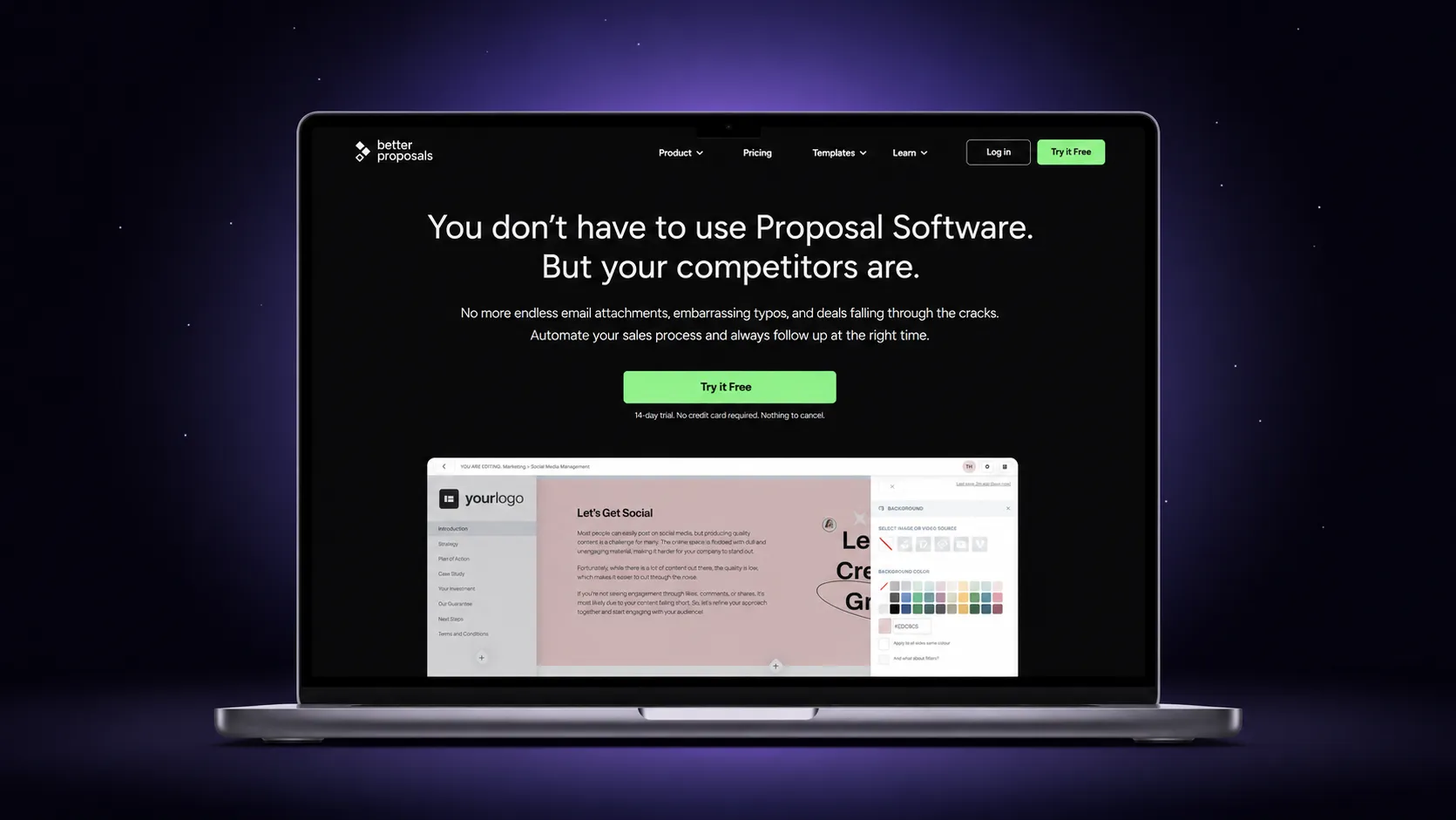
Better Proposals runs a fourteen day trial with no credit card required, and gives you full access to whichever plan you sign up under. So what you can actually test depends on the tier you pick at the start, not a separate trial tier.
What the trial actually includes:
- Fast, templated design aimed squarely at freelancers and small teams without a design background
- Full feature access to your chosen plan for the duration of the trial
- No permanent free option once the fourteen days end
- Entry pricing starting at $13 per user per month, one of the cheaper paid options here
- E-signing and basic tracking bundled in even at the entry tier, unlike some cheaper alternatives
The templated design is genuinely fast to work with, which is the whole appeal, but it also means less flexibility if you want a layout that departs from the templates on offer.
Worth testing specifically against a proposal you would actually send, not a demo one, since the templates read differently once real pricing and scope are dropped in.
8. Storydoc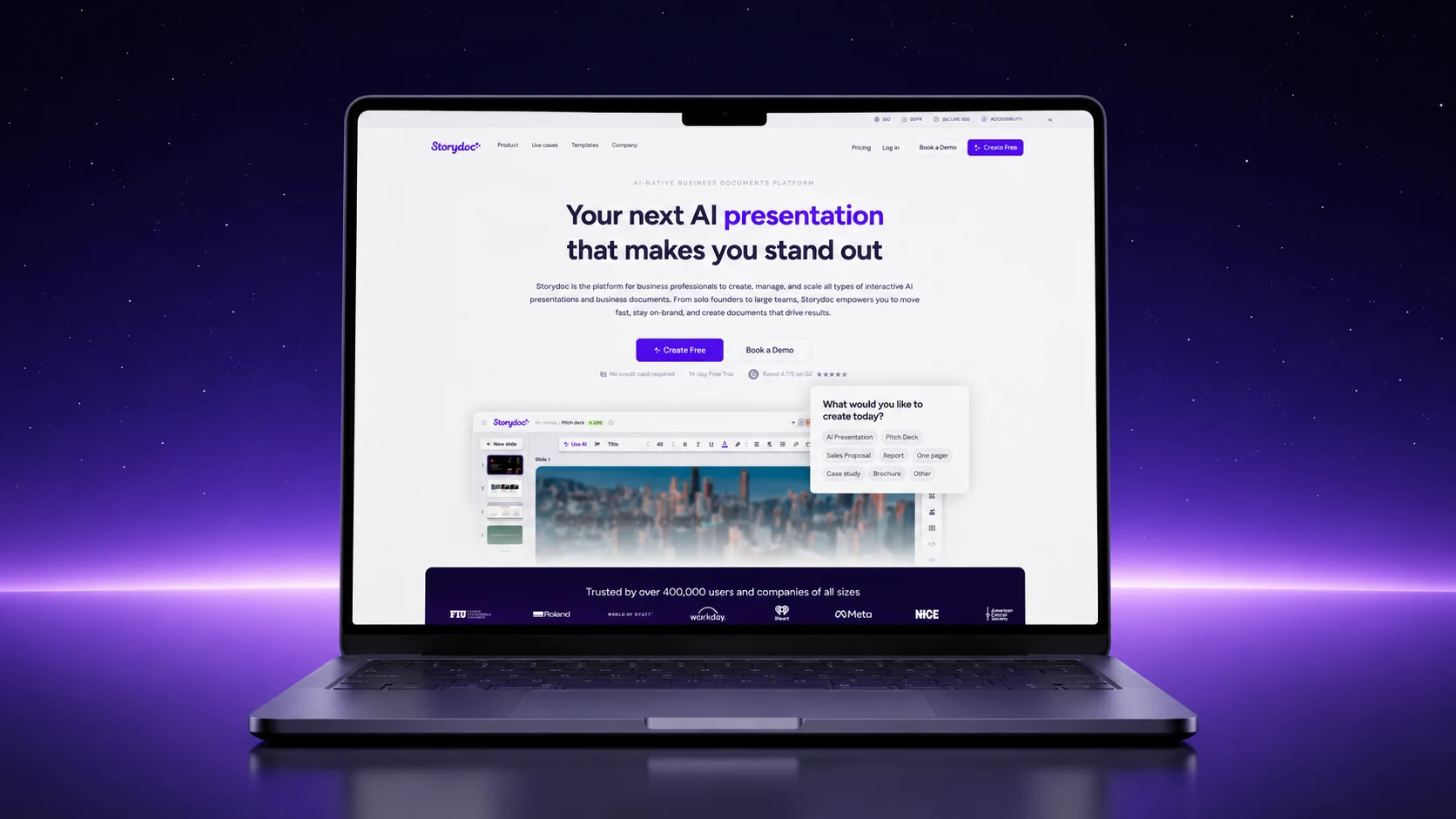
Storydoc’s fourteen day trial is worth testing if your proposals lean more toward a pitch than a document, since the product is built around narrative, presentation style content with AI assisted drafting.
What the trial actually includes:
- AI assisted drafting for narrative, presentation style proposals
- Interactive elements closer to a pitch deck than a static PDF
- Work built during the trial reportedly stays accessible afterward, though full functionality needs a paid plan
- CRM integrations and custom branding gated to higher tiers, not included at entry pricing
- Analytics on which slides or sections a viewer actually spent time on, similar in spirit to Qwilr’s section level tracking
If your proposals are closer to a pitch than a scope and price document, this is worth the fourteen days to test properly. If you are sending fairly standard scope and pricing documents, the presentation style format may add more polish than the content actually needs.
And you may find yourself fighting the format rather than benefiting from it. Paid plans start around $17 to $19.80 a month.
9. Proposable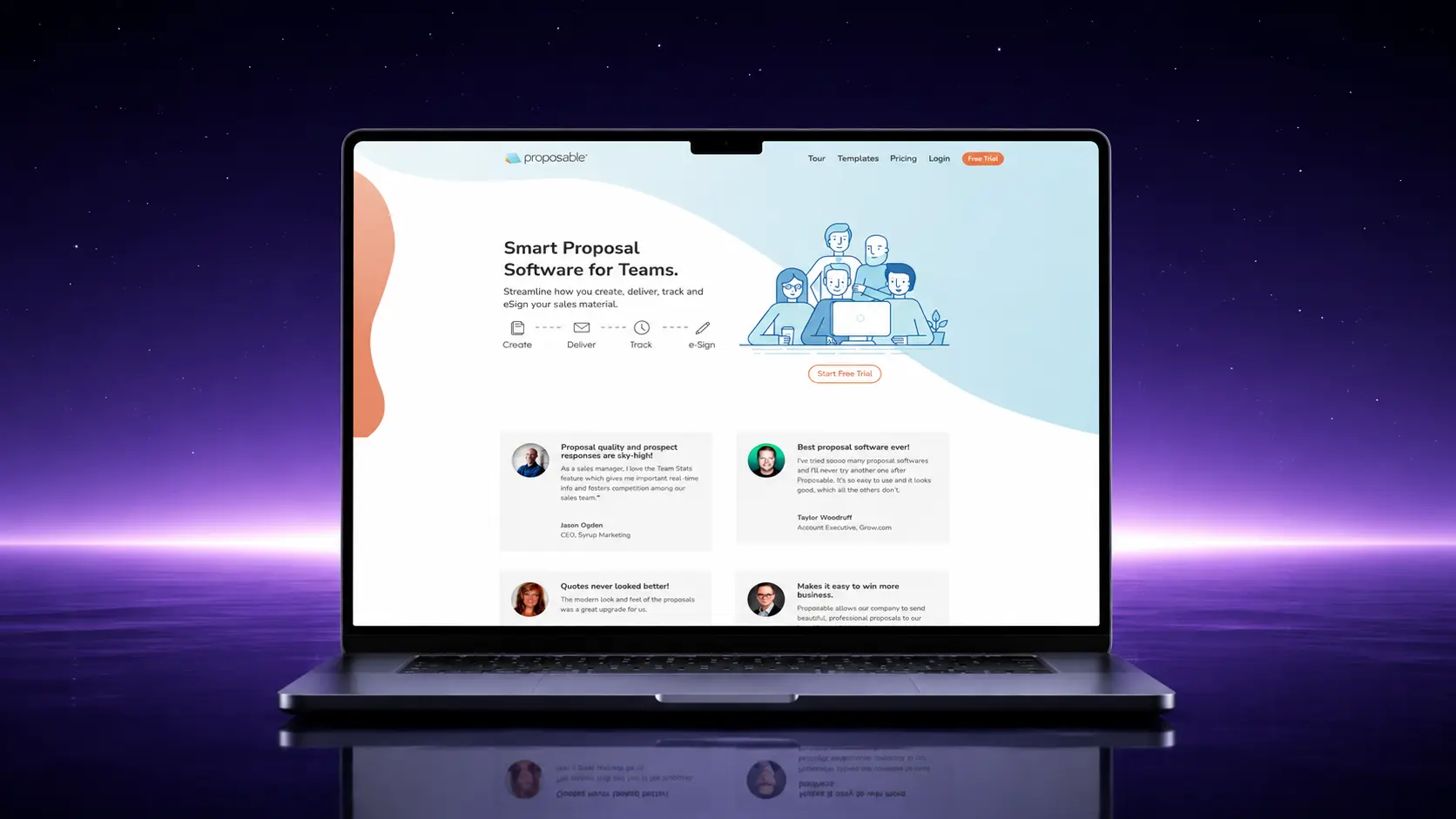
Proposable’s free trial, like GetAccept’s, does not have a consistently stated length, so confirm the current terms before building a timeline around it. What you are testing is a simpler, more affordable tool than most of the rest of this list.
What the trial actually includes:
- A shared content library for reusing sections across proposals
- A capped number of monthly proposal deliveries once you move to a paid plan
- A simpler feature set aimed at solo users and small teams, not enterprise sales teams
- Entry pricing starting at $19 per user per month
- A dashboard focused on tracking sent proposals and deal size, useful if you want a quick overview without a lot of setup
Proposable is worth testing specifically if the rest of this list feels over built for what you actually send. For more options aimed at smaller budgets, proposal software for small businesses covers that angle in more depth.
Where Free Proposal Software Usually Falls Short
Every free plan on this list draws a line somewhere, and the line is rarely obvious until you hit it. Knowing where these limits usually sit before you start building saves you from having half a proposal finished when you find out.
The limits that catch people most often:
- A document or proposal cap. Most free plans and trials cap how many documents you can create or send in a given period, and the cap is rarely mentioned until you are close to it.
- No custom branding or domain. Sending from a generic link rather than your own domain is a small detail that matters a lot once you are sending to clients who expect a polished, branded experience.
- Single seat only. Free plans are almost always built for one person. The moment a second person on your team needs access, most free tiers stop being an option.
- No CRM sync. Free plans rarely include the ability to pull client details in from a CRM or push signed status back out automatically, which matters once your volume grows past manual entry.
- Limited or no AI drafting. Several tools on this list reserve AI assisted drafting for paid tiers entirely, so the free plan only helps once you already have content written.
When to Stick With Free and When to Upgrade
The honest answer is that most people upgrade later than they should, not earlier, because the free plan keeps technically working right up until it becomes genuinely annoying. A few concrete signals are more useful than a vague sense that you have outgrown something.
| Signal | What it usually means |
|---|---|
| You hit the document or credit cap more than once a month | You have outgrown occasional use. Paying for headroom is cheaper than the time lost working around a cap. |
| A second person needs to send proposals | Single seat free plans cannot solve this. Team access is almost always a paid feature. |
| A client comments on the generic link or missing branding | That is a signal you have crossed from testing a tool into representing your business with it. |
| You are manually retyping client details from a CRM | This is the point where CRM sync starts paying for itself in time saved, not just convenience. |
| You are still sending fewer than a handful of proposals a month | There is no rush. A free forever plan or an occasional trial covers this comfortably. |
If tracking sent documents is the specific thing pushing you toward a paid plan, a closer look at proposal tracking software specifically is worth reading before you upgrade the tool you already have.
For a wider comparison beyond the free tier specifically, the curated list of the best proposal software tools breaks down where each platform’s strengths actually lie.
Final Word
The fastest way to waste time on this decision is to pick based on the longest feature list rather than the one thing you actually need solved right now.
If that is drafting, signing, or tracking specifically, Proposal.biz’s free plan is the only one that covers all three at once, alongside e-signing, without a time limit attached.
If you just need a fast way to create and send proposals without juggling a separate signing tool, start there.
Revisit this list once you actually hit one of the limits above, not before.
Frequently Asked Questions
What is the best free proposal software?
It depends on which single problem you need solved for free. Proposal.biz covers the most ground at once, drafting, branding, sending, tracking, and signing, on one free forever plan. PandaDoc is the stronger pick if signing is the only thing you need covered.
Is there proposal writing software free to use?
Yes. Proposal.biz’s free forever plan includes AI drafted proposal writing at no cost, capped at fifty documents a month. Several other tools on this list offer AI assisted drafting only during a fourteen day trial rather than as a lasting free feature.
Is there a genuinely free proposal builder, not just a trial?
Proposal.biz and PandaDoc are the only two on this list with a plan that does not expire. The other seven run on a free trial, typically fourteen days, and ask for payment once it ends.
Can I put together a business proposal free online without downloading anything?
Yes, all nine tools here run entirely in the browser. Whether the whole process stays free depends on which tool and plan you pick, and how many documents you actually send.
Do free proposal software plans include e-signatures?
Some do permanently, some only during a trial. Proposal.biz and PandaDoc both include e-signatures on their free forever plans. Most of the trial based tools include signing while the trial runs, then move it behind a paid plan afterward.

Ronak Surti

 Dimple Maru
 Prabir Chaudhary
 Ronak Surti
 ![Curated List of Best Proposal Software Tools in 2025 [Strength and Weaknesses]](/_astro/proposal_softwaretools.DWLFJBFS_1kwJoK.webp)