
Table of Contents
What Is Proposal Management Software? A Complete Guide
If your team’s proposals live across a mix of shared drives, someone’s desktop, and a folder called final_v3, you already understand what proposal management software is for, even if you have never used the term. The symptoms usually show up before anyone names the problem.
A client asks about a version of a proposal nobody can locate, or two people accidentally send different pricing to the same prospect. Or a new hire spends their first week rebuilding a template that already existed somewhere on someone’s laptop.
None of that is a people problem exactly, it is what happens when client facing documents do not have a single, shared home.
This guide covers what the category actually includes, when it is genuinely worth adopting, where it falls short, and how to tell whether your team has reached the point of needing it.
What Is Proposal Management Software, Exactly?
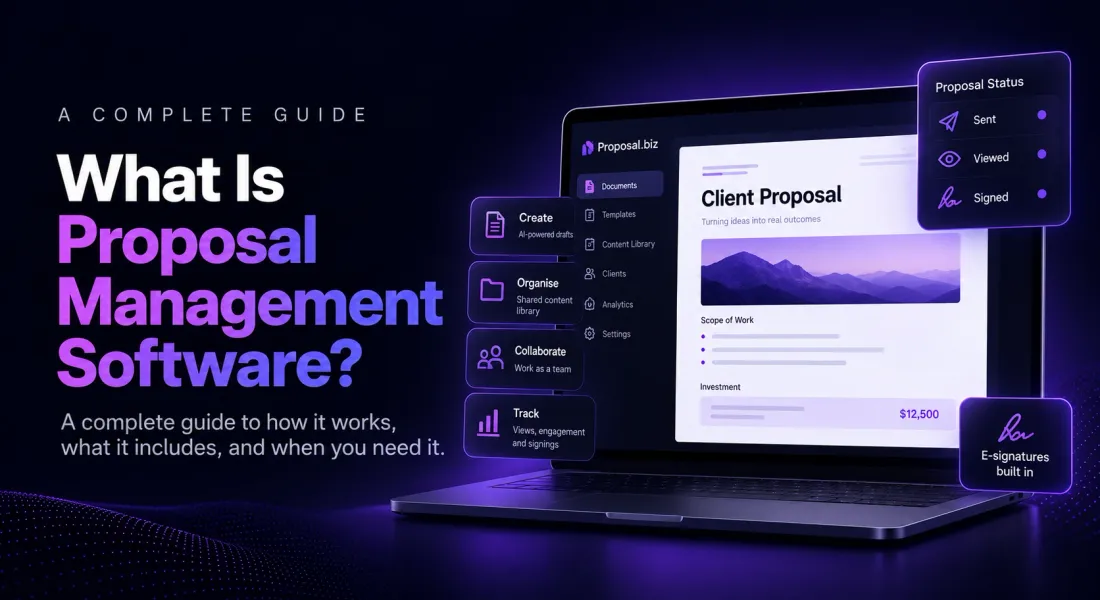
Proposal management software is a platform for creating, organising, and tracking client facing documents across a whole team, rather than writing one proposal at a time in whatever tool happens to be open.
It combines document generation, a shared content library, folder based organisation, and visibility into what has actually been sent, opened, and signed. The word management is doing the real work in that definition. A single document tool helps one person write one proposal well.
Proposal management software helps a team keep dozens, or hundreds, of proposals consistently branded and easy to find later, without every new hire rebuilding the same document from a blank page.
Proposal Management Software vs a Single Document Tool
A word processor treats every proposal as a one off: you open it, write it, export it, and start the next one from scratch.
Proposal management software treats the whole set of documents a team sends as one connected system, with shared templates, a reusable content library, and folders that keep everything findable months later.
| Word processor | Proposal management software | |
|---|---|---|
| Starting point | Blank page or a personal template | Shared content library and brand settings |
| Organisation | Individual files on a laptop or drive | Folders and workspaces shared across a team |
| Consistency | Depends on whoever wrote it | Branding and structure applied automatically |
| Visibility | None once the file is sent | Tracked opens, views, and signing status |
| Collaboration | Passed around by email | Live, role based editing in one place |
For a fuller side by side comparison, the full comparison between proposal software and word processors covers when a general purpose document tool is genuinely still the right call for a small enough team.
Core Capabilities to Expect
Most platforms in this category share a common core, though how deep each capability goes varies a lot between tools. And it is worth checking which of these are genuinely built in versus bolted on as an afterthought.
What to expect:
- AI or template based document generation, so a new proposal starts from a sales proposal template, not a blank page every time.
- A shared content library that stores brand assets and reusable sections for the whole team, not just one person’s saved files
- Folder based organisation for keeping proposals sorted by client, team, or status
- Live collaboration with role based access, so editors and reviewers work inside the same document instead of emailing versions back and forth
- E-signatures built into the shared link, recording the signed status and signing date
- Analytics on whether a document was opened and how it was engaged with after sending
Where Proposal Management Software Falls Short
It is worth being honest about what this category does not solve, since the marketing rarely mentions it. Buying the tool does not fix a broken process on its own, and a few limitations show up consistently regardless of which platform you pick.
- It will not fix inconsistent content on its own. A shared content library only helps if someone actually keeps it updated, otherwise you are just centralising outdated information.
- Team adoption is not automatic. If half the team keeps working from personal templates outside the system, you get the cost of the software without the benefit of consistency.
- It manages documents, not the broader sales or client relationship. Proposal management software is not built to replace a CRM, and platforms that blur that line usually do neither job especially well.
- Migrating existing templates and past proposals into a new system takes real setup time, which is easy to underestimate when comparing tools on a features page.
Do You Actually Need Proposal Management Software?
Not every team does, and a small volume of proposals sent by one person rarely justifies the switch. A few honest questions are more useful than a generic checklist here.
- Are more than one or two people currently sending proposals under your brand? Inconsistency compounds fast once more than one person is writing.
- Have you ever lost track of which version of a proposal a client last saw? That is the exact problem folder based organisation and version control solve.
- Do you have no idea whether a sent proposal was actually opened? A word processor and email genuinely cannot answer that question. Proposal management software can.
- Is rebuilding branding and formatting from scratch eating real time on every new document? That is the clearest sign a shared content library would pay for itself.
If none of those land, a single document tool is probably still the right call for now, and that is a perfectly reasonable place to stay until volume changes.
If two or more do land, the case for switching is worth taking seriously. The ROI of proposal software walks through how to weigh the time saved against the cost of a platform.
5 Proposal Management Software Tools Worth Comparing
If the questions above pointed toward yes, these five are a reasonable starting shortlist, spanning a genuine free forever plan through to tools built for larger sales teams.
| Tool | Best known for | Free access |
|---|---|---|
| Proposal.biz | AI drafted documents with e-signing and tracking on one plan | Free forever, no credit card |
| PandaDoc | Broad document platform with deep CRM integrations at higher tiers | Free forever, capped documents |
| Proposify | Content locking and approval control for larger sales teams | 14-day free trial |
| GetAccept | Digital sales rooms combining proposal, video, and e-signing | Free trial, length varies |
| Storydoc | Narrative, presentation style proposals with interactive elements | 14-day free trial |
1. Proposal.biz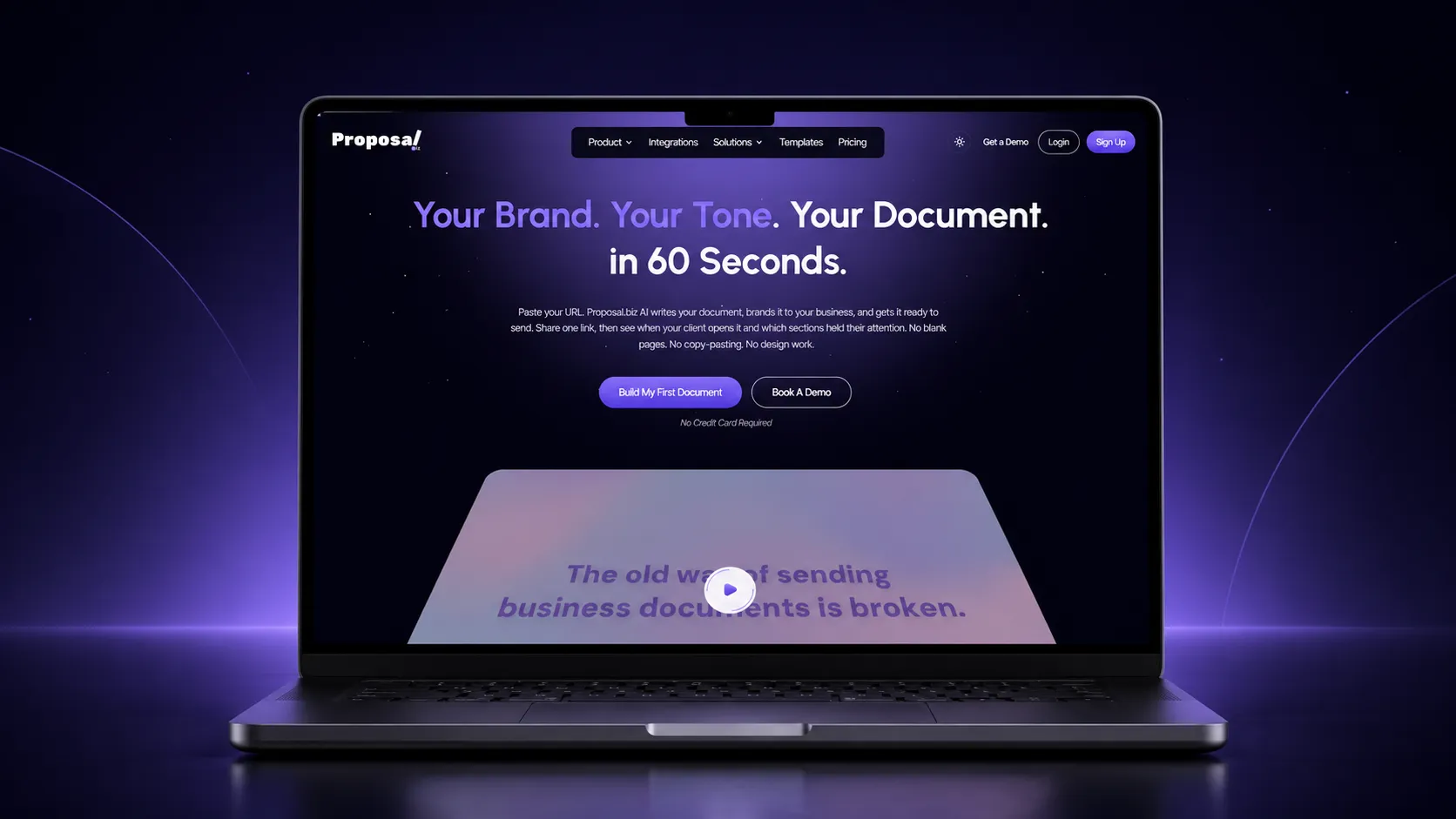
Proposal.biz combines document generation, organisation, and tracking on one plan, rather than splitting the management layer across separate paid add-ons.
The free plan covers fifty documents, twenty five pages each, and a content library across three connected sources, generous enough that most solo users will not think about the cap for weeks.
Custom branding, a custom domain, and CRM sync sit behind the paid tiers, so the core management layer, drafting, organising, and tracking, is not gated behind a price at all.
Key features:
- AI drafted documents from a prompt or a pasted website URL
- A content library and folder based organisation included from the free plan
- Built-in e-signatures and send and track opens, no separate tool needed
- Fifty documents, twenty five pages each, and one thousand AI credits before any payment is required
- CRM sync, custom branding, and a custom domain available once you move to a paid tier
2. PandaDoc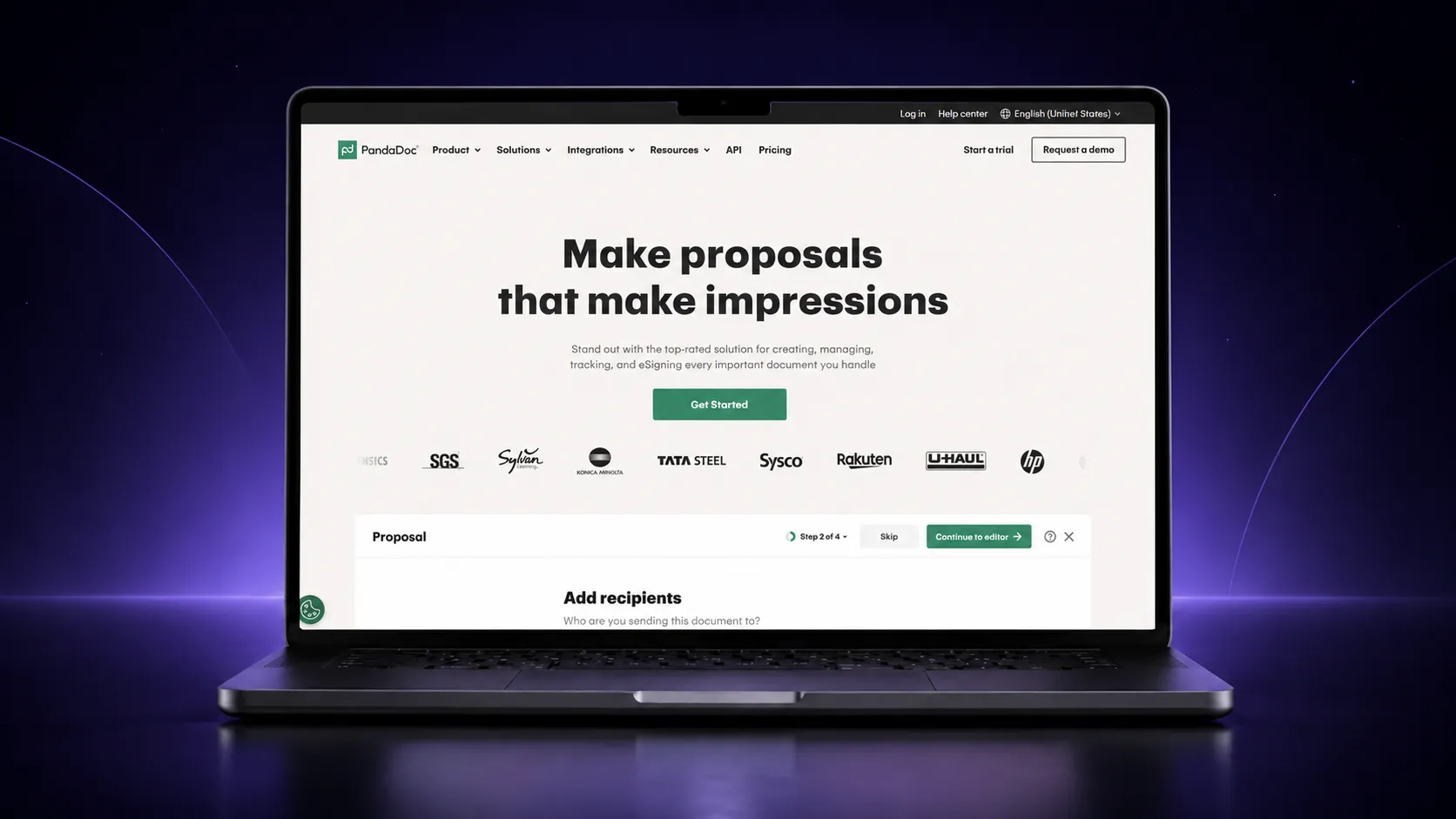
PandaDoc’s management layer, templates, tracking, and a content library, sits mainly on its paid tiers, with the free plan built around signing alone.
The free plan is genuinely useful for signing but contributes little to the organisational side, no content library, no folders beyond the basics, and no tracking.
That layer only appears once you are paying for a mid tier plan, which is worth factoring into the real cost of adopting PandaDoc for management purposes specifically.
Key features:
- Unlimited e-signatures on the free forever plan, with no monthly cap
- A content library and templates unlocked on paid tiers, not the free plan
- Native CRM integrations, generally reserved for higher tiers rather than the entry paid plan
- No AI drafting at any price point below its higher plans
- A tighter document cap on the free tier than Proposal.biz’s, worth checking against your volume
3. Proposify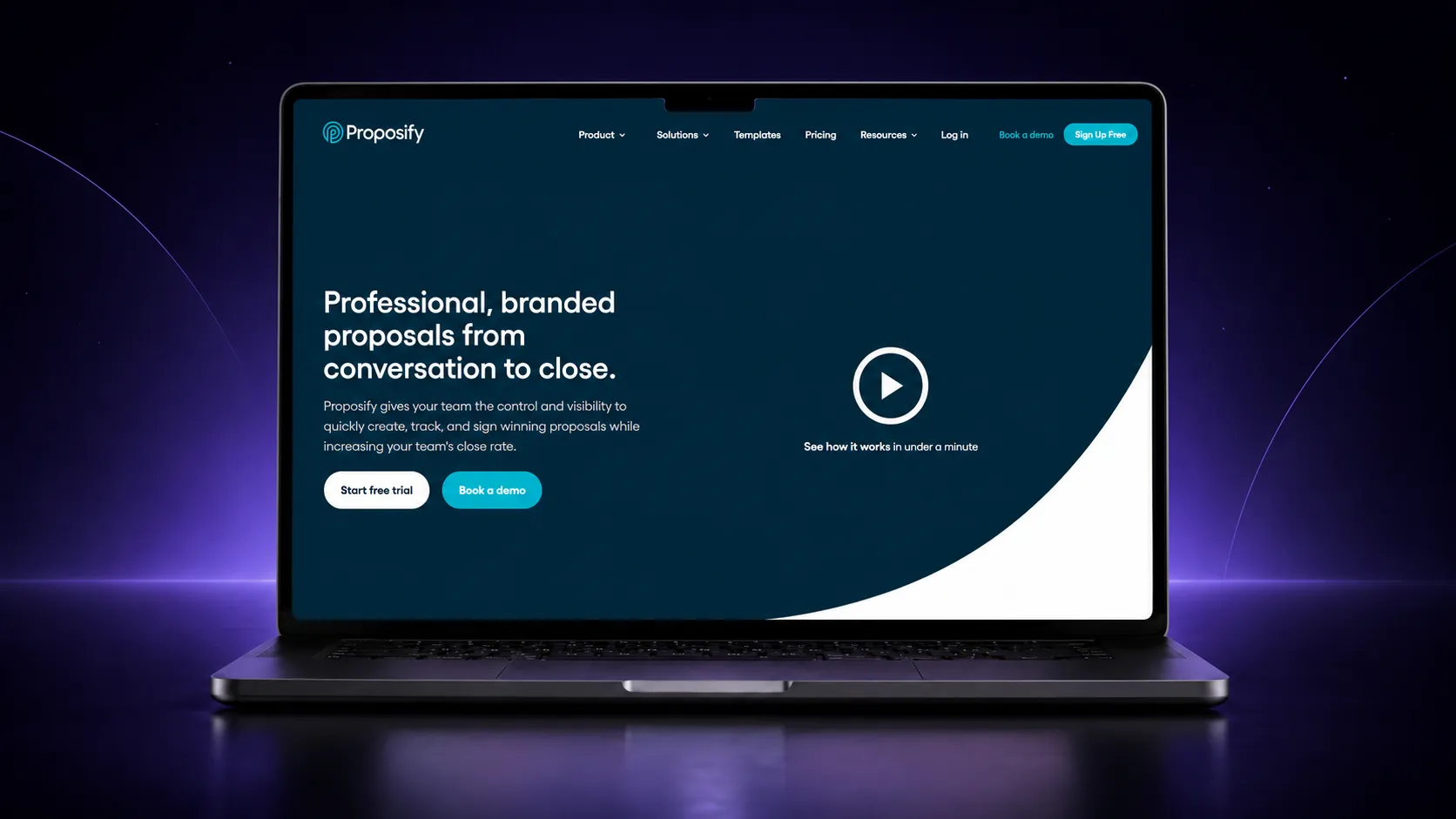
Proposify leans hardest into the management side of this category, built around locking down approved content so a distributed sales team stays consistent.
That control comes with a higher starting price and a trial rather than a free plan, so it suits a team that already has multiple reps sending proposals more than a solo user testing the category.
The management value here is really in preventing costly mistakes across a distributed team, not in saving an individual’s time on any single document.
Key features:
- Content locking so approved pricing and legal language cannot be edited by accident
- Role based permissions controlling who can approve or edit sections, generally a higher tier feature
- A shared content library for reusable blocks and pricing tables
- Native CRM integrations plus workflow automation for anything not built in natively
- A fourteen day trial with full access, including the AI writing assistant, rather than a permanent free plan
4. GetAccept
GetAccept manages the proposal alongside the wider sales interaction, folding video messaging and a shared buyer space into the same system.
Its version of management leans toward sales activity rather than document organisation specifically, there is no dedicated content library or folder structure in the same sense as the other tools here.
The management layer is really the shared sales room itself, with the proposal, video messages, and signing status all visible together in one place.
Key features:
- A shared digital sales room combining proposal, video, and e-signing in one space
- Native CRM integrations across its paid plans, not gated to a top tier
- Real time tracking of signer activity synced back to the CRM automatically
- A trial with a length that is not consistently stated, confirm current terms directly
- A feature set that goes well beyond document management, built for sales enablement broadly
5. Storydoc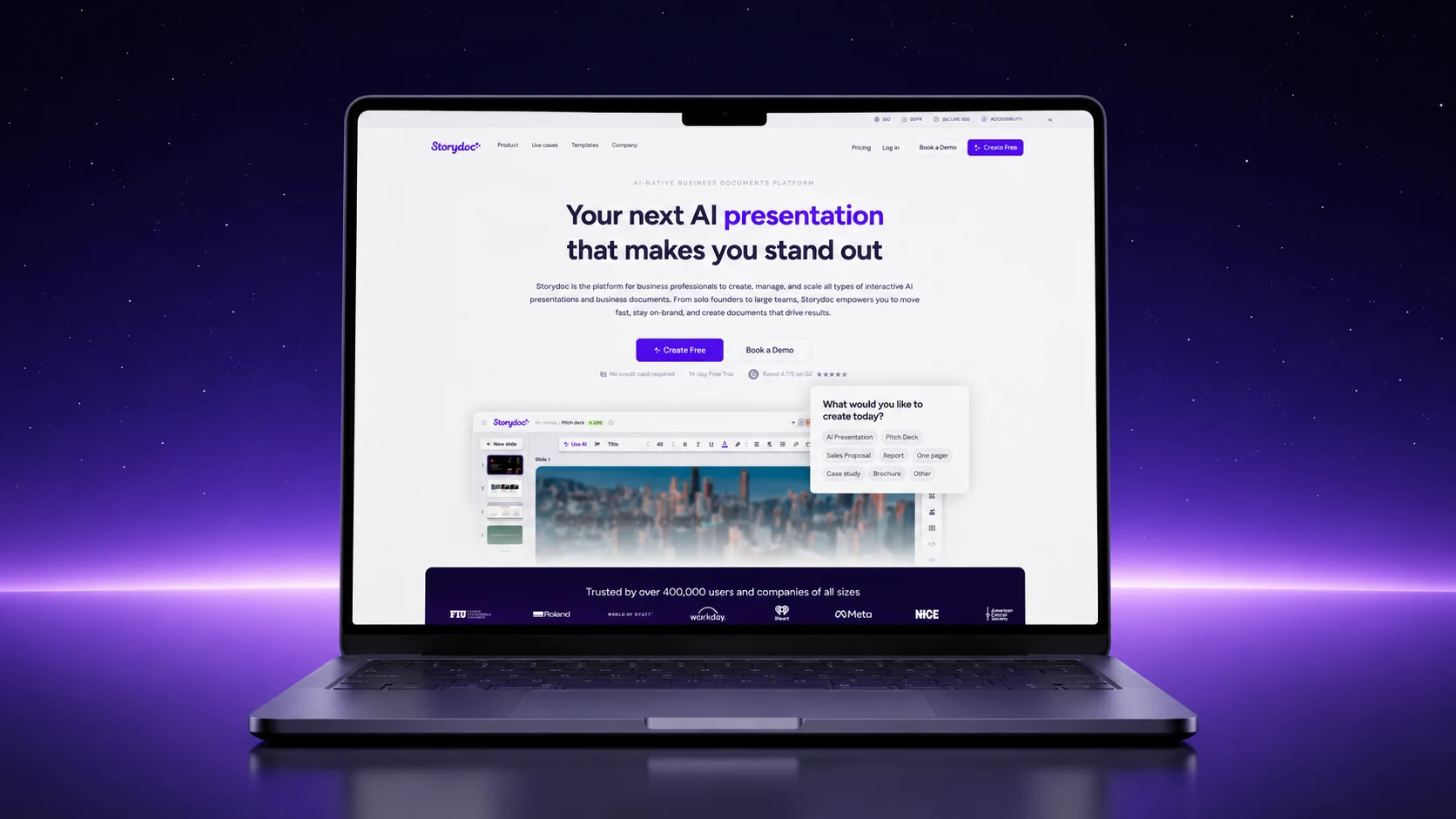
Storydoc’s management layer favours narrative, presentation style content, better suited to teams whose proposals read more like a pitch.
Its management layer is lighter on team structure and heavier on the presentation format itself, with less emphasis on folders or role based permissions than tools built for larger sales teams.
That trade off suits a smaller team producing narrative heavy proposals more than one managing a high volume, tightly organised set of client documents.
Key features:
- AI assisted drafting for narrative, presentation style proposals
- Interactive elements closer to a pitch deck than a static document
- A content library included, though custom branding sits on higher tiers
- CRM integrations gated to paid tiers, not included at entry pricing
- A fourteen day trial with no credit card required, rather than a permanent free plan
Where these differ most is not the presence of a content library or e-signatures, most have both. It is how much of the organisational layer, folders, team roles, and CRM sync, sits on an entry plan versus a higher tier you have to grow into.
Who Actually Uses Proposal Management Software
The case is strongest wherever several people touch the same documents, rather than one person working alone.
- Agencies and consultancies managing proposals for many clients at once
- Sales and marketing teams where several reps send similarly branded documents
- Operations and finance teams standardising quotes and statements of work
- Any team that has lost track of which version of a document a client last saw
For a closer look at what this looks like day to day, how live collaboration works inside a shared document covers the team side of proposal management specifically.
How to Evaluate a Proposal Management Platform
A short checklist against four points narrows most shortlists quickly: how documents are organised, how consistently branding applies, how visible engagement is after sending, and how the pricing scales as your team grows.
| Question to ask | Why it matters |
|---|---|
| How are documents organised across the team? | Folder structure and shared workspaces matter more once several people are sending documents. |
| How automatically is branding applied? | Manual branding on every document defeats much of the point of a shared system. |
| What visibility do you get after a document is sent? | Opens, views, and signing status close the biggest gap a scattered file system leaves open. |
| Does the pricing model scale with your team size? | Per seat, per document, and flat fee models suit different team sizes very differently. |
If you are comparing specific tools rather than the category in general, the curated list of the best proposal software tools is a useful next stop.
For the case for switching stated from the angle of what a team gains, the benefits of a proposal builder tool pairs well with the checklist above.
Final Word
Proposal management software earns its place the moment a scattered mix of files, folders, and email threads starts costing your team more time than a shared system would, not before.
The fastest way to see the difference is to move your next few proposals into one connected document workspace rather than starting each one from scratch.
Frequently Asked Questions
What is proposal management software used for?
It is used to create, organise, brand, send, and track client facing documents across a team, rather than managing each proposal as an individual file. The organisation and visibility layer is what separates it from a single document tool.
Is proposal management software the same as proposal software?
The terms overlap heavily in practice. Proposal software generally refers to creating and sending individual documents. Proposal management software leans further into organising and tracking many documents across a team, though most platforms cover both.
Does proposal management software include e-signatures?
Many platforms include e-signatures as one stage of the document lifecycle, letting a client sign inside the same shared link rather than through a separate tool. It is worth checking whether signing is included on the specific plan you are considering.
How is proposal management software priced?
Pricing models vary between per seat, per document, and flat fee structures, and free forever plans exist at the entry level for smaller teams. The right model depends on how many people need access and how many documents your team sends.
Can proposal management software replace a shared drive entirely?
No, and it is not meant to. It replaces the parts of a shared drive that break down for client facing documents specifically: version control, consistent branding, and visibility after sending, rather than acting as general file storage for everything else your team keeps.

Ronak Surti
 Dimple Maru
 Prabir Chaudhary
 Ronak Surti
![Curated List of Best Proposal Software Tools in 2025 [Strength and Weaknesses]](/_astro/proposal_softwaretools.DWLFJBFS_1kwJoK.webp)