
Table of Contents
Best Proposal Software With CRM Integration
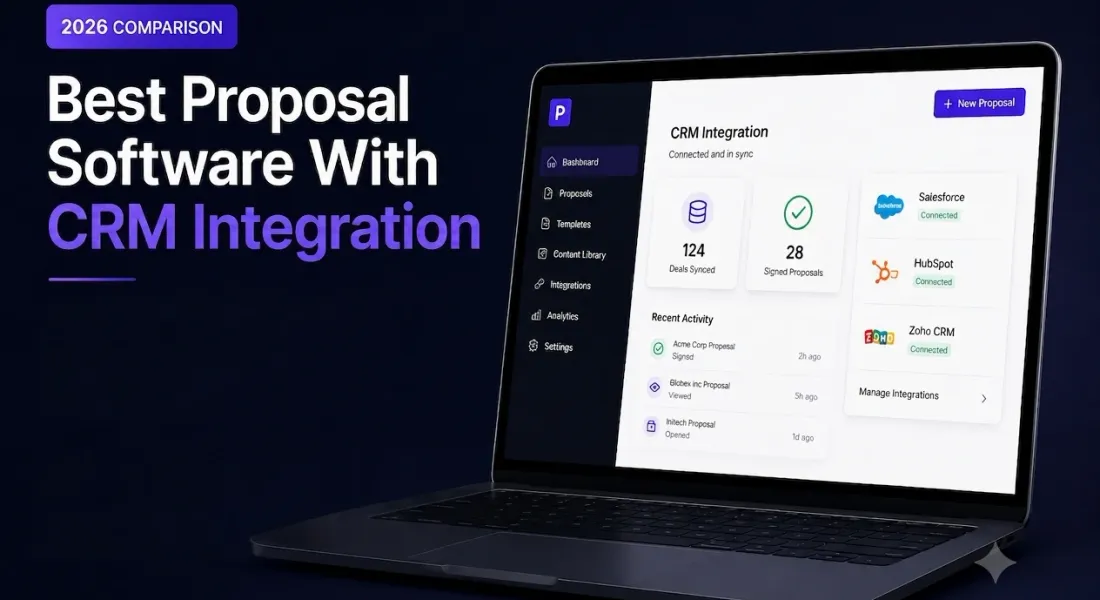
CRM sync sounds like a feature you either have or do not, but in practice it is closer to a spectrum.
Some tools pull a client’s name in and stop there. Others pull deal fields into the document automatically and push the signed status back out the moment a client signs.
The distinction rarely shows up on a pricing page, where CRM integration is usually listed as a single checkmark regardless of how much it actually does. Sales teams tend to discover the real depth only after signing up.
That is exactly the wrong time to find out a tool only pulls data one way and still requires someone to manually update the deal record after every signature.
Seven tools are compared below on exactly where they sit on that spectrum, and just as importantly, on what price tier you actually have to pay to unlock it.
Plan and integration details reflect published information as of August 2026 and can change, so confirm current terms before you commit to one.
What Does CRM Sync in a Proposal Tool Actually Do?
At minimum, it means a proposal tool can pull client and deal details in from your CRM so you are not retyping a name, company, and deal value by hand. At its fullest, it means the connection runs both ways.
The proposal pulls data in when you create it, and pushes status, opened, viewed, signed, back into the CRM record automatically once something happens. That second direction is where most of the real time saving actually lives, and it is also where tools differ the most.
Proposal Software With CRM Sync at a Glance
| Tool | CRM connection | Starting price | Best for |
|---|---|---|---|
| Proposal.biz | CRM sync on paid tiers | $19/month | AI drafted proposals with tracking on a lower tier budget |
| PandaDoc | Native integrations, higher tiers | $19/user/month | Deep native connections for larger sales teams |
| Proposify | Native integrations plus workflow tools | $35/user/month | Sales teams wanting locked, CRM synced content |
| Qwilr | Native integrations, Business tier up | $35/user/month | Interactive proposals generated from CRM records |
| GetAccept | Native integrations across paid plans | $25/user/month | Sales rooms tied directly into CRM activity |
| Storydoc | Integrations gated to paid tiers | $17 to $19.80/month | Narrative proposals with CRM sync on higher tiers |
| Nusii | Limited, add-on only | $29/month | Simple builder for teams that do not need deep CRM sync |
1. Proposal.biz
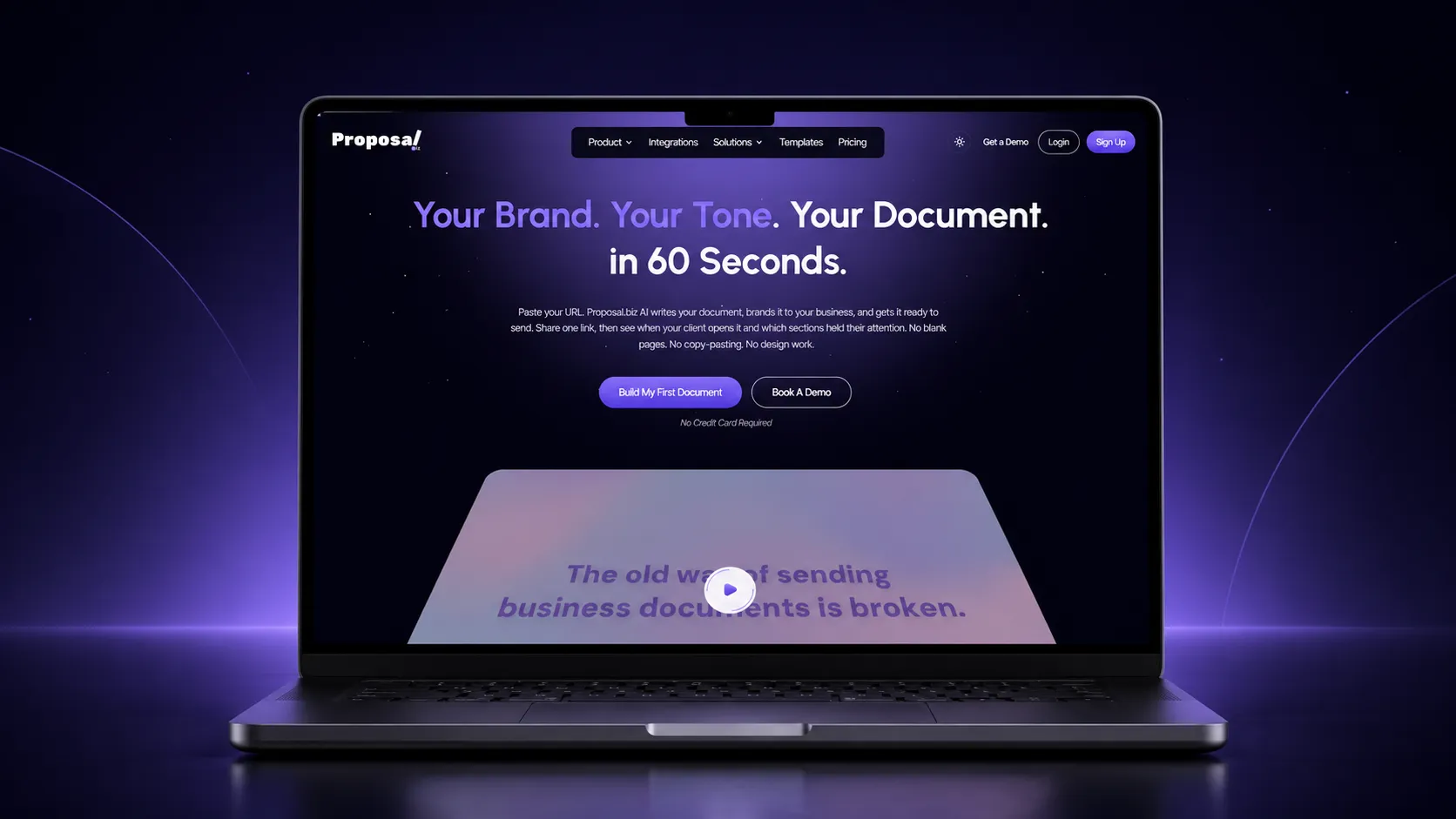
Proposal.biz generates documents with AI document generation from a prompt or a pasted website URL. It treats CRM sync as a paid tier upgrade rather than an enterprise only feature buried behind a sales call.
What you actually get:
- AI drafted documents from a prompt or a pasted website URL, available on the free plan before CRM sync is even a consideration
- CRM sync available starting on paid tiers, not gated to an enterprise plan with custom pricing
- Built-in e-signatures and send and track opens included alongside the CRM connection
- A free forever entry point, so a smaller team can use the core product before paying for CRM sync at all
The practical upside here is sequencing. A team can start on the free plan and get comfortable with drafting and sending. They can add CRM sync once retyping deal details by hand actually starts costing real time, using the same connected workflow to create and send proposals throughout.
2. PandaDoc
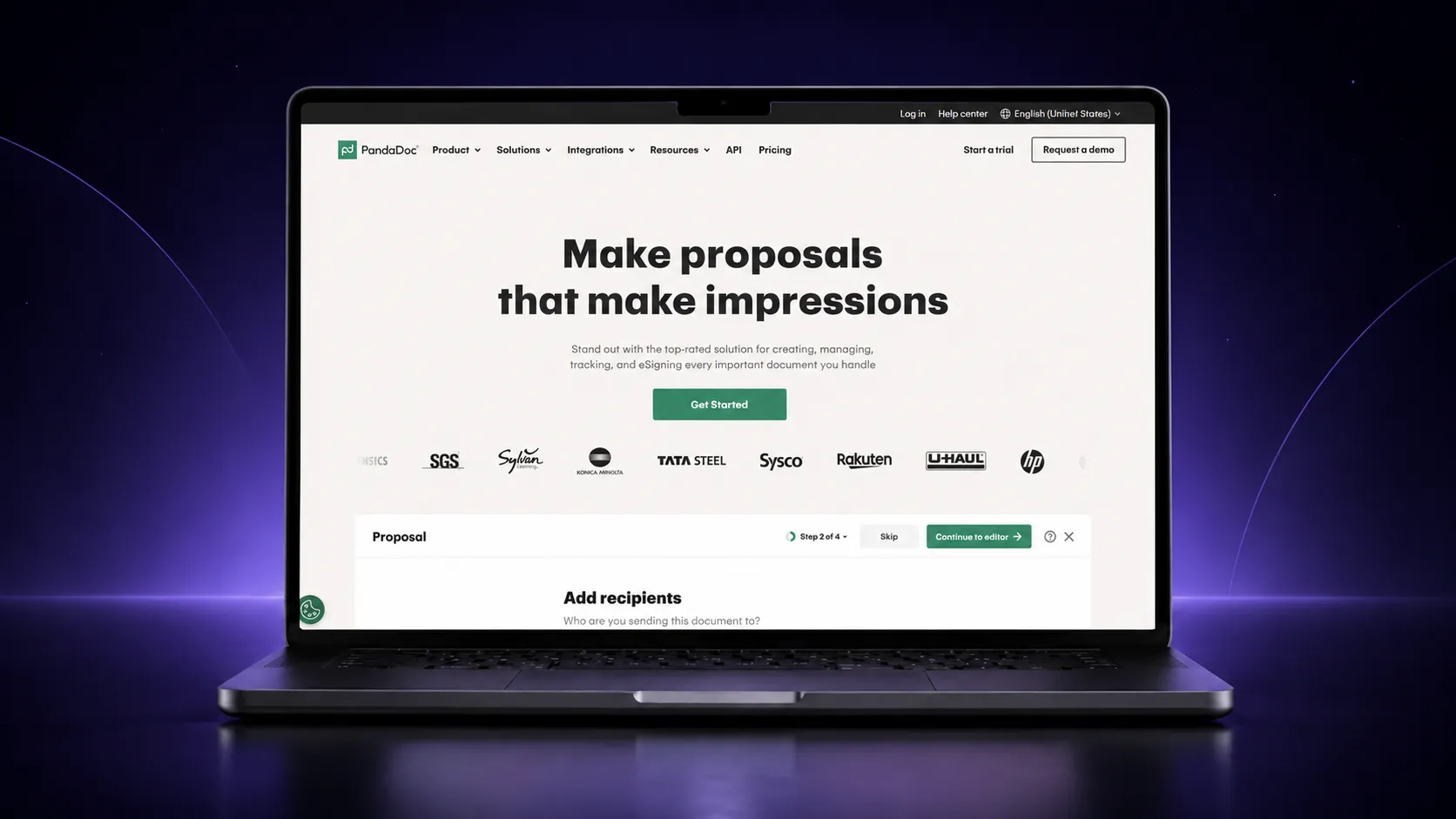
PandaDoc has some of the deepest native CRM connections on this list. Documents pull contact and deal fields directly, and signed status pushes back automatically without a manual update. That depth is reserved for higher tiers, not the entry plan.
What you actually get:
- Native CRM integrations that pre-fill documents from deal records rather than requiring manual entry
- Two way status sync back to the CRM once a document is signed, not just a one way data pull
- A free forever plan for signing, though CRM sync is not included on it
- CRM sync unlocked starting on higher paid tiers, so budget for that if it is the primary reason you are evaluating PandaDoc
If deep CRM sync is genuinely the deciding factor, PandaDoc is one of the strongest options here on capability, provided the higher tier pricing fits. The free and entry plans will not get you there.
3. Proposify
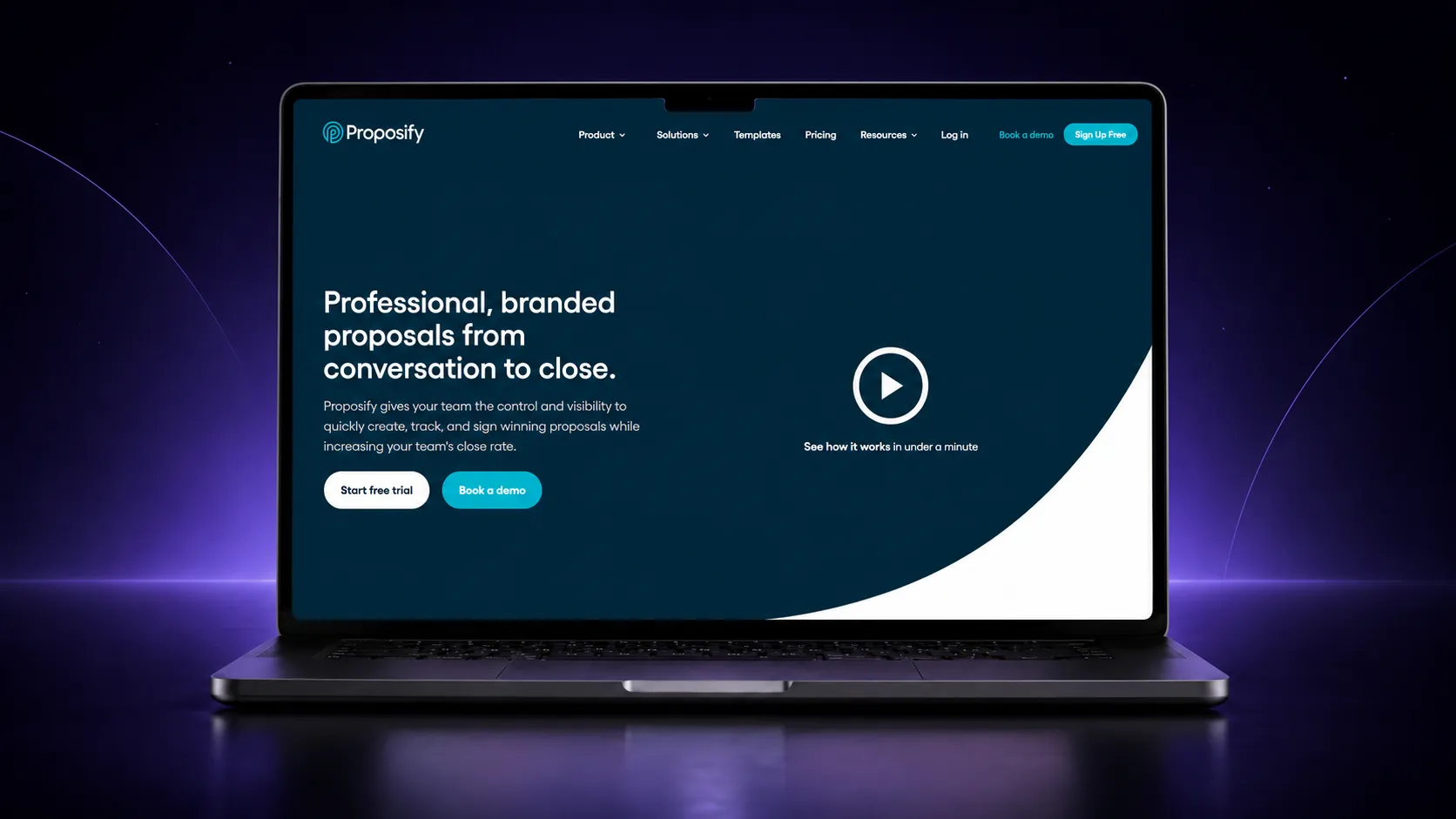
Proposify connects natively to CRM and business tools, with additional workflow automation available for anything not covered out of the box. The integration sits alongside Proposify’s other core strength: locking down approved content.
What you actually get:
- Native CRM and business tool integrations
- A content library for reusable, pre-approved pricing and legal language, which pairs well with CRM synced deal data
- An AI writing assistant available during the free trial
- Workflow automation for connections beyond what is natively supported
The combination worth paying attention to is CRM sync plus content locking together. A synced deal record populating a proposal is only as useful as the accuracy of the pricing and terms it is pulling into, and Proposify is built to keep both in check.
4. Qwilr
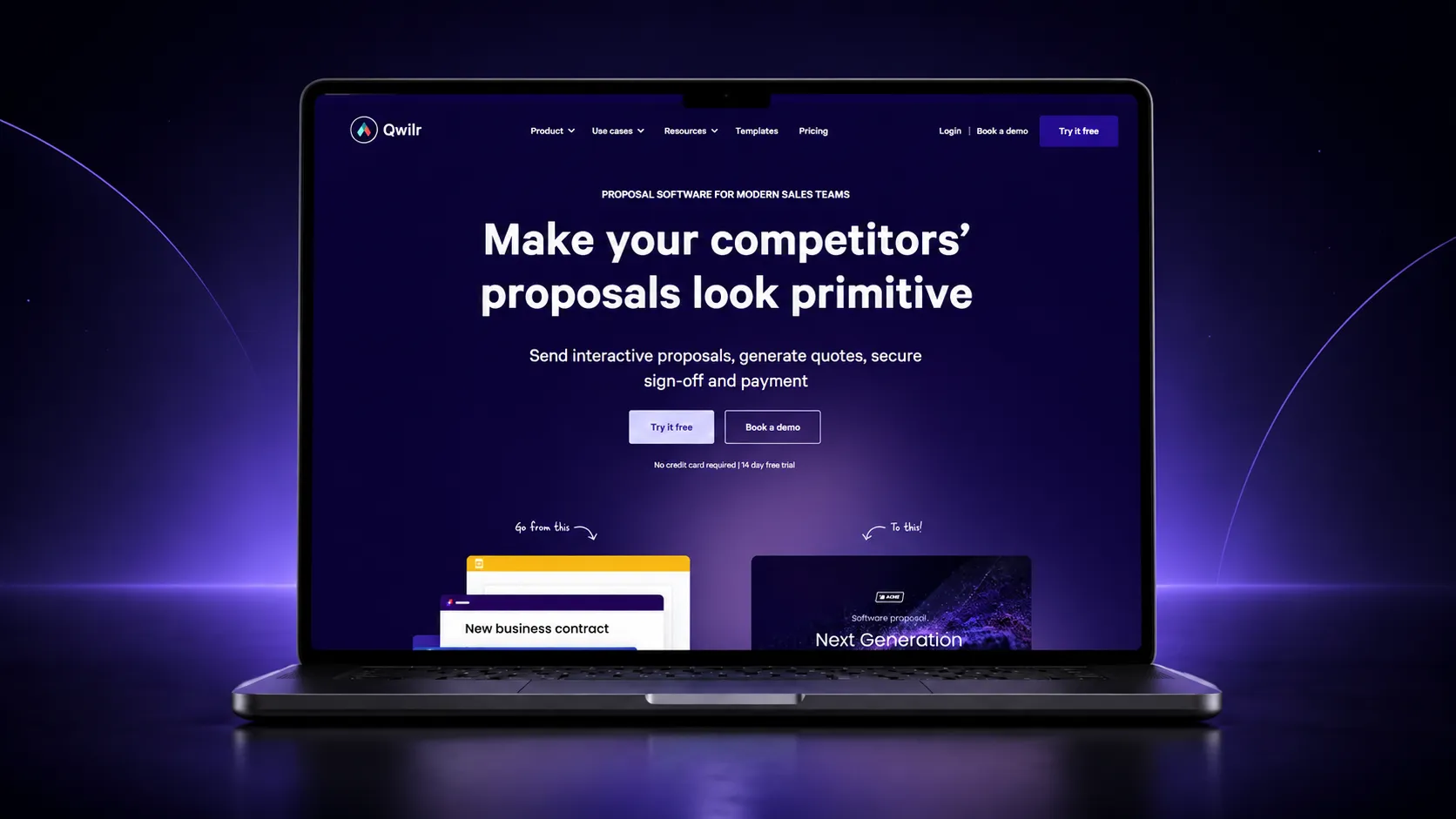
Qwilr integrates with major CRM systems from its Business tier upward, and the connection generates an interactive proposal directly from a CRM record rather than starting from a blank prompt.
What you actually get:
- Native CRM integration from the Business tier upward, not included on lower tiers
- Interactive, web based proposals generated from CRM records
- Section level engagement analytics on how a client actually reads the document
- Dynamic pricing tables that stay in sync with CRM deal values as they change
This suits a team that already wants Qwilr’s interactive format and treats CRM sync as the thing that makes populating those proposals fast enough to be worth the effort. Rather than a separate reason to choose the tool.
5. GetAccept

GetAccept builds CRM connections into its core offering rather than treating them as an add-on, syncing activity back into the CRM automatically as a proposal moves through its shared digital sales room.
What you actually get:
- Native CRM integrations across its paid plans, not reserved for a top tier
- A shared digital sales room combining proposal, video, and e-signing in one space
- Real time tracking of document and signer activity, synced back to the CRM as it happens
- Entry pricing starting at $25 per user per month
GetAccept is worth evaluating specifically if keeping a sales team’s CRM activity current, without anyone manually updating it after each step, is the actual problem you are solving, rather than proposal creation in isolation.
6. Storydoc
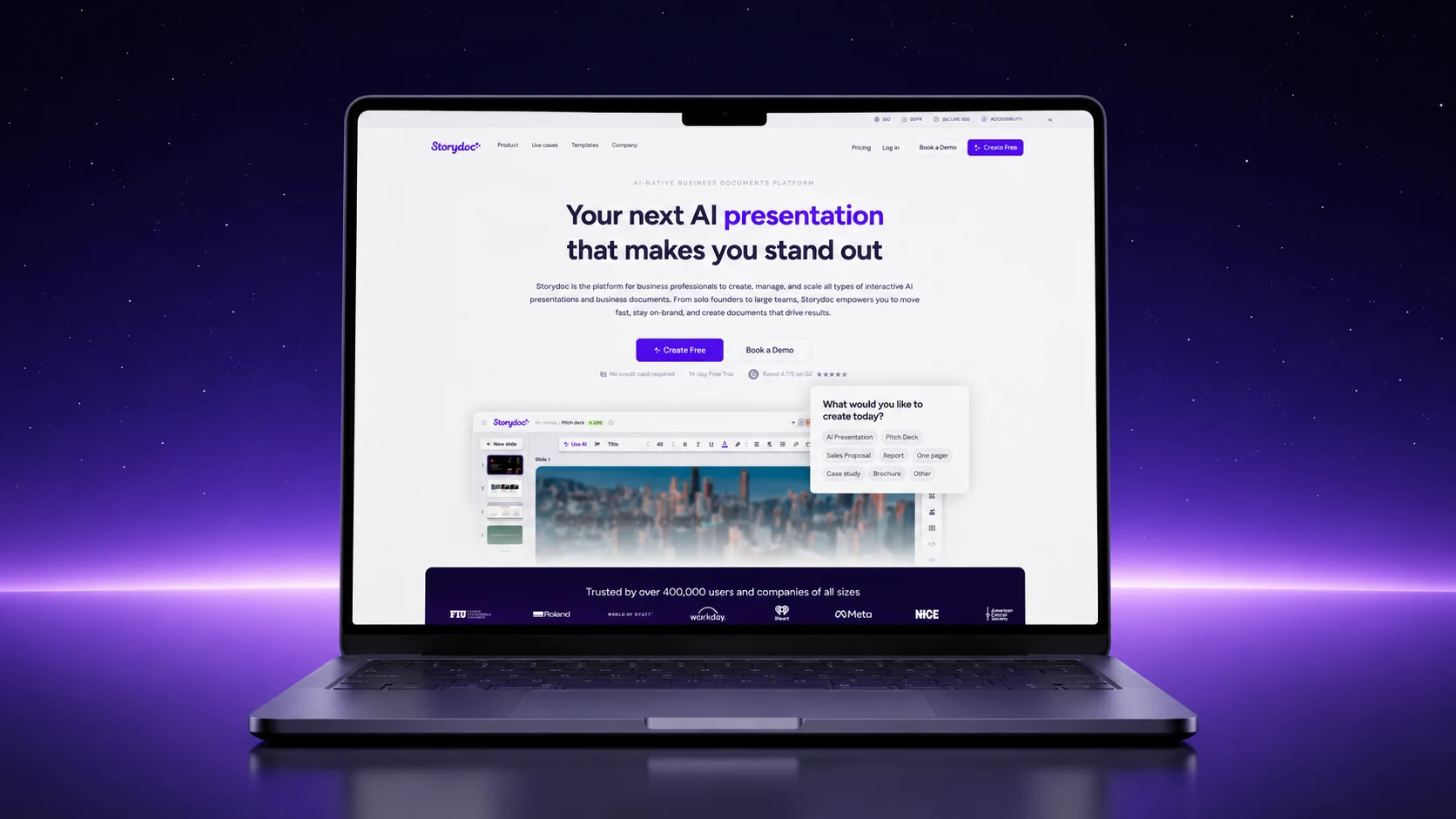
Storydoc gates its CRM integrations to higher tiers, alongside custom branding, and keeps its entry pricing focused on the narrative proposal editor itself rather than the CRM connection.
What you actually get:
- AI assisted drafting for narrative, presentation style proposals
- CRM integrations available only on higher paid tiers, not at entry pricing
- Interactive elements closer to a pitch deck than a static document
- A fourteen day free trial with no credit card required
If CRM sync matters from day one, confirm which tier actually unlocks it before signing up, since Storydoc’s entry pricing is built around the editor, not the integration.
7. Nusii
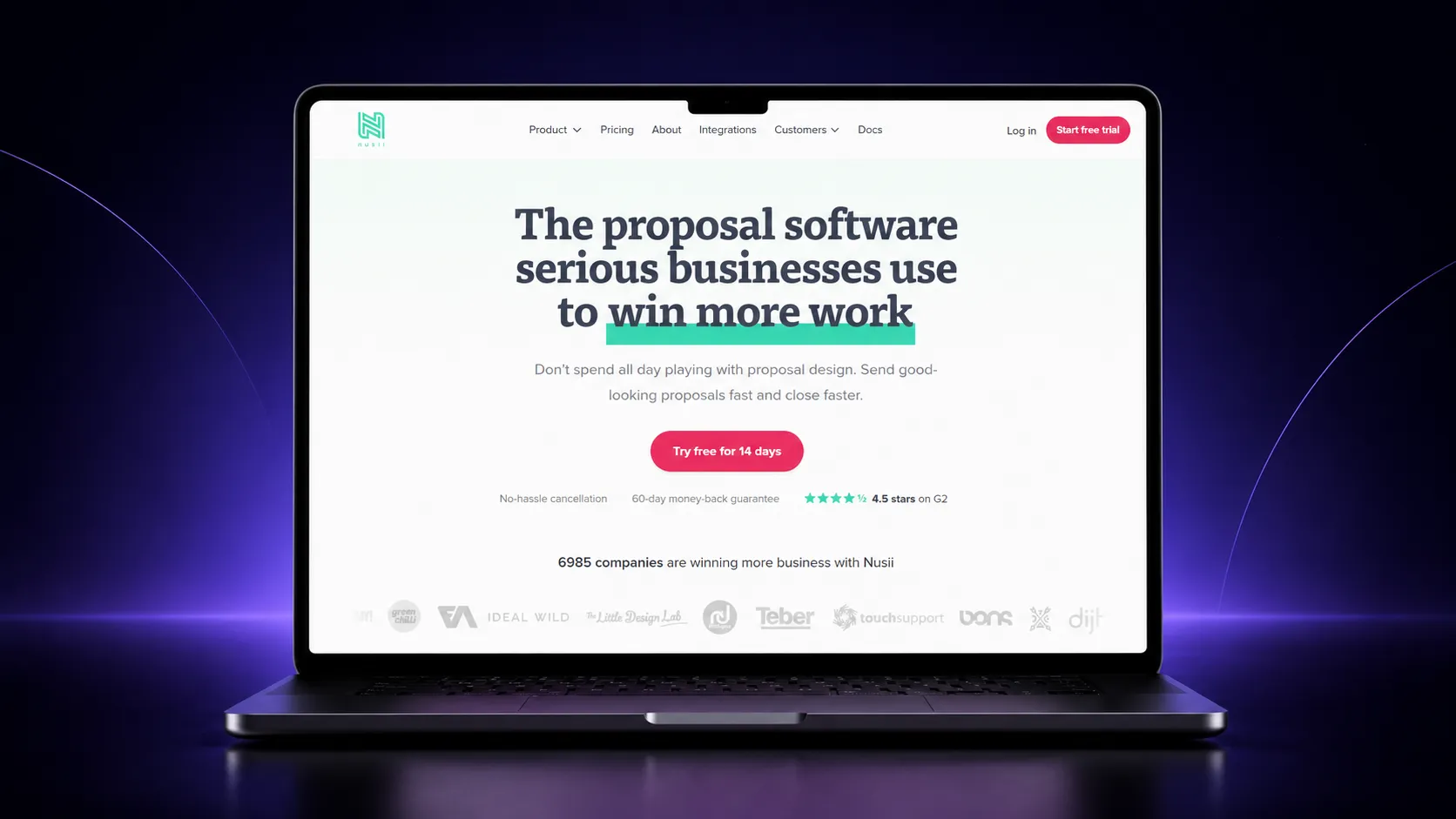
Nusii keeps CRM connectivity deliberately limited, available mainly as an add-on at higher plan tiers rather than as a native, built-in feature. It is worth including here as the honest contrast case for teams that do not actually need deep CRM sync.
What you actually get:
- Limited CRM connectivity, available as an add-on rather than a native feature
- A simple, no frills proposal builder with a genuinely light learning curve
- A content library for reusing sections across proposals
- A fourteen day free trial, with paid plans starting at $29 a month
If your workflow does not depend on pulling live deal data into a document, Nusii’s simplicity may outweigh the lighter CRM connection. For a broader look at lighter weight options generally, proposal software for small businesses covers tools built with smaller budgets in mind.
What CRM Sync Does Not Solve
It is worth being clear about the limits here, since CRM sync gets sold as a bigger fix than it usually is.
- It will not fix messy or outdated CRM data. Syncing bad data into a proposal just moves the problem, it does not clean it up.
- Two way sync is not universal. Several tools pull data in but do not push status back out automatically, so confirm both directions rather than assuming full sync from the word integration.
- It usually costs more, not less, to start. CRM sync is almost always a paid tier feature, so it adds to the bill rather than replacing a cost you already have.
- It does not replace your CRM. These tools sync with a CRM, they do not manage your pipeline, and platforms that try to do both usually do neither particularly well.
Do You Actually Need CRM Sync, or Just a Proposal Tool?
This matters most for SaaS and B2B sales teams, where a proposal is a routine part of nearly every deal cycle. It matters less for teams sending occasional, lower volume proposals. A short set of questions narrows the field quickly.
| Question | Why it narrows the list |
|---|---|
| Does the sync need to work in both directions? | Some tools pre-fill documents from CRM records but do not push signed status back automatically. Confirm both directions if you need them. |
| What tier actually unlocks CRM sync? | PandaDoc, Qwilr, and Storydoc gate CRM sync to higher tiers. Proposal.biz and GetAccept include it earlier in their plan structure. |
| Do you need CRM sync yet, or just a proposal tool? | A free forever plan without CRM sync, like Proposal.biz’s entry tier, lets a smaller team start without paying for a connection it is not using. |
| How many CRM records does your team touch a week? | Heavier CRM activity justifies paying for native, two way sync sooner than occasional, low volume use does. |
For a wider comparison of proposal tools beyond CRM sync specifically, the curated list of the best proposal software tools covers where each platform’s strengths lie.
If you are setting up the connection itself, a closer look at integrating proposal software with a CRM walks through what that setup actually involves.
If you are still weighing whether the switch is worth it at all, the ROI of proposal software covers how to think about the time saved against the cost of a platform.
Final Word
CRM sync is worth paying for once your team is manually re-typing deal details into proposals or manually updating records after every signature, not before that point.
Proposal.biz’s free forever plan lets you start without it and add CRM sync once that point is actually reached, rather than requiring it from day one on the assumption you will need it eventually.
Whichever tool you land on, the goal is the same: a proposal that pulls the right client details in and pushes the right status back out, without anyone retyping either side by hand.
Frequently Asked Questions
What does proposal software with CRM integration actually do?
It pulls client and deal details from your CRM into a proposal automatically, and in tools with two way sync, pushes the document’s status, such as opened or signed, back into the same CRM record.
Do I need a paid plan for CRM sync?
Usually yes. Most tools compared here gate CRM sync to a paid tier, and several reserve it for a higher tier than their entry plan. Confirm which specific plan unlocks it before assuming it is included.
Is proposal CRM sync the same across every tool?
No. Some tools sync in both directions, pulling data in and pushing status back out automatically. Others only pull data in, or offer CRM connectivity as a limited add-on rather than a native feature. Check both directions before assuming full sync.
Can I use proposal software without connecting a CRM at all?
Yes. CRM sync is an add-on to the core proposal workflow, not a requirement. A free or entry plan without CRM sync still covers drafting, branding, sending, tracking, and signing on its own.
Which proposal software has the deepest CRM integration?
PandaDoc and GetAccept both offer some of the deepest native CRM connections on this list, pre-filling documents from deal records and syncing signed status back automatically. That depth is generally reserved for their higher paid tiers.

Ronak Surti

 Dimple Maru
 Prabir Chaudhary
 Ronak Surti
 ![Curated List of Best Proposal Software Tools in 2025 [Strength and Weaknesses]](/_astro/proposal_softwaretools.DWLFJBFS_1kwJoK.webp)