
Table of Contents
8 Best AI Tools for Sales Proposals in 2026
Most “best AI tools for sales proposals” lists have the same problem: half the tools on them barely use AI, and the other half aren’t really about proposals at all. You end up scrolling past prospecting software and commission trackers to find the two tools that actually help you write and send a proposal.
So this list has two rules. Every tool on it has real, shipping AI features, and below each one, we spell out exactly what the AI does, because “AI-powered” means very different things from one tool to the next. With some, you give a prompt and it writes a full first draft. With others, the AI just helps polish copy inside an editor you’re still building by hand. Those are not the same thing, and knowing the difference before you buy saves a lot of frustration.
The second rule: every tool actually touches the proposal itself, whether that’s writing it, designing it, or getting it signed. Tools that only feed a proposal from the sidelines, call recorders, prospecting databases, didn’t make the cut.
A sales proposal isn’t one job, though, so the eight tools below are grouped by what they actually do. Some are sales proposal automation software that builds and sends the whole document, while others only help with one step, like the writing or the signing. Pick based on where your proposal process actually slows down.
Quick comparison
| Tool | Category | What the AI actually does |
|---|---|---|
| Proposal.biz | AI proposal software | Generates a full branded draft from a prompt or your URL |
| PandaDoc | Document automation | Drafts/refines copy inside text blocks; AI email drafts; data extraction |
| DocuSign | E-signature | Summarizes key terms, auto-places fields, assists review |
| Jasper | AI writing (marketing) | Long-form copywriting with brand-voice control |
| ChatGPT | General AI writing | Drafts proposal copy from prompts (no formatting, sending, or tracking) |
| Gamma | AI deck builder | Generates a full deck structure and design from a prompt |
| Beautiful.ai | AI deck design | Auto-formats slide layout as you add content |
| Responsive | RFP response | Auto-answers RFP questions from your content library |
AI proposal software: tools that build the document
These take a proposal from nothing to sendable. If the slow part of your process is building each document from a blank page, start here (and for a wider view beyond AI-first tools, see our roundup of the best proposal software tools).
1. Proposal.biz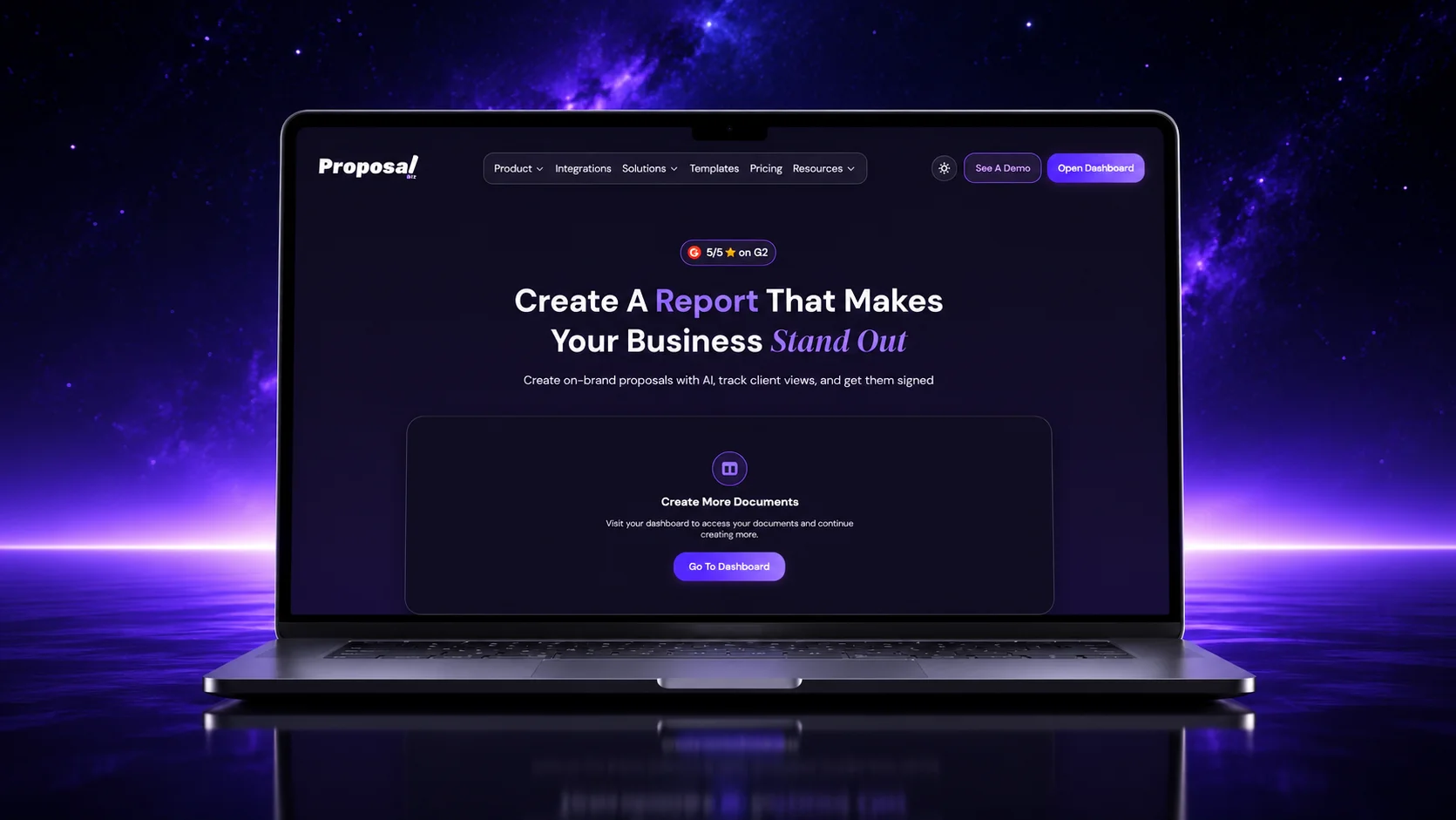
What the AI does: works as an AI proposal generator that produces a complete, branded proposal from a single prompt or your website URL. Paste your URL and it pulls your brand, services, pricing, and tone into a content library, then drafts the full document in about a minute. You edit by chatting with the document (ask it to shorten a section, change the tone for a different reader), and it scores your draft to flag weak sections before you send. This is full-document generation, you describe what you need and get a finished draft back, not a blank editor with an AI button in the corner.
Beyond drafting, it handles tracking and e-signatures in the same place, so you’re not exporting to PDF and losing sight of the deal. Plans bundle seats (three on Professional, ten on Business) instead of charging per user from the first seat, and the free forever plan includes the AI generation itself, not just a trial of it.
Best for: teams that want the AI to actually produce the proposal, then track and sign it in one place.
2. PandaDoc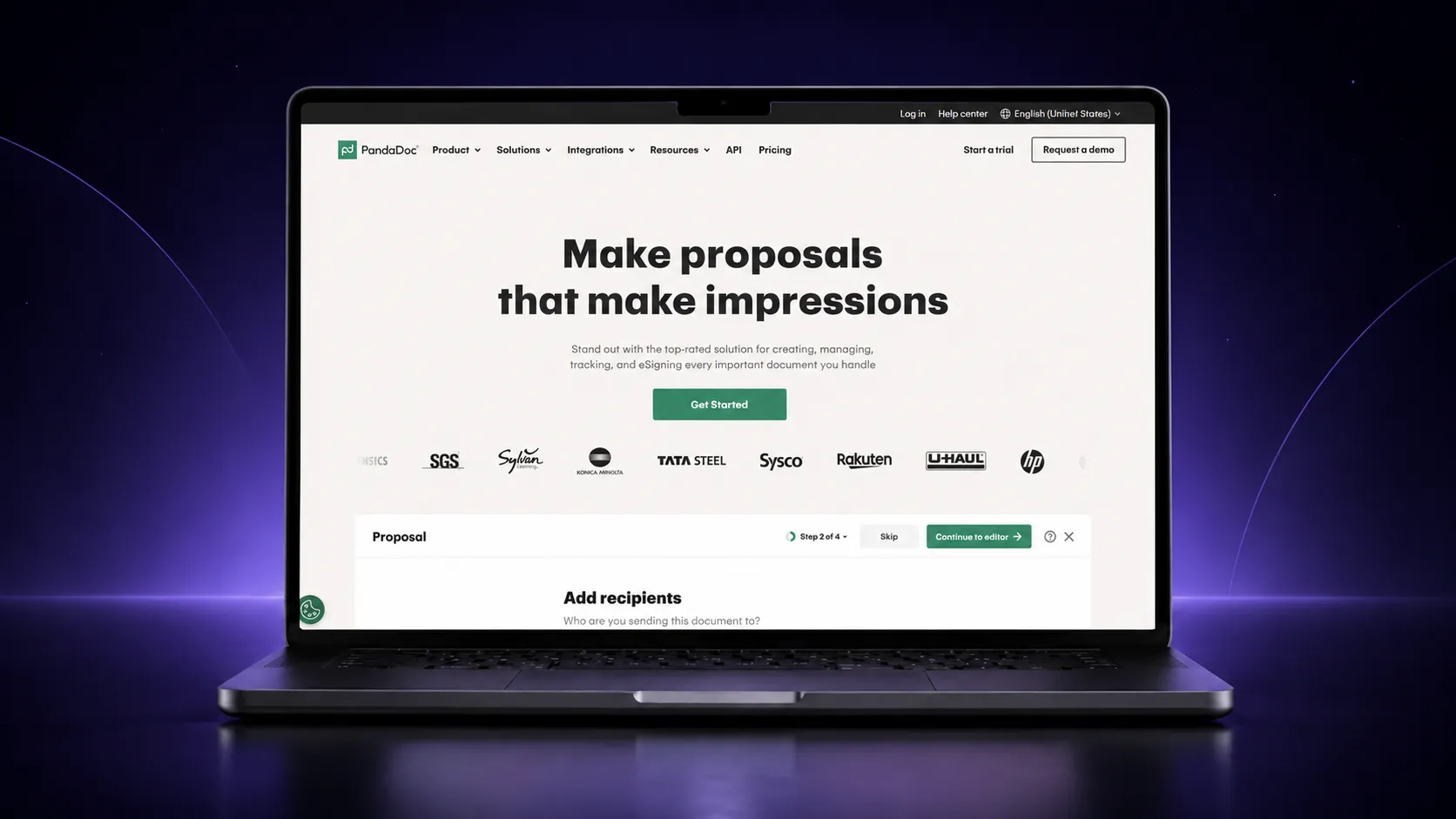
What the AI does, precisely: PandaDoc’s AI is a built-in “AI Document Assistant” that lives inside the editor. It drafts and refines copy within individual text blocks, so you highlight a section and have it write or rewrite that part, rather than generating the whole document from one prompt. On top of that, it added AI email suggestions in 2026 (it drafts the sending email in a tone you pick), AI data extraction (it pulls dates, terms, and values out of documents automatically), and AI shortcuts for searching and summarizing.
It’s worth being clear about one thing, since it’s easy to get confused: PandaDoc also released an MCP server in September 2025, which lets external AI agents like Claude Desktop or Cursor create and send documents through natural-language prompts. That’s an agent connecting *into* PandaDoc from outside, not PandaDoc itself acting as an agent that builds your whole proposal from a prompt inside the app. Inside the app, the AI assists your writing block by block; you’re still assembling the document.
The AI features sit on paid tiers. But if you send a high volume of proposals, contracts, and quotes and want them all in one mature platform, PandaDoc is a dependable, well-supported choice (we also break down how it stacks up against other options in our PandaDoc alternatives guide).
Best for: high-volume document teams who want AI assistance inside a proven all-in-one platform.
AI for proposal writing: tools that help with the words
Sometimes the document isn’t the problem, the blank page is. These are writing tools. They don’t send or track anything, but they’re good at getting words on the page, and plenty of teams draft proposal copy here before moving it into a document tool (worth knowing why a chatbot alone can’t replace a proposal tool before you rely on one).
3. Jasper
What the AI does: Jasper is an AI writing platform that, as of 2026, is built specifically for marketing teams. It generates long-form copy with strong brand-voice control, you can train it on your brand’s tone and it’ll keep that consistent across everything it writes. That makes it genuinely useful for the persuasive parts of a proposal: the executive summary, the problem statement, the solution narrative.
Two honest caveats. First, Jasper has moved well beyond a simple writing tool into marketing automation (it now runs “agents” for multi-step marketing tasks like SEO and campaigns), so for pure proposal copy you’re using a slice of a much bigger, marketing-oriented platform. Second, it doesn’t format, send, or sign anything. You draft in Jasper, then paste into whatever you send from.
Best for: marketing-led teams that want on-brand AI copywriting and already lean on Jasper.
4. ChatGPT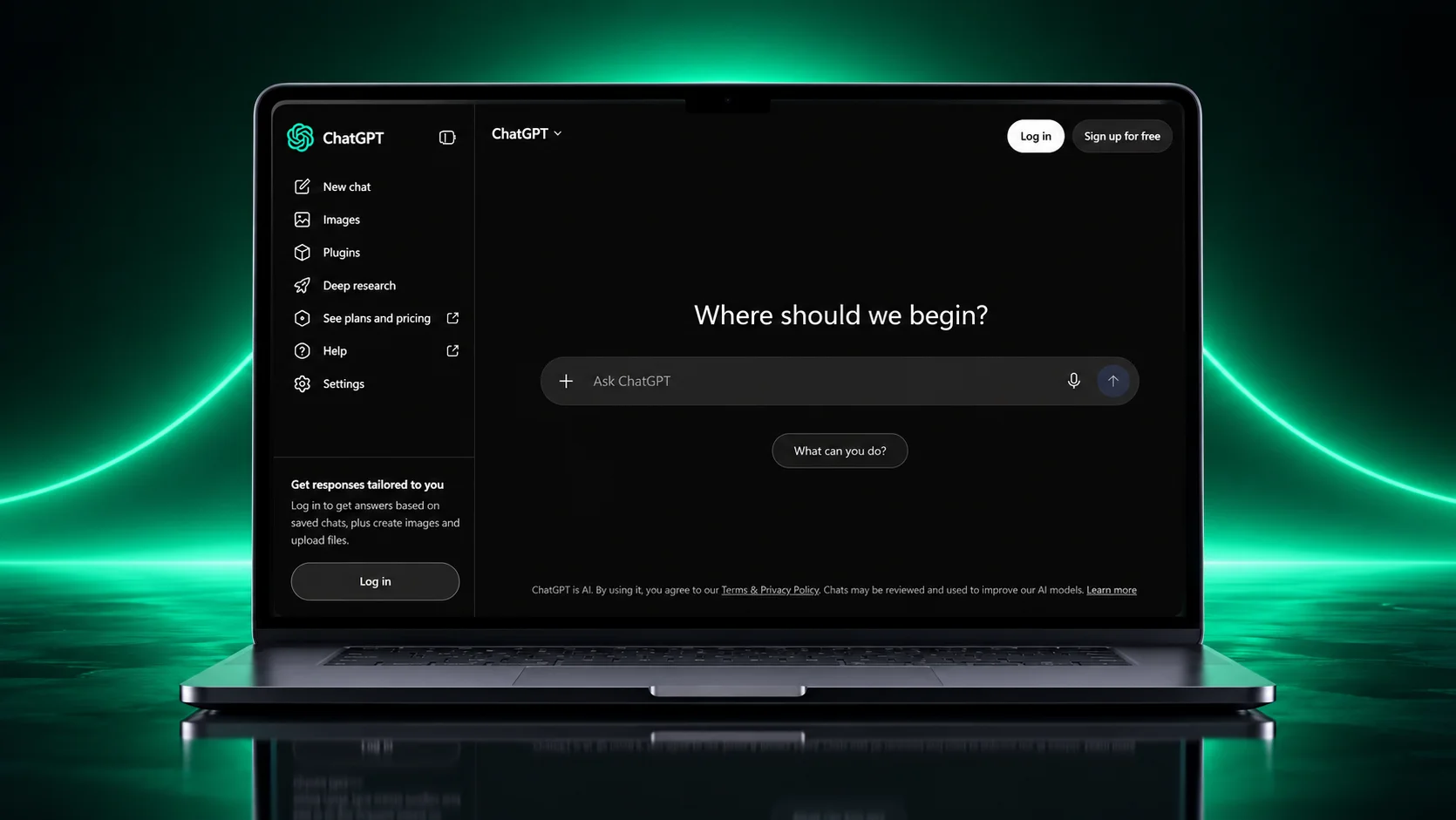
What the AI does: ChatGPT is the general-purpose option, and realistically it’s what a lot of people already use to draft proposal copy. Give it your context and it’ll write a section, rework your tone, or turn rough notes into clean prose (our ChatGPT prompts for proposal writing are a good starting point). It’s flexible, fast, and most people already have access.
The limits matter, though, and they’re the reason a general chatbot isn’t a complete proposal solution: it doesn’t know your brand unless you tell it every time, it doesn’t apply your formatting or branding, it won’t track whether anyone opened your proposal, and it can’t collect a signature. It’s a writing assistant, full stop. Useful for drafting, but you’ll move that text into a real document tool to actually send and close.
Best for: anyone who wants flexible AI help with proposal copy and will handle formatting and sending elsewhere.
AI deck tools: when your proposal is really a pitch
Not every proposal is a text document. For a lot of agencies and enterprise deals, the proposal is a deck. These two are the most credible AI-native names in that space.
5. Gamma
What the AI does: Gamma turns a prompt or an existing document into a full presentation in under a minute. It’s AI-native, the whole workflow is built around generation, so you describe what you need, it produces an outline, and then it builds out a modern, web-first deck. It’s the category leader for speed.
It’s ideal when your proposal lives as a pitch deck and you want to go from idea to polished draft fast. One thing to watch: decks built in Gamma sometimes shift layout when exported to PowerPoint, so if your client needs an editable .pptx file, budget a little cleanup time.
Best for: fast, web-based pitch decks you’ll share as a link.
6. Beautiful.ai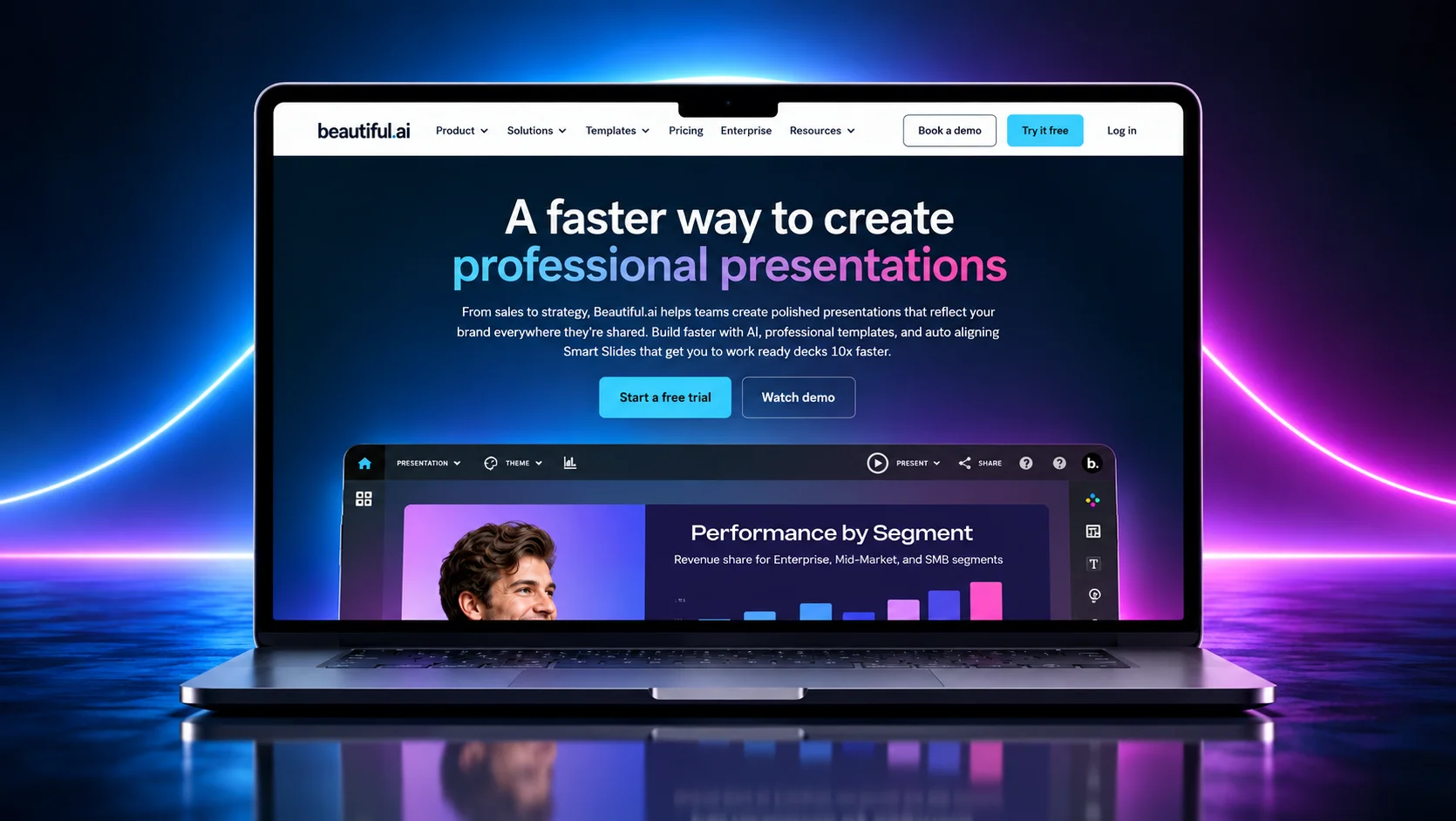
What the AI does: Beautiful.ai generates a first-draft deck from a prompt, but its real signature is design enforcement, its “Smart Slides” automatically adjust spacing, fonts, and layout as you add or change content, so it’s structurally hard to produce a messy slide. Its 2026 workflow drafts a text outline before building slides, so you approve the narrative first.
If brand consistency across a whole team matters more than raw speed, and you need a clean, editable PowerPoint export, Beautiful.ai is the more controlled choice of the two.
Best for: teams that need on-brand, design-consistent proposal decks with reliable PowerPoint export.
Signing and RFPs: the jobs next to the proposal
These last two aren’t proposal builders, but they handle two jobs that sit right beside the proposal, getting it signed, and answering formal RFPs. Both are genuinely AI-powered now.
7. DocuSign
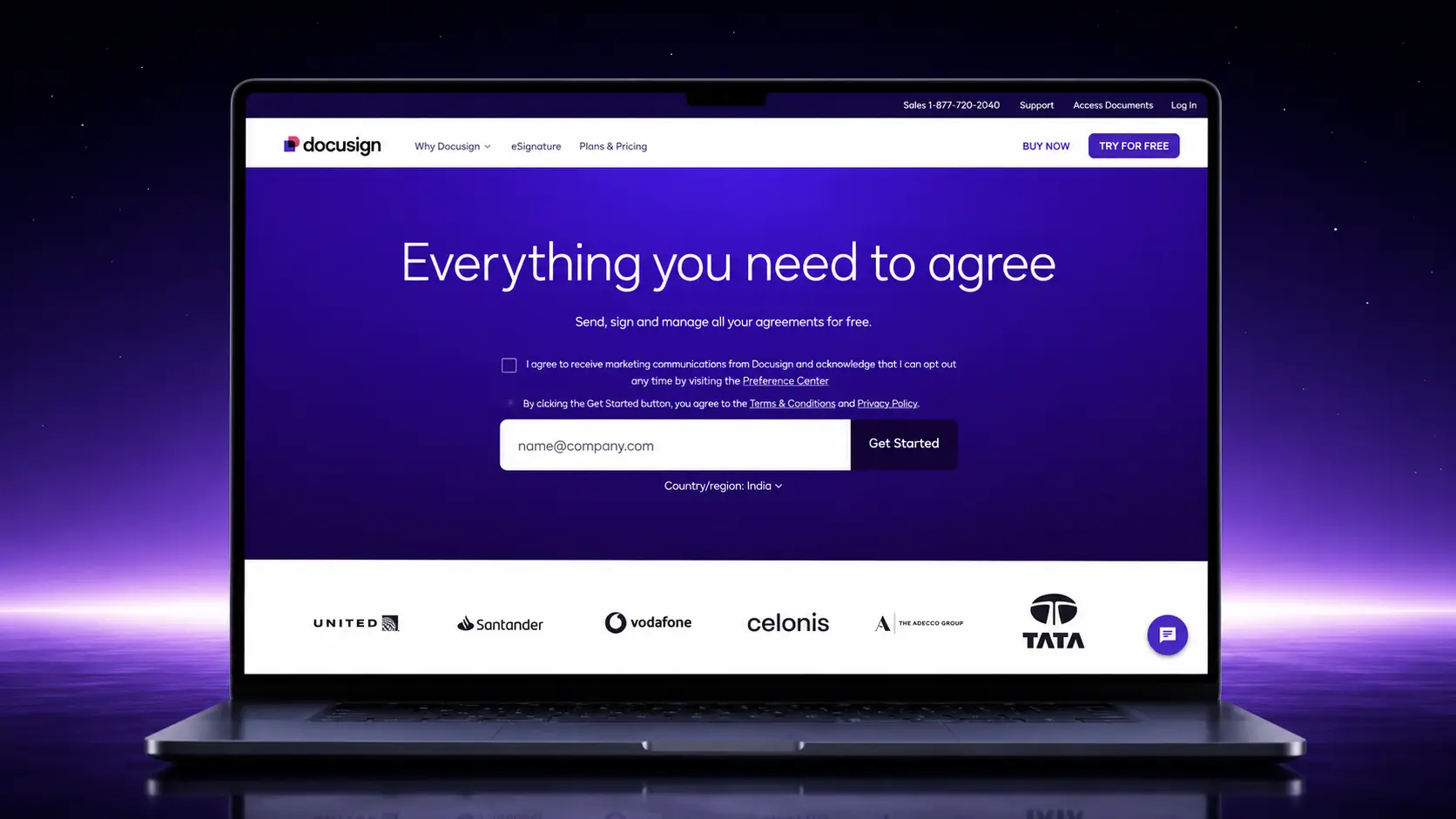
What the AI does: DocuSign is the most trusted name in e-signature, and in 2026 it’s genuinely AI-powered through its Iris engine. Iris automatically identifies and places signature and form fields where they belong, generates plain-language summaries of a document’s key terms so signers understand what they’re agreeing to, and offers natural-language Q&A so a signer can ask questions about the agreement. It also assists with contract review, flagging risky terms and suggesting language.
It’s not a proposal creation tool, and if your platform already includes e-signatures, you may not need it as a separate step. But if signing is a distinct part of your process and you want the most recognized name doing it, it earns its spot.
Best for: teams that want trusted, AI-assisted e-signature as a standalone step.
8. Responsive (formerly RFPIO)

What the AI does: Responsive is built for one specific, painful job, answering formal RFPs at scale. Its AI “shreds” an incoming RFP (parses a complex questionnaire and maps each question to your content), then its Writing Agent auto-answers questions by pulling from your governed library of past answers. Vendors and reviewers report it can auto-answer a large share of a questionnaire and produce a first draft in minutes. It also flags outdated or duplicate content. Notably, its own documentation requires human review to approve AI-recommended answers at each stage, so it’s AI-assisted, not fully autonomous.
This is a different job from an outbound sales proposal, an RFP is inbound and formal, so Responsive won’t fit most SMB sales teams. But for organizations that regularly respond to RFPs, it’s one of the most established tools in the category (see our guide to AI in RFP response management for the bigger picture).
Best for: teams that regularly respond to formal, high-volume RFPs.
How to choose
If you’re choosing the best proposal software for sales teams, the right tool depends entirely on where your process breaks down, and on what kind of AI help you actually want:
- You want the whole proposal drafted for you: Proposal.biz. It’s the only tool here that generates a complete, branded document from a prompt or URL, then tracks and signs it in the same place.
- You want AI assistance while you build, inside a big all-in-one platform: PandaDoc.
- The writing is your bottleneck: Jasper if you’re marketing-led and want brand-voice control, ChatGPT if you want flexible general-purpose drafting (see how to write a proposal using AI for a full workflow).
- Your proposal is a pitch deck: Gamma for speed, Beautiful.ai for design consistency.
- Signing is a separate step: DocuSign.
- You answer formal RFPs: Responsive.
Most teams end up combining two or three of these, a writer, a builder, and a way to sign. The tools that save the most time are the ones that fold those jobs together, which is the whole reason AI-first proposal software exists.
Frequently asked questions
What is the best AI tool for sales proposals?
It depends on where your process slows down and what kind of AI you want. If you want the entire proposal drafted from a prompt or your website, then tracked and signed in one place, Proposal.biz is built for exactly that. If the writing is your main struggle, an AI writer like Jasper or ChatGPT fits better. If your proposal is a deck, Gamma or Beautiful.ai.
Does PandaDoc’s AI write the whole proposal for me?
Not from a single prompt. PandaDoc’s built-in AI Document Assistant drafts and refines copy inside individual text blocks while you build the document, and it adds AI email drafts and data extraction. It also has an MCP server that lets external agents (like Claude Desktop) create and send documents via prompts, but that’s an outside agent connecting in, not PandaDoc generating a finished proposal on its own inside the app. If you want prompt-to-full-draft generation, that’s what tools like Proposal.biz are built for.
Are all “AI proposal software” tools actually AI-powered?
No, and that’s the catch with a lot of these lists. Some add a single AI button and call themselves AI-powered; some (“AI” CPQ tools, for instance) have minimal real AI at all. Every tool on this list has real, shipping AI, and we’ve spelled out exactly what each one’s AI does so you can judge for yourself.
What’s the difference between AI proposal software and an AI writing tool?
AI proposal software (like Proposal.biz or PandaDoc) builds, sends, tracks, and signs the actual document. An AI writing tool (like Jasper or ChatGPT) only produces words, you still need a document tool to assemble and send. Many teams use both.
Is there a free AI tool for sales proposals?
Yes. Proposal.biz has a free forever plan that includes AI document generation, not just a trial, and we compare the options in our guide to the best free AI proposal generator. ChatGPT has a free tier for drafting copy. Most of the other tools here run on paid plans or time-limited trials.
Can I use AI to respond to RFPs, not just proposals?
Yes, but it’s a different category. Outbound proposals and inbound RFP responses are different jobs. Responsive is built specifically to auto-answer formal, high-volume RFPs from a content library, which general proposal tools aren’t designed for.

Ronak Surti
 Dimple Maru
 Prabir Chaudhary
 Ronak Surti
![Curated List of Best Proposal Software Tools in 2025 [Strength and Weaknesses]](/_astro/proposal_softwaretools.DWLFJBFS_1kwJoK.webp)