
Table of Contents
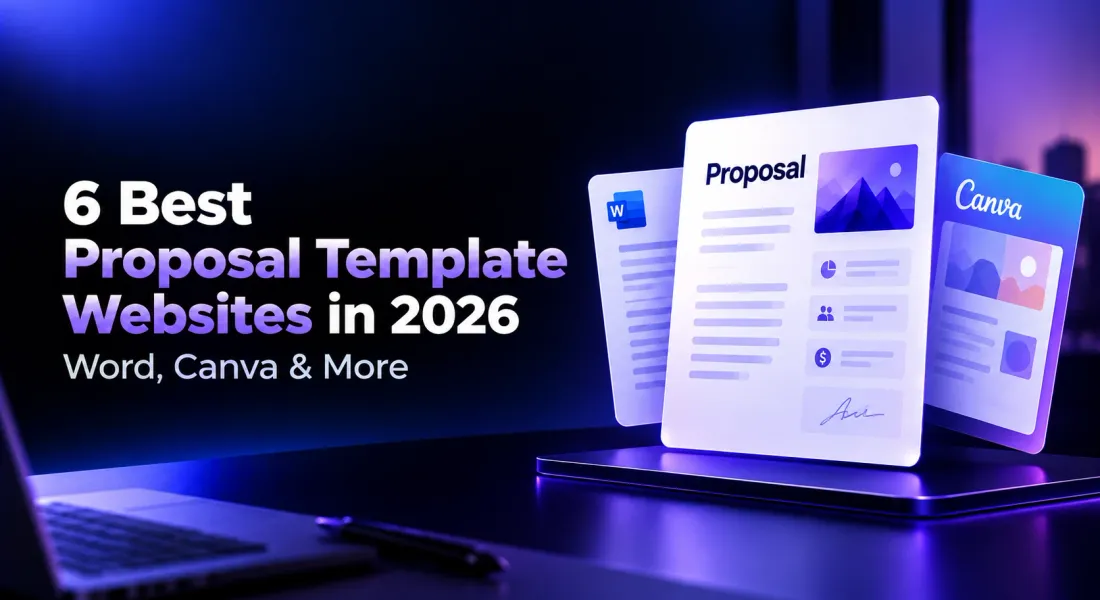
6 Best Proposal Template Websites in 2026: Word, Canva & More
Finding a proposal template is easy. Finding one that fits your business, looks professional, and doesn’t take hours to customize is where things get complicated.
You might download a Word template, spend time fixing its formatting, and then realize it doesn’t include a pricing section. Or you might find a beautiful Canva design, only to discover that sending it for signatures requires another tool.
The right starting point depends on what you need the proposal to do.
Some proposal template websites offer downloadable files you can edit in Word or Google Docs. Others focus on visual designs, while dedicated proposal platforms provide templates alongside tools for drafting, sending, tracking, and signing.
If you’re preparing a one-time proposal, a free downloadable template may be enough. But if your business regularly sends proposals to clients, a platform with built-in proposal creation tools may save you from repeating the same work.
In this guide, we’ll compare six websites for finding proposal templates, explain what each offers, and help you choose based on your workflow.
Where can you find the best proposal templates?
Before choosing a website, consider whether you want a downloadable document, a customizable design, or a complete proposal workflow.
Here’s a quick comparison of six options.
| Platform | Best for | Template format | Main advantage |
|---|---|---|---|
| Proposal.biz | Businesses creating and sending proposals regularly | Editable online proposals | AI drafting, branding, tracking, and e-signatures |
| Canva | Freelancers and agencies prioritizing visual design | Designed documents and presentations | Extensive visual customization |
| Microsoft Word | Professionals who prefer traditional documents | Editable Word documents | Familiar formatting and document control |
| Google Docs | Teams writing proposals collaboratively | Cloud-based documents | Real-time editing and comments |
| Template.net | People looking for downloadable templates across industries | Word, Google Docs, PDF, and other formats | Broad selection of ready-made layouts |
| PandaDoc | Sales teams managing proposals through signing | Editable proposal templates within a document platform | Document workflows and e-signatures |
The comparison is based on publicly documented capabilities, not a standardized hands-on test. Proposal.biz is our own product and is listed first. Template access, paid features, and download options may vary.
1. Proposal.biz: Best for creating, customizing, and sending proposals in one place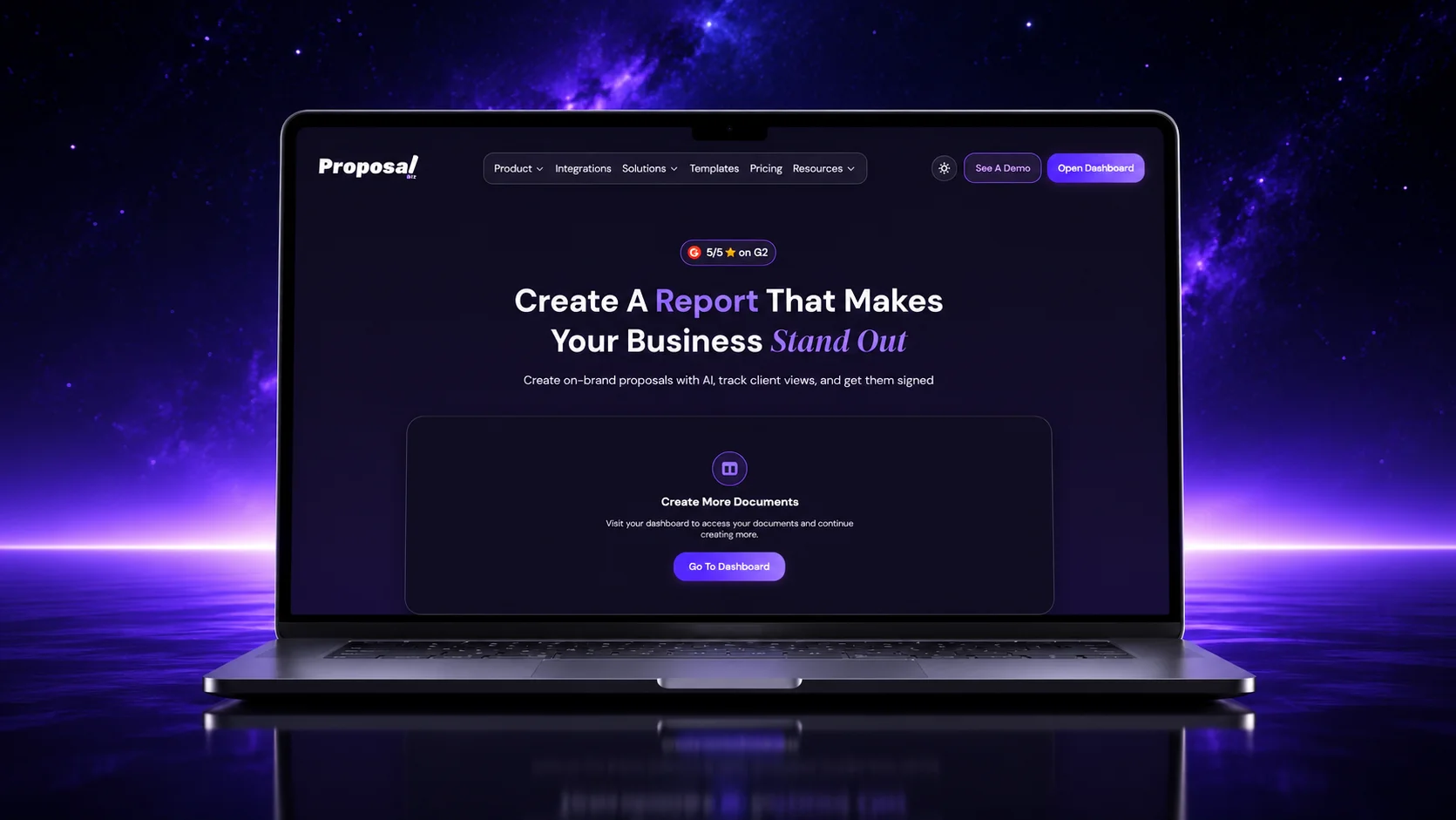
Proposal.biz is an AI-powered business document platform designed for businesses that want more than a downloadable proposal template.
Instead of downloading a template, filling it out, exporting it, and then moving to another tool to send it, Proposal.biz brings these steps into one workflow.
Its proposal template library includes ready-made layouts for business proposals, marketing proposals, sales documents, statements of work, and other professional documents.
You can select a template and customize it, or use AI to generate a proposal from your requirements.
What makes it different?
A traditional template provides a structure. You still need to fill in your company information, write the proposal, apply branding, and prepare it for the client.
Proposal.biz can simplify that work.
Start by entering your website URL. The platform extracts relevant business information, including your brand colors, logo, writing tone, services, and other available company content.
You can then choose a template or describe the document you need. The AI prepares a branded draft with sections such as an executive summary, scope of work, deliverables, timeline, and pricing.
With its AI document editing features, you can also ask the AI assistant to rewrite sections, adjust the tone, shorten lengthy paragraphs, or improve the structure without manually editing everything.
Key features
- Ready-made templates: Start with a professional layout instead of a blank document.
- Automatic branding: Extract brand information from your business website.
- AI-assisted drafting: Generate a proposal draft from a prompt or project requirements.
- Editable document blocks: Customize sections, images, layouts, and pricing tables.
- Reusable content: Access previously stored company details, service information, and case studies.
- Client sharing: Send proposals using a shareable link instead of relying only on PDF attachments.
- Document tracking: Monitor recipient engagement after sending.
- E-signatures: Let clients sign inside the shared document.
When should you use Proposal.biz?
Consider a software development agency preparing proposals for several clients every month.
Each proposal contains similar sections about the company, development methodology, team, and services. But the project scope, timeline, pricing, and deliverables change for every client.
Instead of copying an old proposal and manually replacing its contents, the team can generate a new draft using the stored company information and project-specific instructions.
The final document can then be edited, shared, tracked, and signed within the same platform.
Best suited for
Agencies, consultants, freelancers, founders, and sales teams that create client-facing proposals frequently and want to reduce repetitive drafting and document preparation.
What to consider: If you only need a basic downloadable Word document for a one-time task, a general document editor may be sufficient. Proposal.biz becomes more useful when proposal creation is part of an ongoing business workflow.
2. Canva: Best for visually appealing proposal templates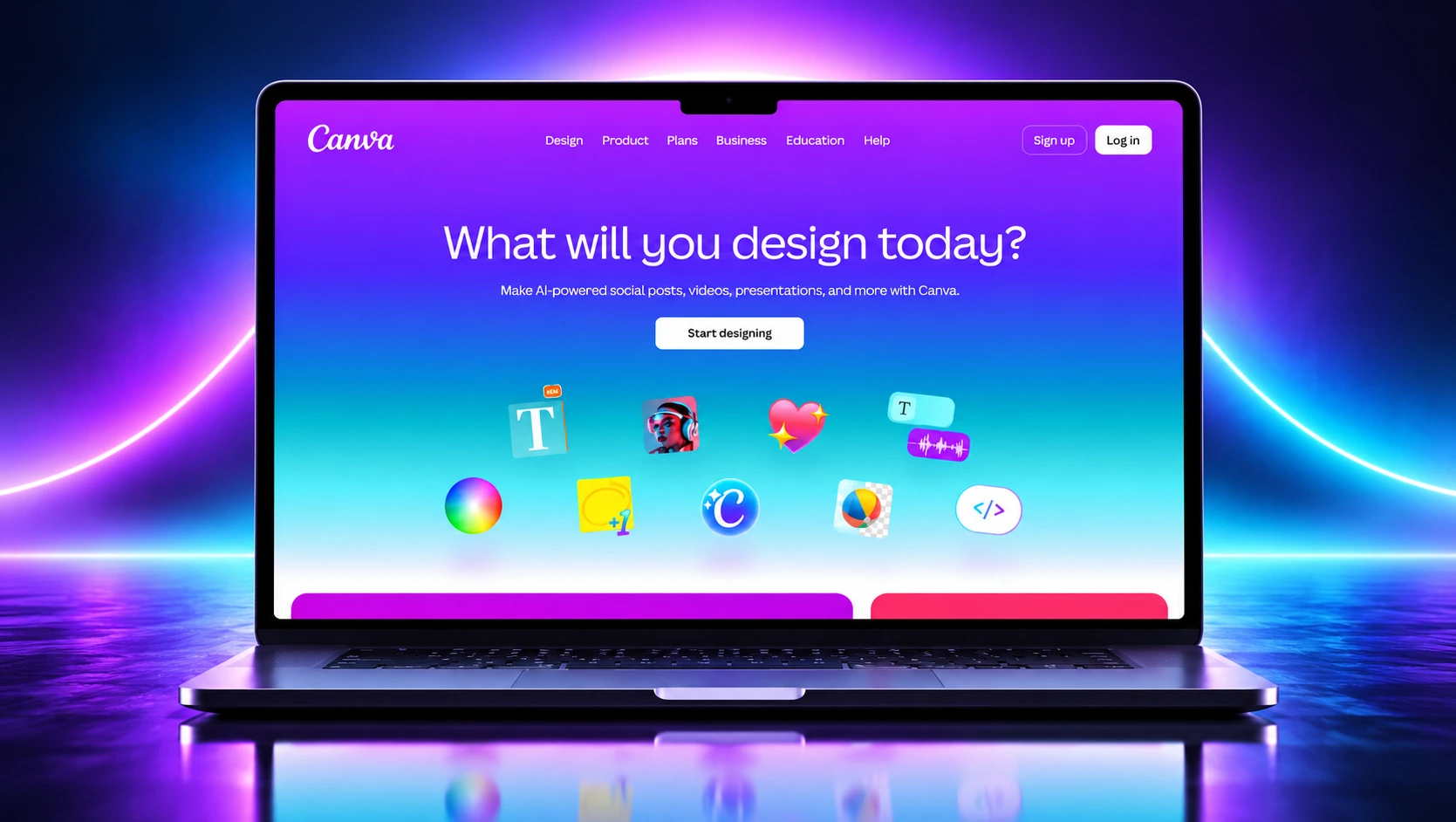
Canva is a popular option for creating visually polished business documents without professional design experience.
Its proposal template collection includes business, marketing, consulting, project, sponsorship, and other layouts.
Many templates use modern typography, photography, illustrations, and page designs that can be customized with Canva’s drag-and-drop editor.
What makes it useful?
Canva gives you extensive control over how a proposal looks.
You can replace colors, fonts, images, headings, and page layouts without having to build the design from scratch.
Its templates are particularly useful when visual presentation matters, such as creative agency pitches, branding projects, or marketing proposals.
Key features
- Customizable business and project proposal templates.
- Drag-and-drop editing for text, images, and design elements.
- Free templates alongside premium options.
- Brand styling tools, with availability depending on the plan.
- Team commenting and document sharing.
- PDF export and shareable viewing links.
- AI-assisted writing and design features.
When should you use Canva?
Imagine a branding agency preparing a creative proposal for a potential client.
The agency wants to show visual examples, design concepts, color palettes, and previous work alongside pricing and deliverables.
Canva makes it easier to present these details in a design-led document.
However, creating the proposal is only one part of the process. If you need a dedicated workflow for collecting client signatures, tracking individual proposal engagement, or managing proposal status, you may need additional software.
Best suited for: Creative agencies, designers, freelancers, and businesses that prioritize presentation and visual customization.
What to consider: Some templates and design features require paid access. A Canva design also isn’t automatically a complete proposal management workflow.
For detailed instructions on customizing and sending a Canva proposal, see our guide on how to make a proposal in Canva.
3. Microsoft Word: Best for traditional business proposal templates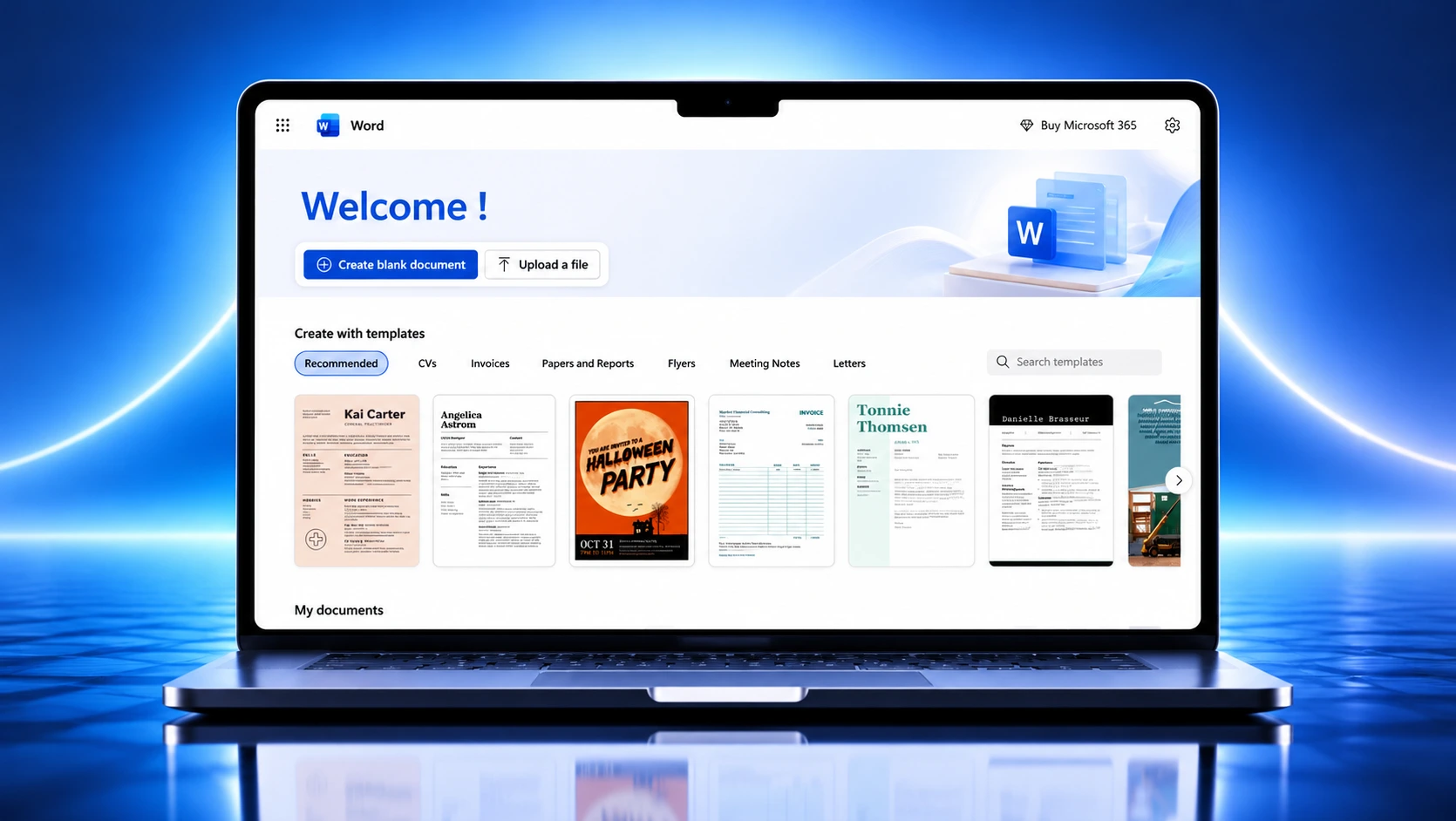
Microsoft Word remains a practical choice for professionals who prefer working with editable documents.
Microsoft’s online template collection includes business proposal layouts ranging from simple one-page proposals to more detailed business documents.
These templates provide familiar document structures with headings, paragraphs, tables, and other formatting elements.
What makes it useful?
Word is particularly suitable when a proposal requires substantial written detail.
For example, consulting proposals, technical proposals, and formal project documents often need carefully organized sections, detailed explanations, and consistent formatting.
Word also supports document comments, review tools, online collaboration, and reusable templates.
Key features
- Editable business proposal templates.
- Familiar document formatting and layout controls.
- Tables, headers, page numbers, and automatic tables of contents.
- Comments, tracked changes, and online co-authoring.
- Reusable Word templates.
- PDF export and document sharing.
- AI-assisted writing through Copilot, where available.
When should you use Microsoft Word?
Suppose you’re preparing a technical project proposal that includes a detailed scope of work, implementation methodology, project assumptions, and commercial terms.
A Word template provides a structured starting point, and you can expand the document as much as necessary.
You can also save a customized version as a reusable template for future projects.
Best suited for: Consultants, corporate teams, technical professionals, and businesses that regularly work with formal documents.
What to consider: Word can create and share proposals, but a traditional Word template does not automatically provide a dedicated sales proposal workflow with recipient engagement tracking and acceptance management.
One useful place to start is the cover. Our guide to business proposal cover pages explains which details to include and how to structure them.
4. Google Docs: Best for collaborative proposal writing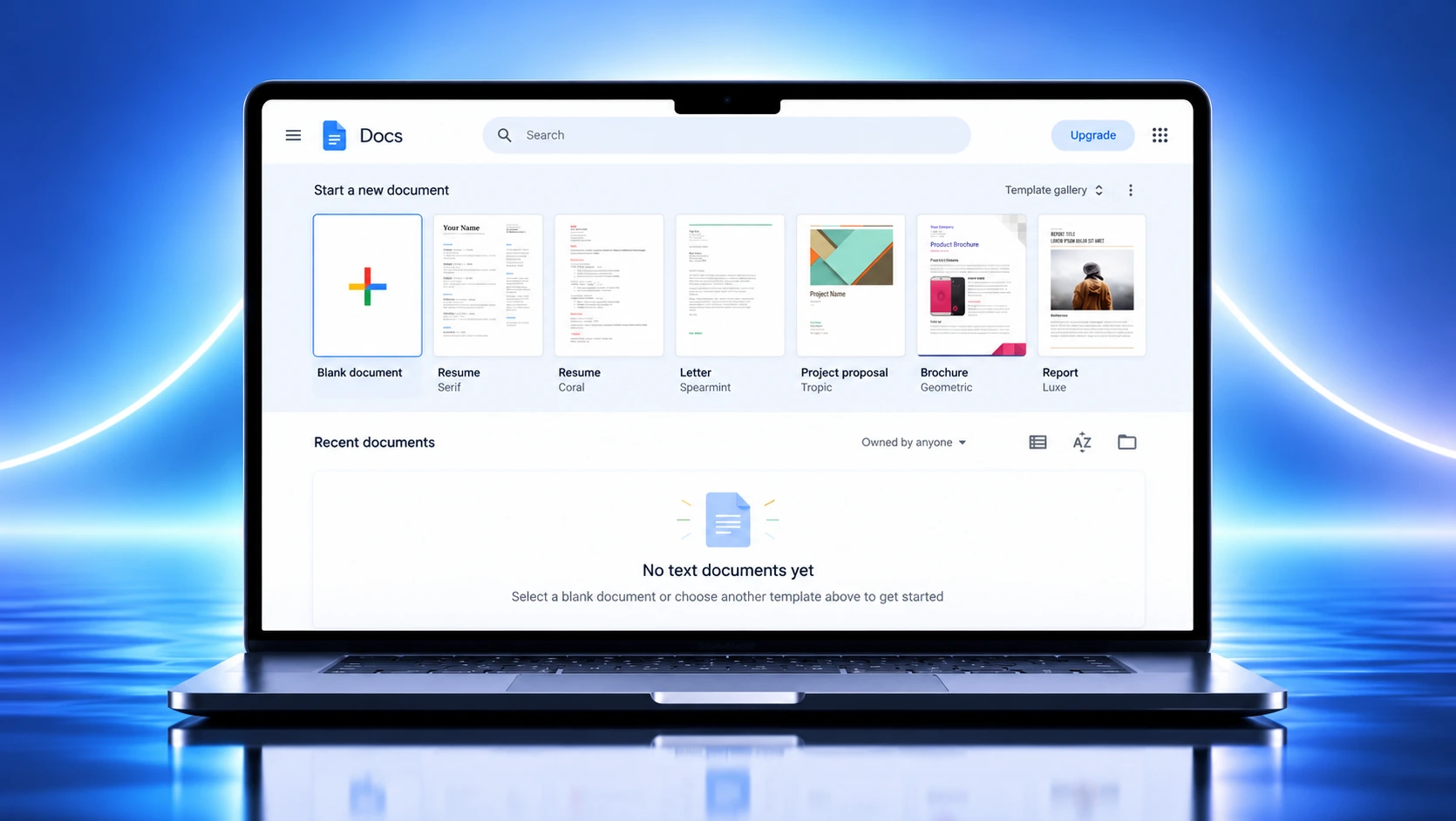
Google Docs is a practical option for teams that need to write, review, and update proposals together.
Its template gallery includes business document layouts, and users can also work with proposal templates created by third-party providers.
The main advantage is that everyone can contribute to one shared document without exchanging multiple attachments.
What makes it useful?
Imagine a consulting company preparing a proposal involving several contributors.
The account manager writes the introduction, the consultant adds the proposed methodology, and the finance team reviews the pricing.
Instead of sending different Word files back and forth, they can work in the same Google document.
Comments and suggested edits make it easier to review changes before the proposal is finalized.
Key features
- Cloud-based document creation and editing.
- Built-in and third-party document templates.
- Real-time collaboration.
- Comments and suggested edits.
- Version history.
- Sharing and access permissions.
- Export to formats such as Word and PDF.
- E-signature capabilities in eligible Google Workspace plans.
When should you use Google Docs?
Google Docs works well when the main challenge is getting several people to contribute to the same proposal.
It is particularly useful for content-heavy proposals that require internal discussion and revisions.
Best suited for: Small teams, consultants, remote teams, and businesses already using Google Workspace.
What to consider: Google Docs offers strong general document collaboration, but proposal-specific features such as recipient engagement analytics and sales workflow management generally require other tools or integrations.
If your team is producing proposals regularly, it is worth comparing document collaboration with the broader workflow described in our proposal management software guide.
5. Template.net: Best for downloadable proposal templates across industries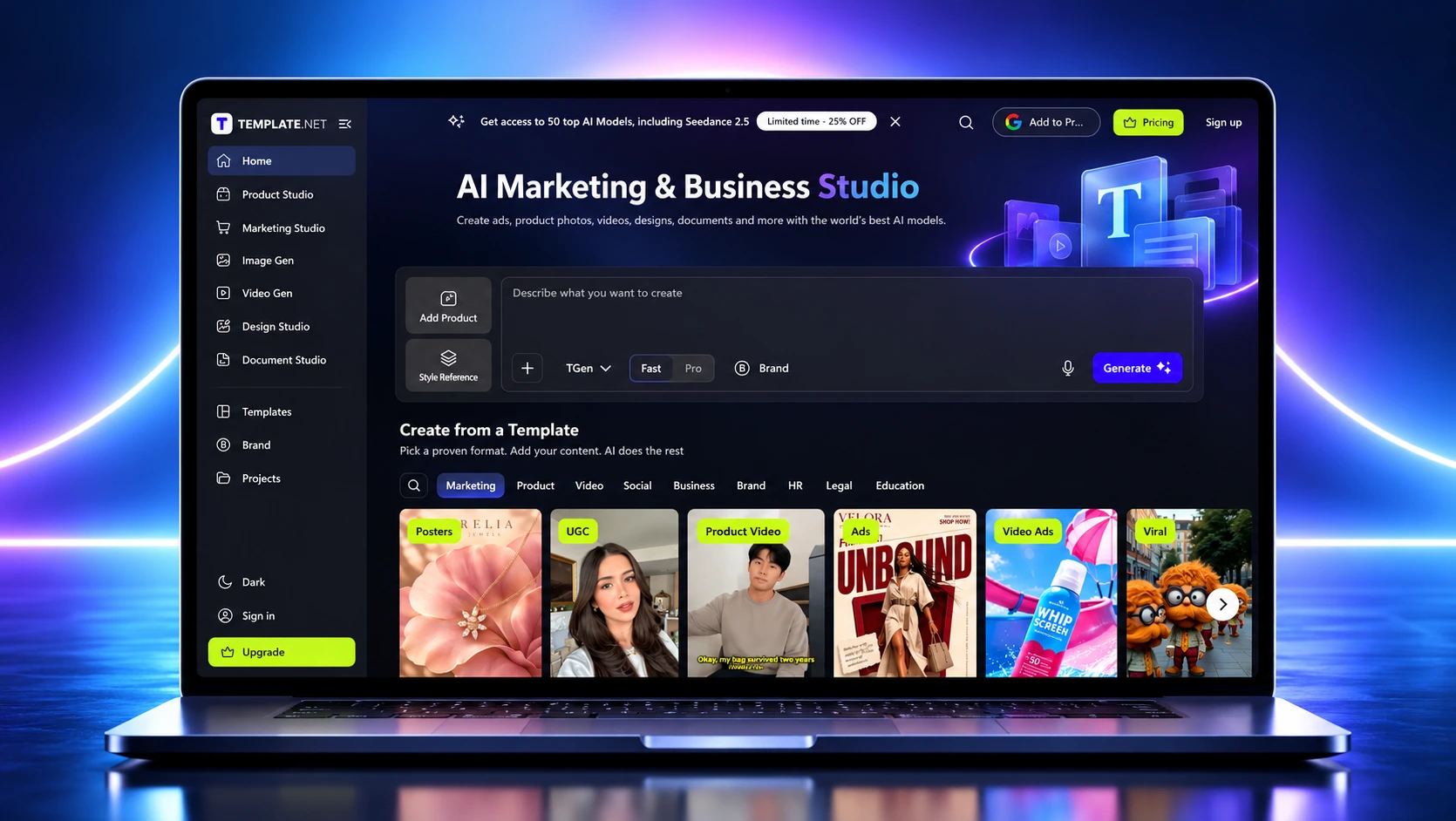
Template.net is a dedicated template website offering documents for business, marketing, operations, administration, and other professional uses.
Its collection includes proposal-related layouts such as project proposals, business proposals, investment proposals, service proposals, and sponsorship proposals.
Many templates are offered in formats compatible with Microsoft Word, Google Docs, or other document editors.
What makes it useful?
Template.net is useful when you already know the type of document you need and want a ready-made format.
For example, someone preparing an event sponsorship proposal may prefer to find a relevant template rather than adapt a general business proposal.
The website provides a broad selection of layouts across different business requirements.
Key features
- Proposal templates for different industries and purposes.
- Multiple supported document formats.
- Editable layouts and placeholder content.
- Options for simple and detailed proposals.
- Templates for business documents beyond proposals.
When should you use Template.net?
Suppose you’re preparing a business partnership proposal and need a starting structure.
You can search for a relevant template, choose a compatible format, and customize the document in your preferred editor.
This can save time compared with designing the proposal layout yourself.
Best suited for: Students, professionals, administrative teams, freelancers, and businesses looking for specific downloadable document formats.
What to consider: Check the download format, licensing terms, and whether a selected template is free or requires a subscription. After downloading, you are generally responsible for completing the proposal and managing the sending and signing process.
6. PandaDoc: Best for proposal templates with sales document workflows
.webp)
PandaDoc is a document automation platform that combines business document templates with editing, sharing, and electronic signature features.
Unlike traditional template websites that primarily provide downloadable files, PandaDoc supports the workflow surrounding the proposal after it has been created.
Its template library covers various business and sales documents, including proposals, quotes, agreements, and contracts.
What makes it useful?
PandaDoc can help teams reuse proposal formats while maintaining control over how documents are prepared and delivered.
Instead of manually creating a new document each time, teams can start from a reusable template and customize it for the current opportunity.
After preparing the proposal, they can send it to the client and manage the signature process within the platform.
Key features
- Reusable business and sales document templates.
- Drag-and-drop document editing.
- Custom branding and content personalization.
- Internal collaboration and document comments.
- Document sharing and recipient activity tracking.
- E-signatures.
- Approval features on supported plans.
When should you use PandaDoc?
Consider a sales team preparing proposals for several prospective customers.
The proposals have a similar structure, but pricing, client details, deliverables, and terms may vary.
A reusable template helps the team maintain consistency while customizing each document for the opportunity.
Best suited for: Sales teams and businesses that need proposal templates connected to document workflows, reviews, and signatures.
What to consider: Feature availability varies by subscription. Before choosing PandaDoc, verify the plan requirements for template volume, advanced editing, approval workflows, and other features your team needs.
Free proposal template websites vs. proposal software: Which should you choose?
Not every proposal requires a dedicated platform.
If you prepare only a few proposals each year, a free template website may give you everything you need.
But if proposals are an important part of your sales process, it is worth considering the work that happens after the document is written.
Here’s how the two approaches compare.
| Requirement | Downloadable template websites | Dedicated proposal platforms |
|---|---|---|
| Getting started | Download or open a template | Select a built-in template or generate a draft |
| Editing | Usually in Word, Docs, or a design editor | Inside the proposal platform |
| Branding | Often applied manually | May support stored or automated branding |
| Reusing content | Duplicate documents or maintain master copies | May include shared content libraries |
| Sharing | PDF, attachment, or document link | Proposal-specific sharing links |
| Tracking | Depends on the document editor and integrations | Often includes recipient engagement tracking |
| E-signatures | May require additional tools or eligible subscription features | Often integrated into the proposal workflow |
| Best fit | Occasional proposals | Repeated client-facing proposals |
A downloadable template is a good starting point. Dedicated software becomes useful when preparing, reviewing, sending, and managing proposals begins taking significant time.
How to choose the right proposal template website
Instead of choosing a template website based only on appearance, consider how you plan to use the final proposal.
1. Start with the type of proposal
A marketing proposal, software development proposal, investment proposal, and consulting proposal don’t all need the same structure.
Look for a template that matches your requirements.
For example, a project proposal should provide space for deliverables, milestones, timelines, pricing, and responsibilities.
A sponsorship proposal may need sections for audience reach, sponsorship packages, benefits, and promotional opportunities.
Choose a template that covers most of your required sections before making design changes.
2. Check how much customization is possible
A template should be easy to adapt without damaging its layout.
Check whether you can:
- Add and remove sections.
- Change fonts, colors, and logos.
- Update pricing tables.
- Insert images or case studies.
- Reorganize pages.
- Save the customized design for reuse.
A visually attractive template loses its value if every small change requires extensive formatting work.
3. Consider how often you’ll reuse it
If you’re sending one proposal, a downloadable document may be enough.
But if you’re preparing proposals every week, copying and editing old files can become repetitive.
In that situation, consider whether the platform supports reusable content, shared brand settings, client-specific customization, and AI-assisted drafting.
If you’re exploring AI for this work, our guide on how to write a proposal using AI explains how to turn project details into a usable draft and review it before sending.
4. Check what happens after the proposal is ready
This is one of the most overlooked considerations when selecting online proposal templates.
Ask yourself:
- Will the client receive a PDF or a link?
- Can I update the proposal after sending it?
- Can the client leave feedback?
- Will I know when the document is opened?
- Can the client sign without switching to another platform?
For businesses that frequently send client-facing proposals, features such as built-in electronic signatures can eliminate an additional step in the process.
5. Compare the total cost, not just the template price
A free template isn’t necessarily a free workflow.
You may still need separate tools for editing, storing documents, collecting signatures, or tracking client responses.
On the other hand, purchasing an entire proposal platform may be unnecessary if you only create a document occasionally.
Consider how many proposals you prepare, which tools you already use, and how much manual work you want to eliminate.
What should a good business proposal template include?
Regardless of where you find it, a business proposal template should help you explain the client’s problem, your proposed solution, and the next steps.
A practical proposal structure includes:
| Section | What to include |
|---|---|
| Cover page | Proposal title, client name, company name, and date |
| Executive summary | Brief explanation of the client’s problem and proposed solution |
| Project scope | Work included, exclusions, and responsibilities |
| Deliverables | What the client will receive |
| Timeline | Project phases, milestones, and expected dates |
| Pricing | Fees, packages, payment terms, and assumptions |
| About the company | Relevant experience, case studies, and credentials |
| Terms and next steps | Proposal validity, acceptance process, and required actions |
Not every proposal needs all these sections.
A one-page freelance proposal may only need the objective, deliverables, price, timeline, and acceptance details. A larger project may require additional pages covering methodology, risks, implementation, and contractual terms.
You can also explore how these sections work together using Proposal.biz’s proposal creation solution.
The important thing is to choose a template based on what the client needs to evaluate, not simply how many pages or design elements it contains.
Common mistakes when using proposal templates
Even the best proposal template websites can’t guarantee a good final document. The template only provides the starting point.
A few mistakes can make an otherwise professional proposal less effective.
Choosing appearance over structure. A beautiful proposal is not useful if the reader cannot find the scope, deliverables, or pricing.
Leaving placeholder information unchanged. Old client names, sample prices, generic descriptions, and unfinished sections make the proposal look rushed.
Using the same content for every client. A reusable template should maintain the structure, not turn every proposal into an identical sales pitch.
Ignoring the review process. Prices, deadlines, project responsibilities, and contractual commitments should be verified before sending.
Forgetting the acceptance step. A proposal should clearly tell the client what happens next, whether that’s signing, providing feedback, or scheduling a discussion.
A good template makes the document easier to prepare. The quality still depends on how accurately and clearly you tailor it to the client.
Frequently asked questions
What are the best websites for proposal templates?
Proposal.biz, Canva, Microsoft Word, Google Docs, Template.net, and PandaDoc are useful options for different needs. Canva suits visual proposals, Word and Google Docs suit editable documents, Template.net offers downloadable layouts, and Proposal.biz and PandaDoc support broader proposal workflows.
Where can I find free proposal templates?
You can find free proposal templates through Canva, Microsoft Word’s template collection, Google Docs, and various dedicated template websites. Free access may depend on the specific template and account plan. Check download permissions and premium restrictions before choosing.
Can I download business proposal templates in Word format?
Yes. Microsoft Word provides editable business proposal templates, and websites such as Template.net also offer proposal designs in Word-compatible formats. Check the available format before downloading, as not every template supports every editor.
Is Canva or Microsoft Word better for business proposals?
Canva is a better fit when visual design, images, and presentation are the priority. Microsoft Word is often more convenient for detailed, text-heavy proposals that require formal formatting, tables, and structured sections. The right choice depends on the content and the final document format.
Are online proposal templates better than downloadable templates?
Not necessarily. Downloadable templates work well for occasional documents and provide flexibility to edit files independently. Online proposal platforms are more useful when you need repeated customization, team collaboration, document tracking, or electronic signatures as part of the workflow.
Can I use the same proposal template for multiple clients?
Yes. Reusing a structure can save time and maintain consistency. However, you should update the client’s name, business needs, proposed solution, deliverables, pricing, and timeline for each opportunity. Avoid sending proposals with generic or outdated information.
What is the difference between a proposal template website and proposal software?
A proposal template website primarily helps you find a ready-made document structure or design. Proposal software can also help generate content, maintain reusable information, collaborate with teammates, send documents, monitor engagement, and collect signatures. Some platforms provide both templates and software features.
Which proposal template website is best for a small business?
For occasional proposals, Canva, Word, or Google Docs may be sufficient. For a small business that regularly sends client proposals and wants AI drafting, reusable content, tracking, and e-signatures, Proposal.biz is worth evaluating. Compare the workflow requirements before choosing.
Final thoughts
The best proposal template website isn’t necessarily the one with the most templates. It’s the one that helps you prepare a clear, professional proposal without unnecessary work.
Canva works well for visually appealing proposals. Microsoft Word and Google Docs are practical choices for traditional documents and collaborative writing. Template.net provides downloadable layouts, while PandaDoc supports proposal and document workflows.
If you regularly create proposals for clients, consider whether a template alone is enough.
Proposal.biz combines ready-made templates with AI-assisted drafting, automatic branding, document editing, sharing, tracking, and e-signatures, so you can manage more of the proposal process in one place.

Dimple Maru

 Dimple Maru
 Prabir Chaudhary
 Ronak Surti