
Table of Contents
Proposal Automation Software: 5 Tools To Write Proposals Faster (2027)
Proposals take time that should go to client work. You dig up an old file, swap the names, fix the layout, chase feedback over email, export a PDF, and then wonder if anyone opened it.
Proposal automation software takes most of that off your plate. It drafts the first version, keeps your content and branding consistent, lets your team review in one place, and shows you what happens after you send.
This guide compares five tools that help you write proposals faster: Proposal.biz, PandaDoc, Proposify, Qwilr and Storydoc. We put Proposal.biz first because it is our product and it is built around one job: getting from a brief to a finished proposal with the least manual editing. We also say where the other four fit better.
What is proposal automation software?
Proposal automation software is a tool that handles the repeat work in a proposal: writing the first draft, filling in client details, applying your brand, routing feedback, sending the document and tracking what the client does with it.
It is different from a basic template library. A template gives you a starting file. Automation gives you a starting file that already knows your offer, your past work and your client, and it stays connected after the file leaves your hands.
Most tools cover five stages of the same workflow:
- Draft. Turn a brief, notes or a link into a first version.
- Edit and collaborate. Change wording, add comments and bring teammates in.
- Check accuracy and consistency. Keep names, prices, branding and wording correct and uniform.
- Send and track. Share by link and see opens, time on page and shares.
- Sign. Collect the client’s signature without leaving the document.
No single tool is strongest at all five. The rest of this guide shows where each one is strongest, so you can pick for your own bottleneck. If you want the wider software landscape, see our proposal management software guide and our longer list of proposal software tools.
Proposal automation software compared
| Tool | Best for | How it speeds up drafting | E-signature | Way to start |
|---|---|---|---|---|
| Proposal.biz | Founders, consultants and agencies who start from notes | AI drafts from notes, a file or a link; you refine by asking | Built in | Free plan, no card |
| PandaDoc | Sales teams with approvals and pricing tables | Templates, drag-and-drop editor, content library | Included | Free plan, 14-day trial |
| Proposify | Teams that want locked, on-brand templates | Templates, content library, CRM data fill | Online signatures | Free trial |
| Qwilr | Interactive web-page proposals | AI Creator builds a template from your website URL | E-sign and payments | 14-day trial |
| Storydoc | Design-led decks and personalized outreach | AI creation, dynamic fields from CRM data | Signatures and payments | 14-day trial |
5 best proposal automation software tools to write proposals faster
1. Proposal.biz: best for going from a brief to a finished proposal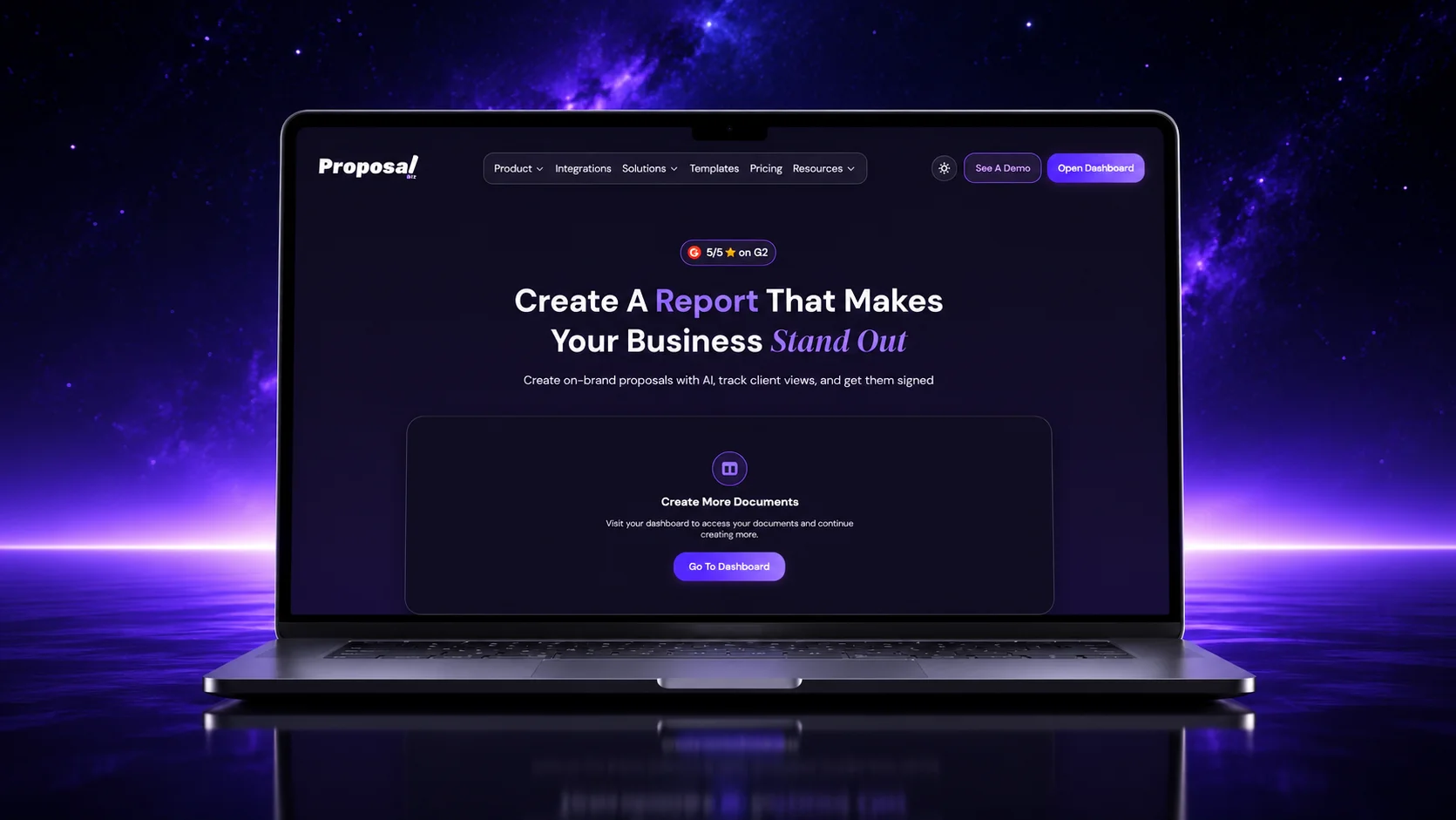
Proposal.biz is built for the slowest part of the job: the first draft and the edits that follow. You give it your notes, a file or a link, and the AI writes a draft you can review. You do not start from a blank page or copy an old proposal and clean it up.
After that, you edit by asking. Tell the AI agent to shorten the scope, change the tone or restyle a section, then accept or reject each change. You stay in control of every word, price and image.
What helps most on speed
- Draft from notes, a file or a link, or import an existing PDF, Word, Excel or PowerPoint file and rebuild it as a proposal.
- Content Master stores your offers, case studies and past proposals, so the AI pulls relevant work into each new draft instead of you re-adding it.
- Your logo, colors and fonts apply to every document, which keeps proposals consistent across the team.
- A readiness score with tips points out missing or unclear details before you send.
- You can output the same content as a document, a presentation or a web page.
After you send: share by link, see when the client opens it, which pages they read and when it is passed on, collect feedback from teammates, and collect the client’s signature in the same place. It connects to HubSpot, Zoho, Google Drive and Slack.
“Proposal.biz’s AI uses our existing content to generate a relevant first draft. It keeps our documents consistent and frees our team to focus on client strategy, not repetitive editing.” Doyle Albee, Co-Founder, Prolexity
Where it is not the best fit: if you need formal approval chains or complex quote configuration, PandaDoc or Proposify are better matches. Proposal.biz is aimed at small teams, consultants and agencies where one person usually owns the proposal.
2. PandaDoc: best for sales teams that need approvals and pricing tables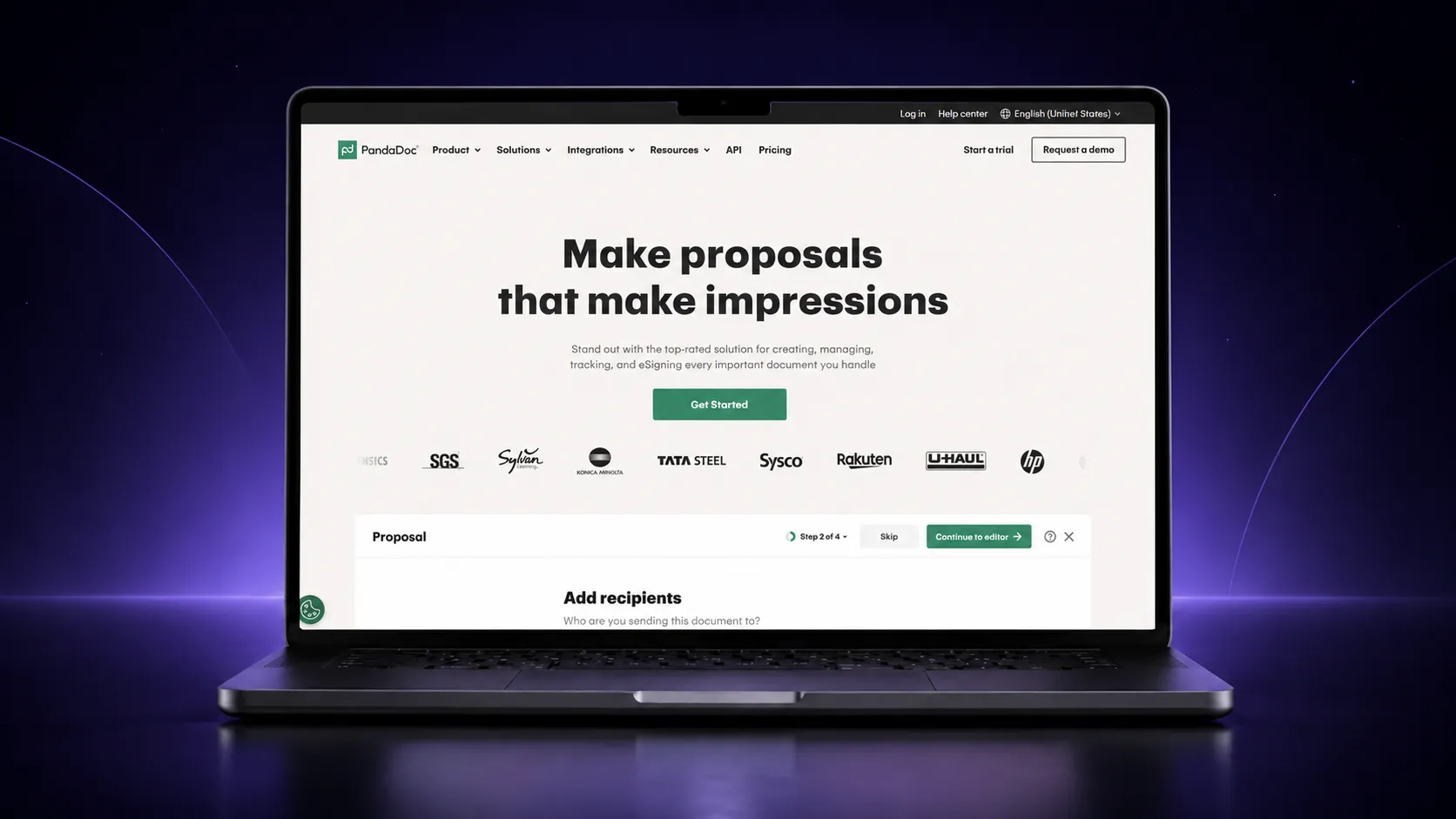
PandaDoc is a broad document platform. Its proposal side combines a drag-and-drop editor, a template library, reusable content blocks, interactive pricing tables and approval workflows. Reps can adjust quantities before sending, and with the right permissions, clients can pick quantities or packages themselves.
What helps most on speed and accuracy
- Save finished documents as templates and keep approved content in a content library, with locked sections so reps cannot edit approved wording.
- Two-way integrations with HubSpot, Salesforce and Pipedrive fill in client data automatically, which cuts retyping errors.
- Approval workflows route a document to the right person before it goes out.
- It notifies you when a document is opened, viewed or signed, and shows where viewers spend time.
Where it is not the best fit: it is a bigger system, so setup takes longer than a lightweight tool. PandaDoc’s own page places sales proposals on its Business plan, with a free plan aimed at lighter e-signature needs.
3. Proposify: best for teams that want locked, on-brand templates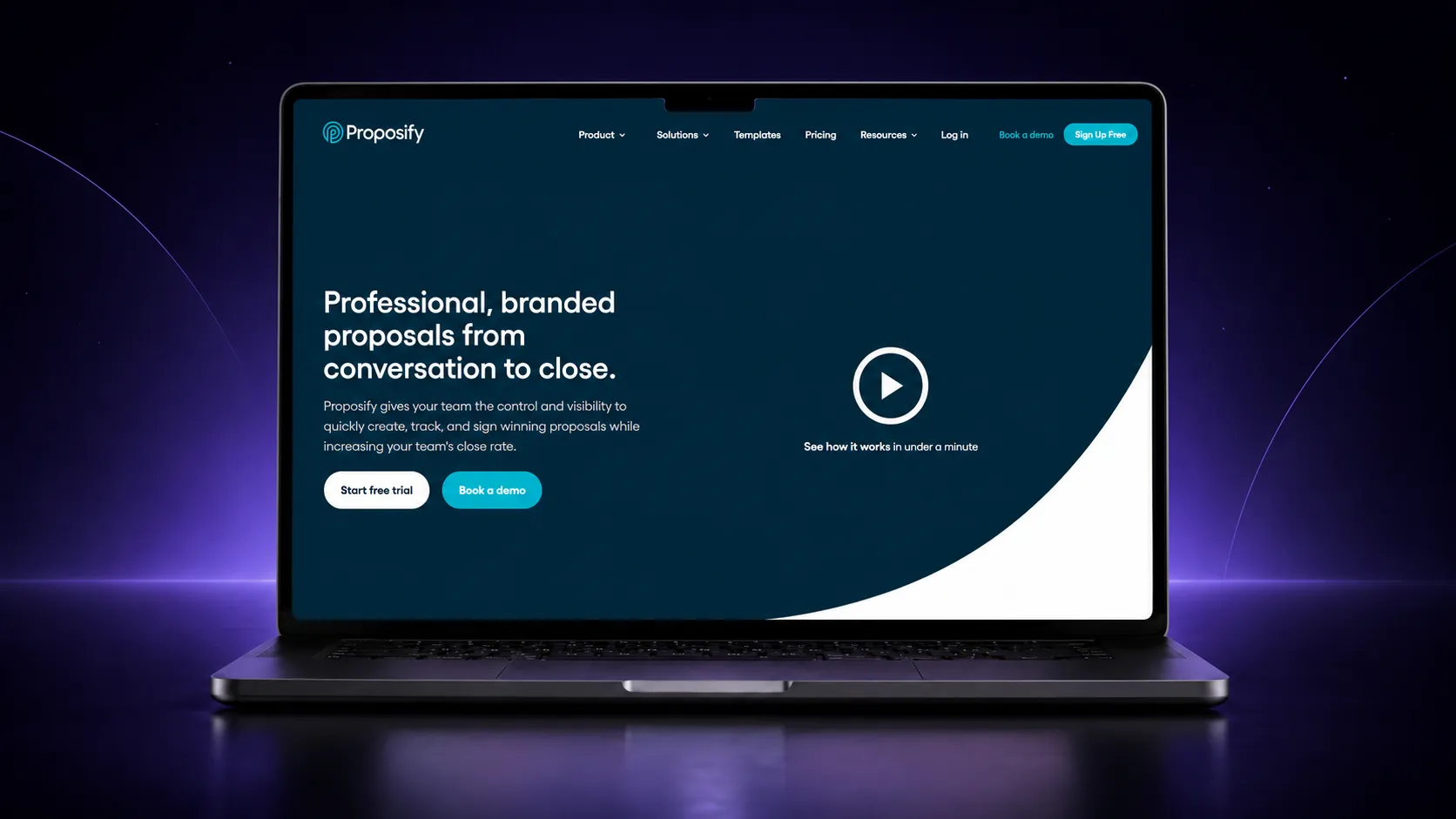
Proposify centers on template control. You build branded templates in a drag-and-drop editor, store sections and images in a content library, and let reps assemble proposals from approved pieces. Proposify also offers a professional design service if you would rather not build the template yourself.
What helps most on speed and accuracy
- Reusable templates and a shared content library mean reps pull approved sections instead of rewriting them.
- It pulls data from your CRM and lets you lock key proposal elements so reps cannot change them.
- Notifications and metrics show when prospects view a document and how long they spend on each section.
- Integrations cover HubSpot, Salesforce, Zoho, Pipedrive and Zapier, and a workflow builder handles automations.
Where it is not the best fit: collaborator seats are limited by plan (Proposify’s pricing table lists 1, 3 and 5 included on its three plans), and the Salesforce integration is a paid add-on on the Business plan as of 29 October 2026. Check the current page before you commit.
4. Qwilr: best for interactive web-page proposals
Qwilr turns a proposal into a live web page instead of a file. Because the page is a link, you can edit it after sending and the client always sees the latest version. Its AI Creator can turn your website URL into a ready-to-use proposal template.
What helps most on speed and accuracy
- Templates and AI Creator give you a starting layout in minutes.
- E-sign and payments sit inside the proposal, so a client can accept and pay in one place.
- Real-time notifications tell you when someone opens or revisits a page.
- CRM connections (HubSpot, Salesforce, Zoho, Pipedrive and QuickBooks) automate proposal creation and the admin after a deal closes.
Where it is not the best fit: the page-based format suits visual, link-first selling. If your clients expect long document-style proposals or statements of work, check that the layout works for you in the free trial.
5. Storydoc: best for design-led decks and personalized outreach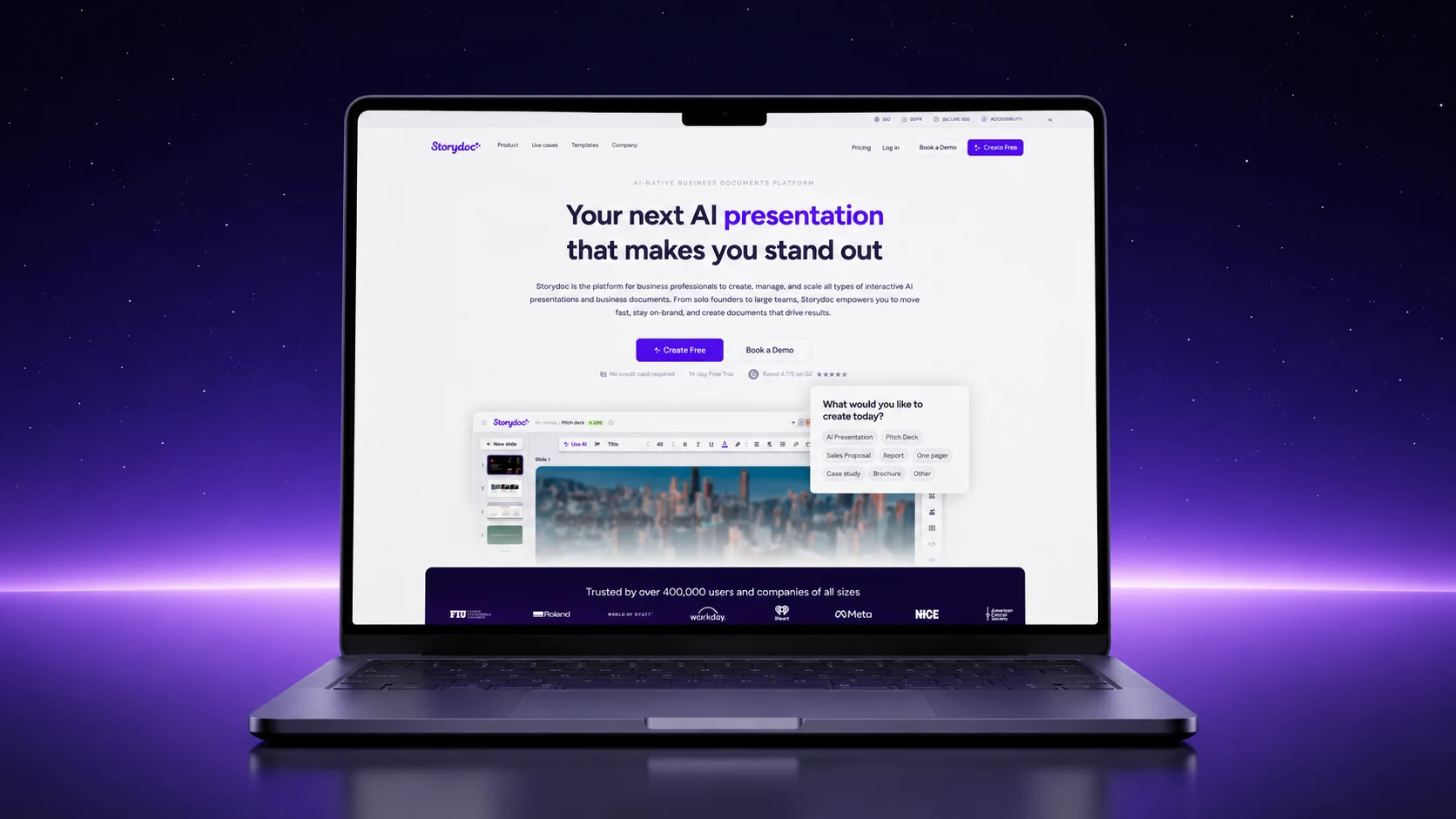
Storydoc is closer to a presentation tool than a document editor, which is its strength. You pick an interactive template or let AI build a first draft, edit it in a no-code editor and share it as a trackable link. It supports calendar links, videos, buttons and forms inside the document.
What helps most on speed and collaboration
- AI creation produces a structured first draft, and a no-code editor handles the rest.
- Dynamic fields and live CRM data let you personalize documents for many prospects without rebuilding each one.
- Analytics show opens, clicks and scrolls, so you can see what readers skip.
- Team collaboration, centralized document management and brand control keep decks consistent. Storydoc lists ISO 27001 certification and SSO on its site.
Where it is not the best fit: it is strongest for decks and visual proposals. If your main need is a detailed scope-and-pricing document with approvals, look at PandaDoc or Proposify first.
Tool stack by workflow stage: tools for a full proposal workflow
You do not need all five tools. Most teams pick one platform and use its strongest stages. This table shows which tool leads at each stage, based on what each vendor lists on its own site.
| Stage | What to look for | Tools that cover it well |
|---|---|---|
| 1. Draft | A first version from notes, files or links, plus reusable templates | Proposal.biz (notes, file or link), Qwilr (AI Creator from your website URL), Storydoc (AI creation) |
| 2. Edit and collaborate | Easy rewrites, comments, teammates in the same document | Proposal.biz (edit by asking the AI agent, team feedback), Storydoc (team collaboration), Proposify (collaborator seats) |
| 3. Check accuracy and consistency | Locked content, a content library, CRM data fill, a pre-send check | PandaDoc (locked content library, CRM fill), Proposify (locked elements, CRM data), Proposal.biz (Content Master, brand settings, readiness score) |
| 4. Send and track | Link sharing, opens, time on page, forwards | All five |
| 5. Sign and collect payment | Signature inside the document | All five offer signing. PandaDoc, Qwilr and Storydoc also list payments. |
Pick by your bottleneck
- Drafting takes the longest: start with Proposal.biz or Qwilr.
- Reps keep changing wording or prices: look at PandaDoc or Proposify.
- You sell on a visual, link-first experience: look at Qwilr or Storydoc.
- One person writes every proposal: Proposal.biz keeps drafting, editing, sending and signing in one place.
Why proposal teams look for automation now
AI has changed what is normal. Clients expect a fast, tailored response, and a team that spends days on formatting and rewrites loses time it could spend on the client. Automation is how small teams keep up without working later.
Tools to improve proposal speed and collaboration
Most of the time in a proposal goes to editing, not writing. You look for old content, reformat it, rewrite it for the new client and wait for feedback. Automation removes the blank page and the version chasing. When one brief produces a full draft and you change it by giving instructions, a long section-by-section edit becomes a review pass.
Tools to improve proposal accuracy and consistency
Small mistakes cost trust: a wrong client name, an old price, a logo from last year’s template. A shared content library, locked sections, CRM data fill, brand settings and a pre-send check all reduce these errors because the right content is reused, not retyped.
Tools for collaborative proposal development
Feedback that lives in email threads creates three versions and no clear owner. A tool that keeps comments, edits and the final file in one place gives everyone the same live version.
What you get back
The time you save goes to the work that wins deals: discovery calls, better scoping and following up when a client opens your proposal.
One caution. An AI draft is a starting point. Read the scope, prices and any claims before you send, and keep a human owner for every proposal.
How to choose the right tool
Ask five questions before you start a trial:
- Where do you lose the most time? Drafting, editing, review or follow-up. Pick the tool that is strongest at that stage.
- Who touches the proposal? One person, a small team or a sales org with managers. This decides how much control and approval you need.
- What do you already use? Check that the tool connects to your CRM, storage and chat.
- How does your client read proposals? As a document, a deck or a web page.
- Can you test it on a real proposal? Run one live proposal in a free plan or trial before you commit.
Proposal automation software FAQs
What is proposal automation software?
It is software that automates the repeat work in a proposal: drafting, applying your brand and content, collecting feedback, sending, tracking and signing. It replaces the copy, paste and reformat routine with a draft that is ready to review.
What are the best tools to write proposals faster?
Proposal.biz, PandaDoc, Proposify, Qwilr and Storydoc are five good options. Proposal.biz suits people who want to go from notes to a draft and edit by instruction. PandaDoc and Proposify suit teams that need locked content and approvals. Qwilr and Storydoc suit visual, link-first selling.
Can proposal automation software improve accuracy and consistency?
It can reduce common errors because the right content is reused instead of retyped. Content libraries, locked sections, CRM data fill, brand settings and a pre-send check all help. It does not replace a human read of the scope and prices.
Is there a free proposal automation tool?
Proposal.biz has a free plan with no credit card needed. PandaDoc lists a free plan for lighter e-signature needs, and Proposify, Qwilr and Storydoc offer free trials. Plans change, so check each vendor’s page.
Do I need a CRM to use proposal automation software?
No. You can write, send and track proposals without one. A CRM connection helps larger teams fill in client data automatically, and most of the tools above integrate with common CRMs.
Can AI write the whole proposal?
AI can write a full first draft from your notes, a file or a link. You should still review and edit it before sending, because you know the client, the scope and the price.
How can I tell if a client read my proposal?
Share the proposal by link and use engagement tracking. Most of these tools show when a client opens it. Some also show which pages they read and when it is forwarded to others.
Is proposal automation the same as RFP automation?
Not quite. Proposal automation covers sales and services proposals you write to win work. RFP tools focus on answering long buyer questionnaires from a knowledge base. If that is your need, see our guide to RFP response tools.
The bottom line
The right proposal automation software removes the slow, repeat parts of proposals so you can spend your time on the client. If drafting and editing take your hours, Proposal.biz is a fast way to go from a brief to a finished proposal. If you need approvals and pricing control, look at PandaDoc or Proposify. If you sell on a visual experience, try Qwilr or Storydoc.

Ronak Surti

 Dimple Maru
 Prabir Chaudhary
 Ronak Surti