Table of contentsActionable Tips for Writing a Winning WordPress Web Design Proposal
Key takeaways
- Speak the client's language instead of sounding like a template, because most WordPress web design proposals fail by being generic, overly technical or stuffed with detail clients do not care about.
- Offer value-based tiers, such as Basic, Pro and Premium, instead of one fixed quote, since clients dislike unclear pricing.
- Prove your expertise with micro case studies and screenshots of past projects instead of simply claiming it.
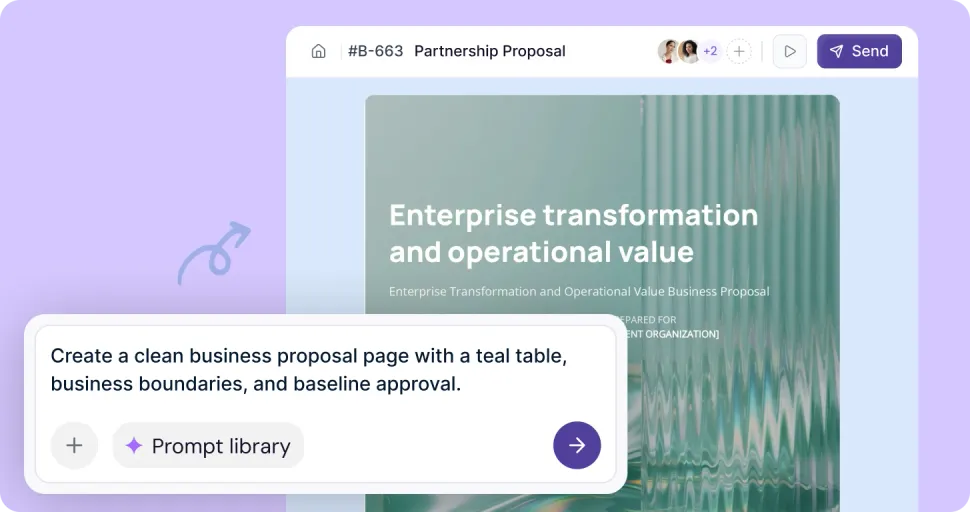
- Proposal.biz designs your proposal from a prompt in your brand style, so instead of a dull, static PDF you send an engaging document as a trackable link.
- Set quick-win milestones to show progress early, since long timelines can make clients nervous.
- Make the proposal interactive with clickable prototypes or video walkthroughs instead of a static PDF.
- Answer common objections before they are asked, and end with a clear call to action and a validity period.
Most WordPress web design proposals are dull, overly technical, or stuffed with unnecessary details that clients don’t care about. A winning proposal isn’t just about listing services. It’s about selling a vision in a way that makes saying “yes” the obvious choice.
Instead of handing clients a bland document filled with jargon and vague promises, craft a proposal that tells a story, proves value, and eliminates doubts before they arise.
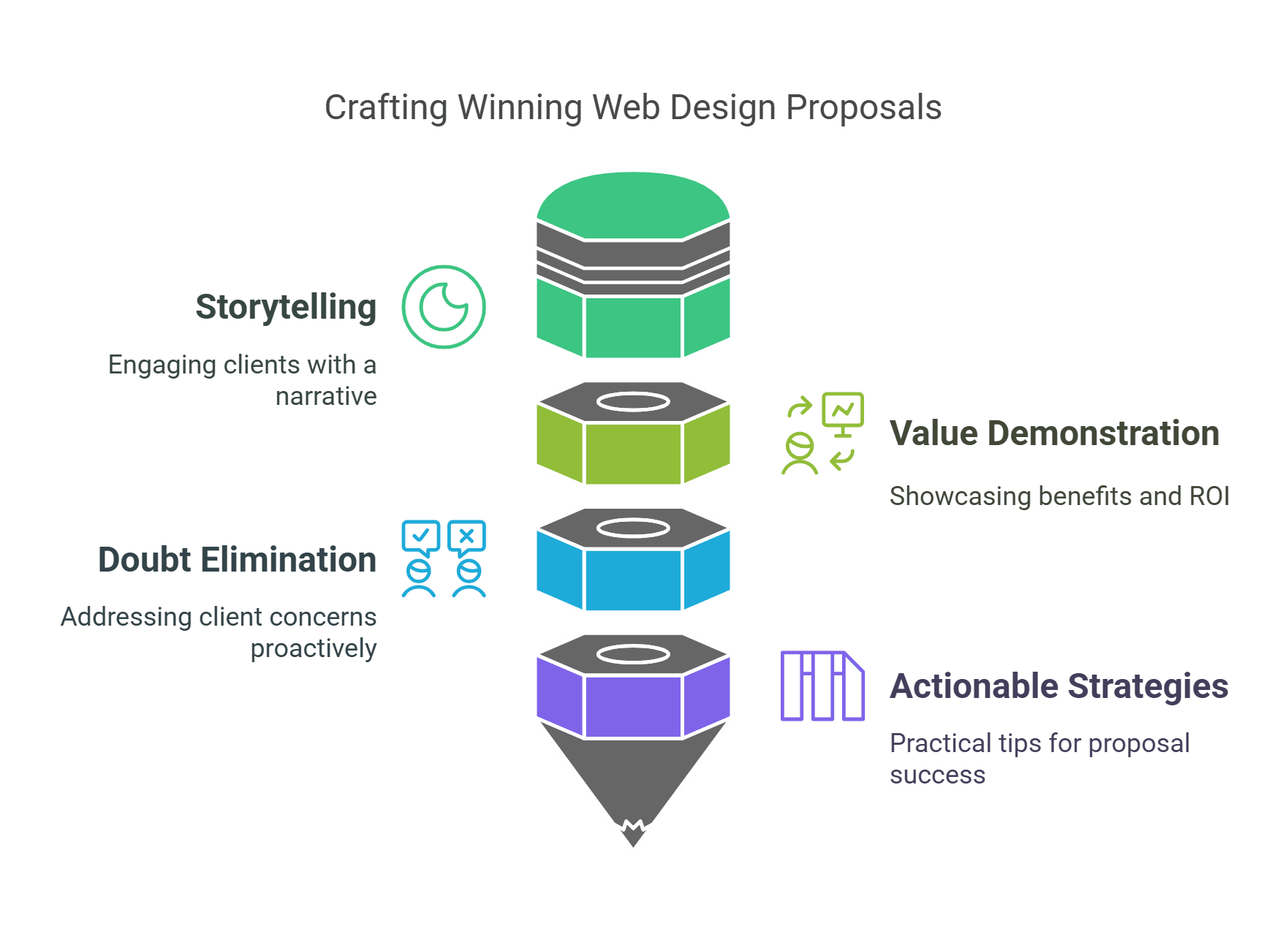
Below are unique, actionable strategies that will not only get your proposal noticed but also increase your chances of closing the deal.
Actionable Tips for Writing a Winning WordPress Web Design Proposal
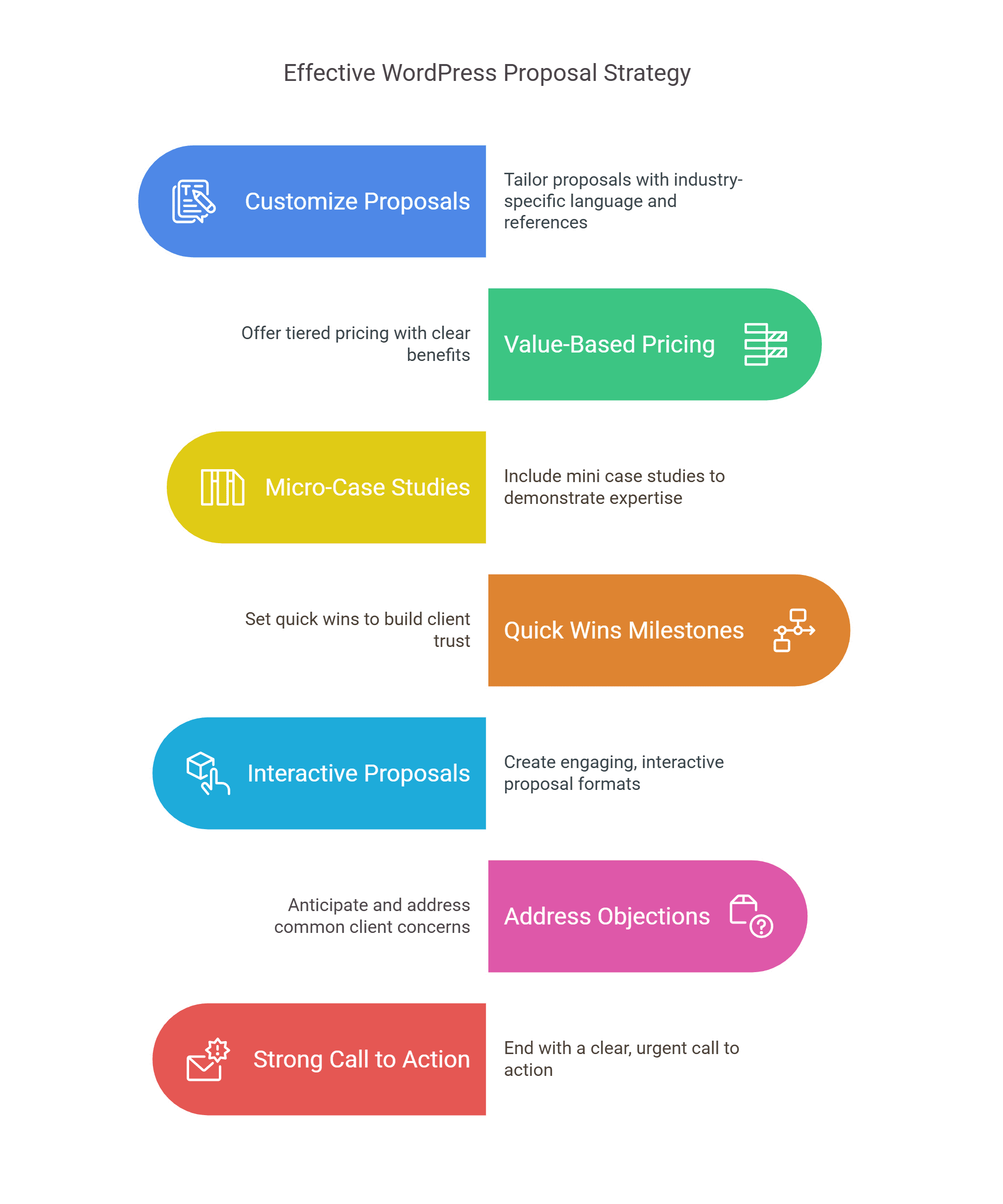
1. Ditch the Generic, Speak Their Language
Most WordPress web design proposals fail because they sound like a template. Customize every proposal with industry-specific language and references.
- Use words your client understands. Avoid technical jargon.
- Reference their competitors or market trends to show you’ve done your research.
- If applicable, include a quick “audit” of their existing website with key areas for improvement.
Example: Instead of saying, “We’ll optimize your site for performance,” say, “We’ll reduce your current page load time from 5.2s to under 2s, improving your Google rankings and customer retention.”
2. Make Pricing a No-Brainer with Value-Based Tiers
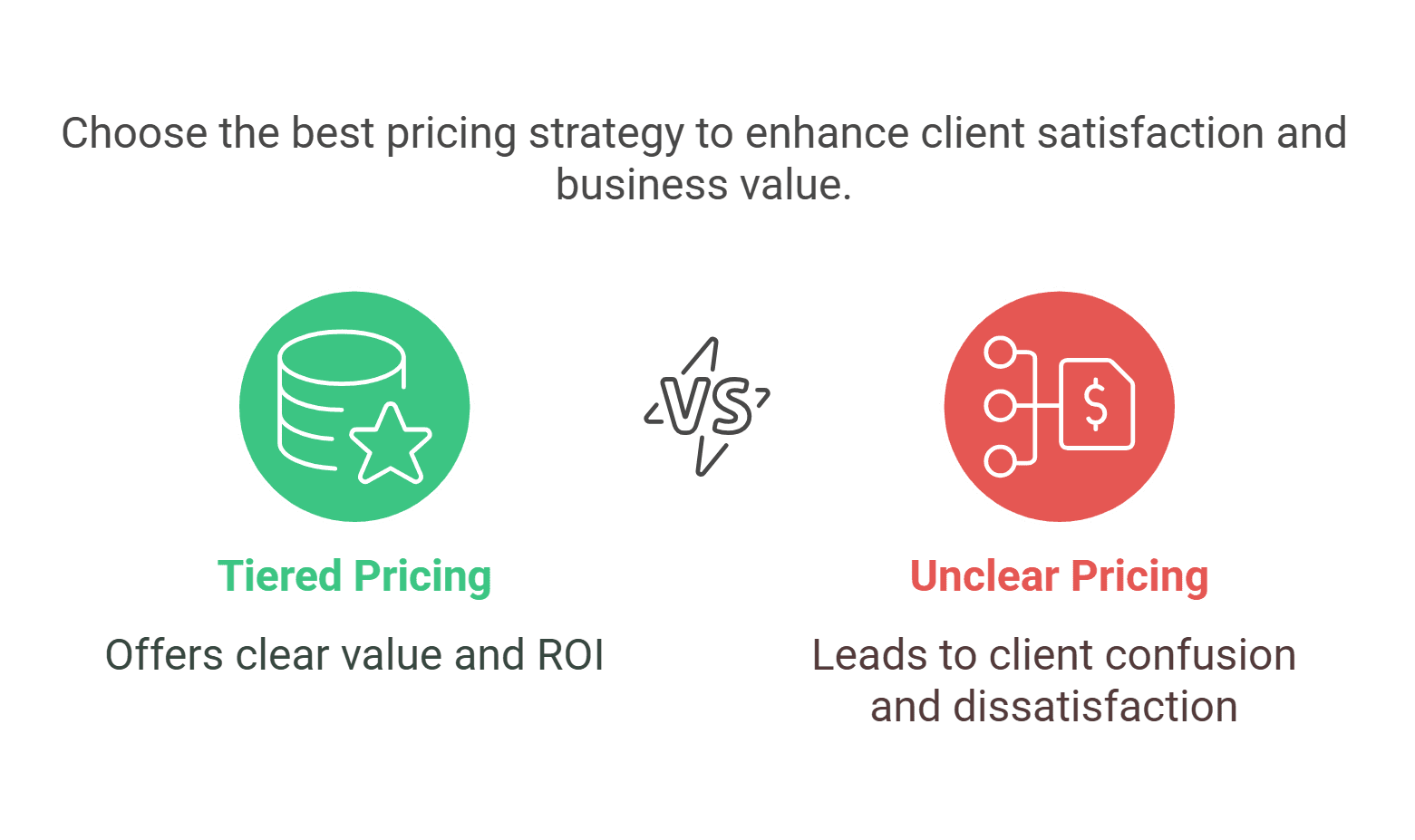
Clients dislike unclear pricing. Instead of one fixed quote, offer tiered pricing (Basic, Pro, Premium) and lay it out like a web design quote and fee estimate.
- Highlight what’s included in each package.
- Frame the middle-tier as the best value since most clients will choose it.
- Show ROI by explaining how each package benefits their business.
Example: Instead of listing “Custom Design - $2,000,” structure it as:
- Basic ($1,500): Template-based, mobile-friendly.
- Pro ($3,000): Custom WordPress design, SEO, and performance optimization.
- Premium ($5,000): Pro package + content creation + ongoing support.
3. Show, Don’t Just Tell (Include Micro-Case Studies)
Rather than simply claiming expertise, prove it with mini case studies.
- Add screenshots of past projects with a short success story.
- Highlight measurable improvements (e.g., “Increased traffic by 120% in three months”).
- Keep it concise: just two to three sentences per example.
Example: “For XYZ Company, we redesigned their WordPress site, reducing load time by three seconds and increasing conversions by 45%.“
4. Set “Quick Wins” Milestones to Build Trust Early
Long timelines can make clients nervous. Break the project into quick wins to show progress quickly.
- Deliver a wireframe or homepage concept within the first few days.
- Share a clickable prototype before the full design phase.
- Keep early tasks visible (e.g., setting up hosting, installing WordPress, selecting a theme).
Example: Instead of saying, “The project will take six weeks,” say:
- Week 1: Wireframe & homepage design.
- Week 2-3: Full development, client review.
- Week 4: Final testing & SEO tweaks.
- Week 5-6: Launch + post-launch support.
5. Make It Interactive (Clickable Prototypes & Video Walkthroughs)
Most WordPress web design proposals are static PDFs. Instead, make your proposal engaging and interactive.
- Create a clickable prototype in Figma or Adobe XD.
- Record a short video walkthrough (Loom, Vidyard) explaining the proposal.
- Use a proposal tool like Better Proposals or PandaDoc for e-signatures.
Example: Instead of just attaching a PDF, say:
“Here’s a quick three-minute video explaining how your site will work. Click below to watch.”
6. Address Common Objections Before They’re Asked
Anticipate and answer doubts upfront. Some common client fears include:
- “What if I don’t like the design?” → “We include two rounds of revisions to ensure you’re happy.”
- “How do I update content myself?” → “We provide a one-hour training session on managing your WordPress site.”
- “What if my site gets hacked?” → “Our security setup and backup plans ensure you’re protected.”
Example: Include an FAQ section titled “What Happens If…?” and address these potential concerns.
7. End with a Strong Call to Action & Deadline
Avoid leaving your WordPress web design proposal open-ended. Create urgency.
- Set a validity period (e.g., “This proposal is valid for 14 days”).
- Provide clear next steps (e.g., “Sign below to start, and we’ll schedule a kickoff call this week”).
- Offer a limited-time bonus (e.g., “Sign before [date], and we’ll include free site maintenance for three months”).
Example: Instead of ending with, “Let me know what you think,” say:
“To lock in this pricing and bonus support package, approve the proposal by March 15.”
What to Do vs. What Not to Do in a WordPress Web Design Proposal
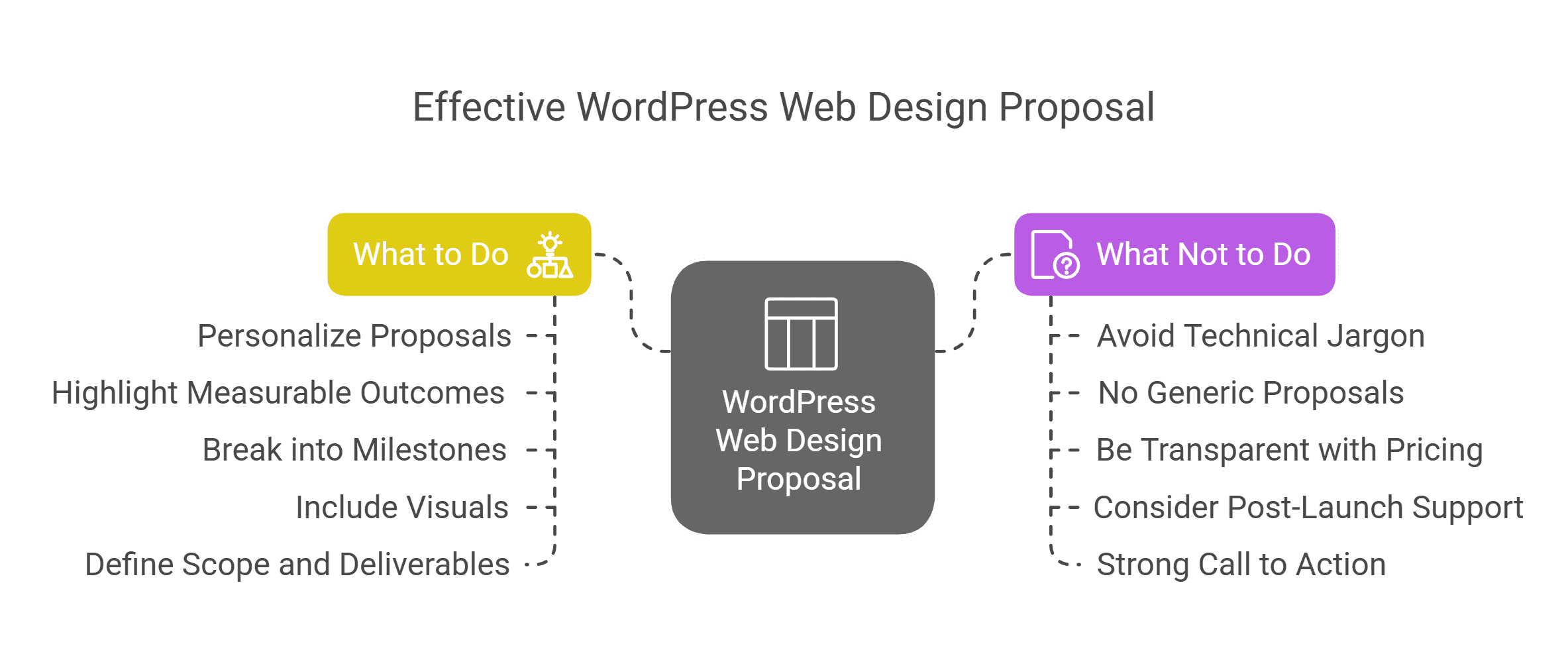
What to Do
- Personalize your WordPress web design proposal to address the client’s specific business challenges.
- Highlight measurable outcomes like increased leads, sales, or site speed improvements.
- Break the project into clear milestones with realistic timelines.
- Include visuals like wireframes, mockups, or a short video walkthrough.
- Clearly define scope, deliverables, and revision limits to prevent misunderstandings.
What Not to Do
- Avoid using excessive technical jargon that confuses the client.
- Never send a generic, copy-paste WordPress web design proposal without customization.
- Don’t leave pricing vague: be transparent and explain what’s included.
- Avoid overlooking post-launch support and training options.
- Don’t end with a weak CTA. Give a clear next step with a deadline.
Final Takeaway
Your WordPress web design proposal isn’t just a pitch. It’s your first experience working with the client. Make it:
- Personalized
- Value-driven
- Visually engaging
- Easy to say yes to