

Proposal.biz for Zoho CRM
Create, send and track proposals, quotes and contracts from your Zoho CRM record. Your contact and deal details fill in automatically.
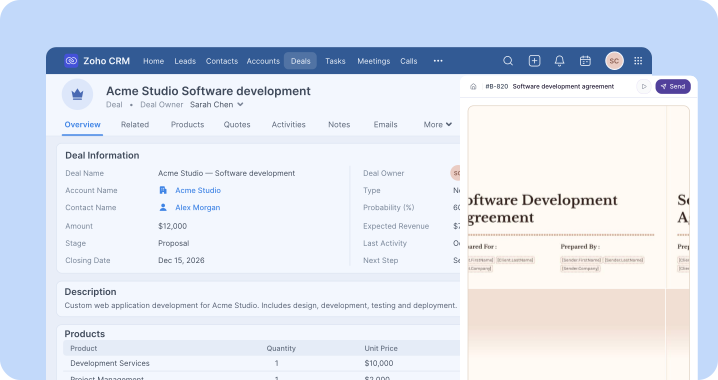
Walkthrough
See Proposal.biz work inside Zoho CRM
Watch how to connect Zoho, map your fields and create your first proposal in Zoho straight from a deal.
How it works
Set up once. Send from any record
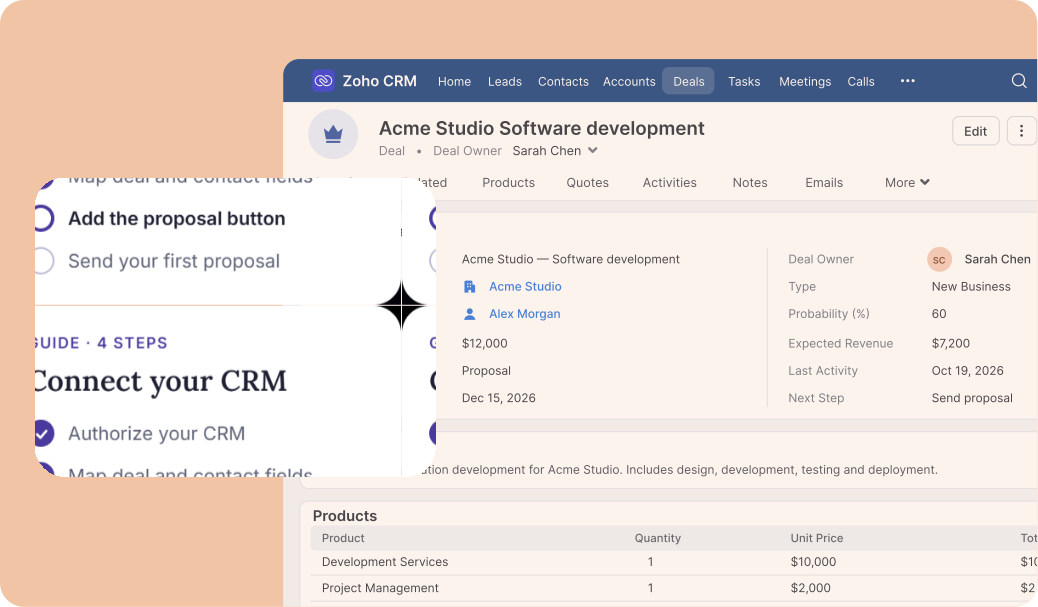
Four steps to your first proposal. Then, start every proposal in Zoho CRM. See the setup guide for full instructions.
- 01
Install the app
A Zoho admin installs Proposal.biz from the Zoho Marketplace.
- 02
Connect your account
In Proposal.biz, open Integrations → Zoho CRM → Connect, then accept the permissions.
- 03
Map your fields
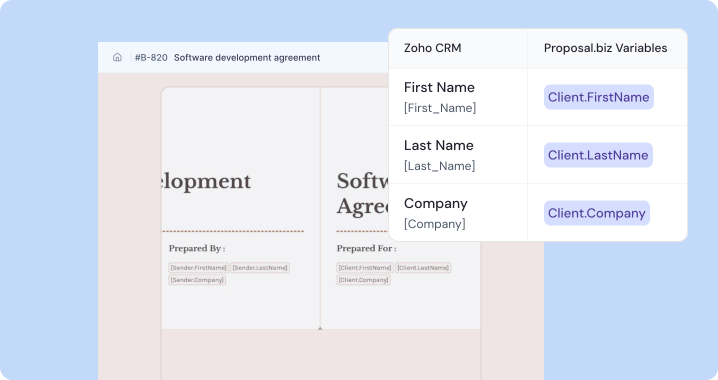
Match Zoho fields to Proposal.biz variables. Save the mapping once and reuse it.
- 04
Create your document
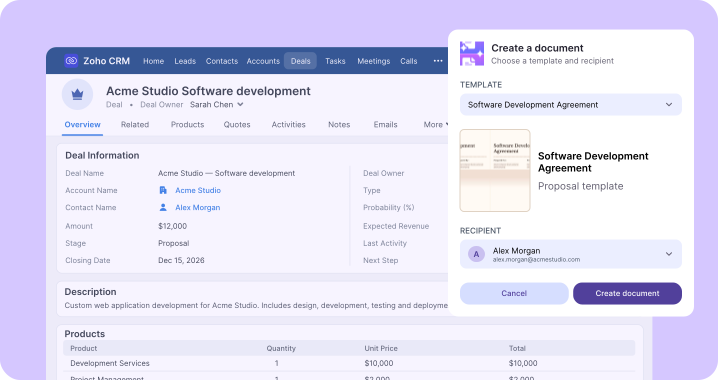
Open a deal, click Create with Proposal.biz, choose recipients and start building.
AI-powered documents
Draft proposals from Zoho CRM
Open a Zoho CRM contact or deal and generate an AI proposal, use industry-specific templates, or import documents.
Start from a blank page if you prefer, then customize the content in Proposal.biz's editor for each client.
CRM data merge
Stop retyping CRM data
Map Zoho CRM deal, contact, and account fields once to Proposal.biz variables, so every new document automatically includes the right names, emails, and company details.
Pricing tables also pull CRM values, keeping figures aligned with deals.
E-signatures
Get proposals signed anywhere
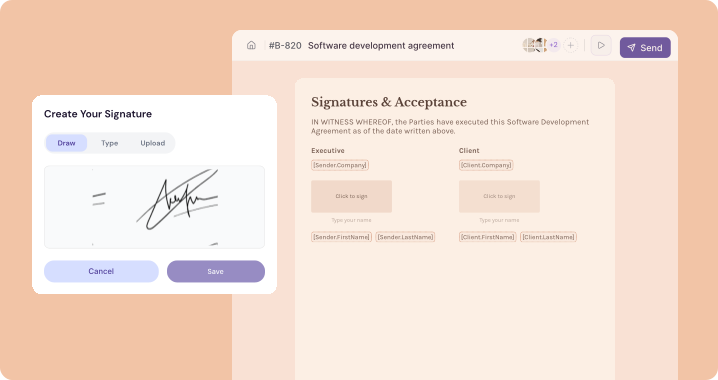
Share one link for clients to review and e-sign proposals on any phone, tablet, or laptop
Each signature records signed status and date, with email confirmations sent to everyone. Document status also updates within Zoho CRM.
Reports and analytics
Know when to follow up
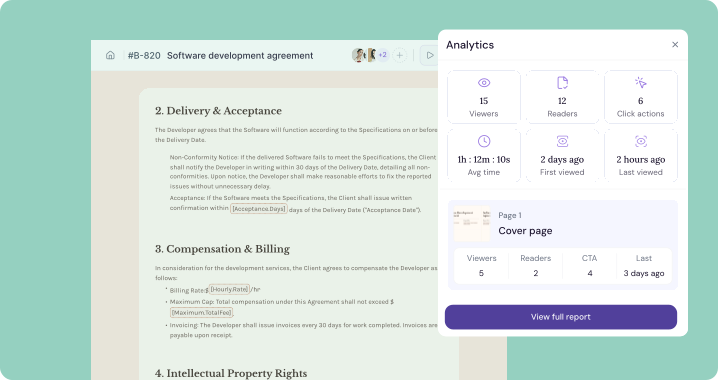
See when a prospect opens your document and which pages hold their attention. Time per page, total reading time, completion rate and CTA clicks are all in Proposal.biz.
Use those signals to time your next call instead of guessing.
AI-powered documents
Draft proposals from Zoho CRM
Open a Zoho CRM contact or deal and generate an AI proposal, use industry-specific templates, or import documents.
Start from a blank page if you prefer, then customize the content in Proposal.biz's editor for each client.
CRM data merge
Stop retyping CRM data
Map Zoho CRM deal, contact, and account fields once to Proposal.biz variables, so every new document automatically includes the right names, emails, and company details.
Pricing tables also pull CRM values, keeping figures aligned with deals.
E-signatures
Get proposals signed anywhere
Share one link for clients to review and e-sign proposals on any phone, tablet, or laptop
Each signature records signed status and date, with email confirmations sent to everyone. Document status also updates within Zoho CRM.
Reports and analytics
Know when to follow up
See when a prospect opens your document and which pages hold their attention. Time per page, total reading time, completion rate and CTA clicks are all in Proposal.biz.
Use those signals to time your next call instead of guessing.
Also included
More tools in the same workflow
Team collaboration
Work on a document with teammates in real time before it goes to the client.
Professional templates
Start from industry-specific templates and keep every document on brand.
Pricing tables & quotes
Pull pricing from your CRM so quotes match the deal, with no copy and paste.
Contracts in one place
Move from draft to signature to payment in a single workflow.
Why teams use it
Built for people who live in Zoho CRM all day
One window, not five
Start the document where the deal already lives. No switching tabs, no hunting for the right record.
No retyping, no mismatches
Names, emails, companies and prices come from the CRM, so the document always matches the record.
Follow up at the right moment
See when clients open and read, and keep the document status on the Zoho record for the whole team.
Who it is for
Who uses Proposal.biz with Zoho CRM
Sales teams
Send polished proposals and quotes in minutes, then see when each one is opened.
Account managers
Prepare renewals and expansion offers from the account record, with the client details already filled in.
Agencies & consultants
Move from a won deal to a statement of work and a contract using the client data already in Zoho.
Sales operations
Set up field mapping once and give the whole team a repeatable document workflow.
Frequently asked questions
Questions about the Zoho CRM integration
Still stuck? Email [email protected]
Resources
Keep exploring
Integrations
All integrations
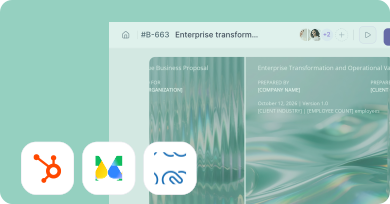
Connect Proposal.biz to the CRM, e-sign, and payment tools your team already uses.
Use case
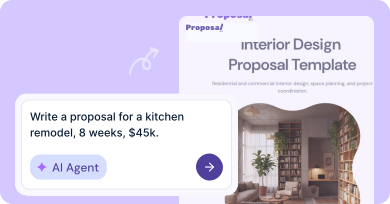
Write proposals with AI
Turn a brief into a polished, client-ready proposal in minutes, not hours.
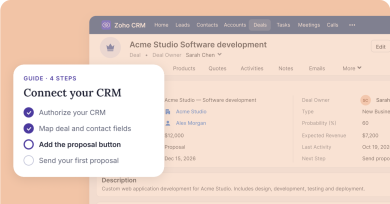
Guide
Set up your CRM integration
A step-by-step guide to syncing deals, contacts, and proposals with your CRM.
Send your next proposal from Zoho CRM
Install the app from the Zoho Marketplace, connect your account and send in minutes.