
Table of Contents
Proposal Software for Freelancers: 5 Tools Compared (2026)
You spend an evening on a proposal. You send it, and then nothing. No reply, no idea whether the client opened it, and no good moment to follow up. Meanwhile the next proposal is waiting, and you’re about to build it from scratch again.
That’s the real case for proposal software for freelancers. It isn’t about looking fancy. It’s about sending proposals faster, knowing what happened to them and not rebuilding the same document every time. Below we compare five tools on cost, e-signature and tracking, with honest notes on who each one suits.
What freelancers need from proposal software
Most proposal software is built for sales teams. Freelancers have different problems, so judge tools by these:
- A solo-friendly price. Per-seat pricing and document caps hurt when you’re one person with an uneven income. Look for a real free plan or a low entry plan.
- Sending with tracking. You want to know a proposal was opened, and when, so you can follow up with a reason instead of a guess.
- E-signature. Getting a yes shouldn’t mean exporting a PDF and finding a second tool.
- Reuse. Your rates, services and past work should be saved once, not retyped for every client.
- A professional look. A proposal that looks rushed costs you work, whether it is a direct pitch or a bid built from an Upwork proposal template. Your logo and colours should carry through without design effort.
- How much else you want in the box. Some tools bundle invoicing, time tracking and a client CRM. That’s useful if you want it, and extra cost if you don’t.
That last point splits the field in two. Some tools focus on the proposal. Others are all-in-one freelance suites where proposals are one feature. Neither is better. It depends on how much of your business you want in one place.
Proposal software for freelancers at a glance
| Tool | Best for | What we found on cost | E-signature | Tracking |
|---|---|---|---|---|
| Proposal.biz | A branded proposal drafted fast, with open tracking | Free forever plan, paid plans from $19 a month | Every plan | Open tracking on the free plan |
| Bonsai | Proposals, contracts and invoices in one suite | Proposals start on Essentials, $19 a month billed yearly | Contracts | Accept notifications |
| HoneyBook | Creative service businesses that want client management | Starter at $29 a month billed yearly | Contracts in the proposal link | Opened, viewed, signed |
| Better Proposals | Proposal-first work with section-level tracking | Starter plan with 1 seat and 10 proposals a month | Every plan | Section views |
| PandaDoc | Signing documents on a tight budget | Free eSign plan, paid plans per seat | Free plan | Free plan |
Prices and limits are what we found on each tool’s own pages in October 2026. They change often, so confirm before you buy.
The 5 best proposal software options for freelancers
1. Proposal.biz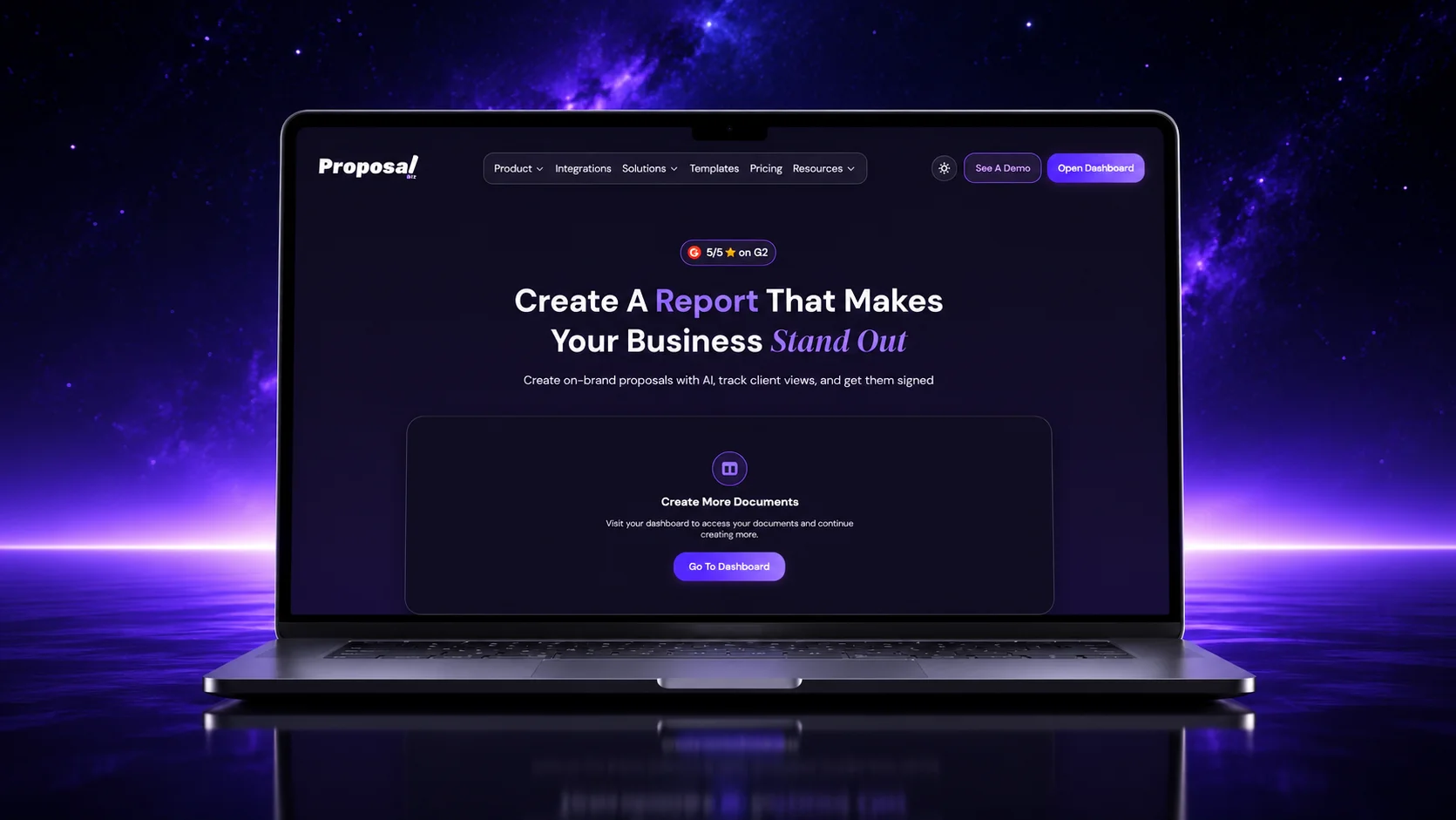
We make Proposal.biz, so weigh this accordingly. It’s built around the proposal itself: getting a good-looking one written quickly and sent in a way you can follow.
You paste your website URL and it builds a content library from your brand, services and pricing text. That gives you reusable content, so you aren’t retyping your rates for each client. The AI can draft a full branded proposal from a prompt or a URL, and you refine it by chatting with the document or in the drag-and-drop editor. There are 100+ templates to start from, and e-signatures are included on every plan.
Cost: The free forever plan gives you one seat, 50 documents, 25 pages per document and 1,000 AI credits. Paid plans start at $19 a month. Professional is $39 a month ($31 on annual billing) and adds branding removal and per-section engagement heatmaps. See the pricing page.
Watch out for: It doesn’t run invoicing, time tracking or a client CRM, so if you want those in one tool, look at Bonsai or HoneyBook below. Documents on the free plan carry Proposal.biz branding, and removing it takes a paid plan.
Best for: Freelancers who want a polished, branded proposal drafted in minutes and who want to see when it’s opened.
2. Bonsai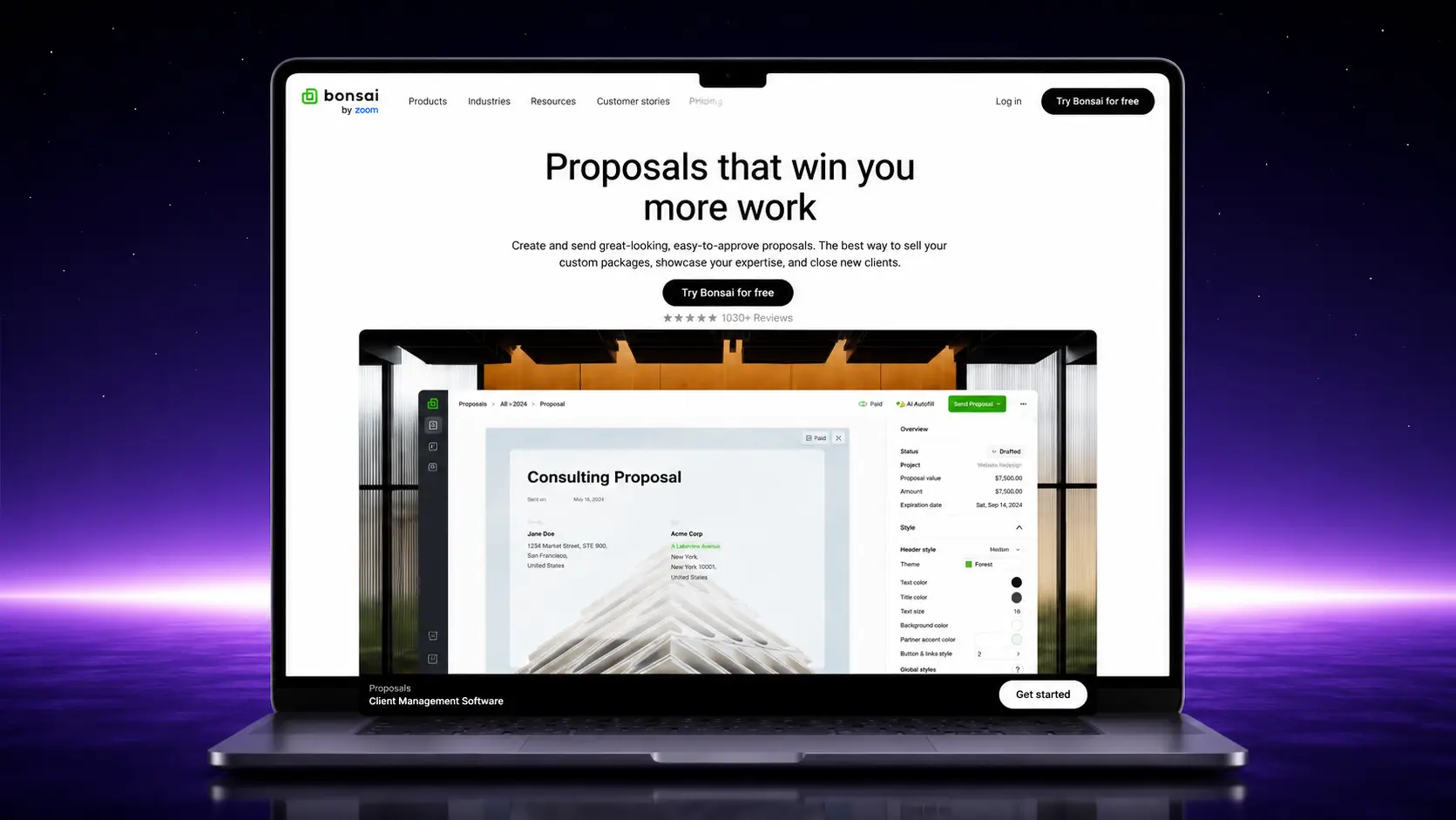
Bonsai is a freelancer all-in-one. Proposals, contracts, invoices, time tracking and a simple CRM all live in one account, so a proposal can flow into a contract and then an invoice.
Cost: Its pricing page lists four plans. Proposals and contracts start on the Essentials plan, at $19 a month billed yearly or $25 billed monthly. The cheaper Basic plan doesn’t include them. There’s a 7-day trial.
Watch out for: You pay for the whole suite even if you only want proposals. Its help article describes clients accepting proposals and an email to you when they accept, but doesn’t mention a notification when a proposal is opened. If open tracking matters to you, check that before you commit.
Best for: Freelancers who want proposals, contracts and invoicing under one login and would rather have one tool than several.
3. HoneyBook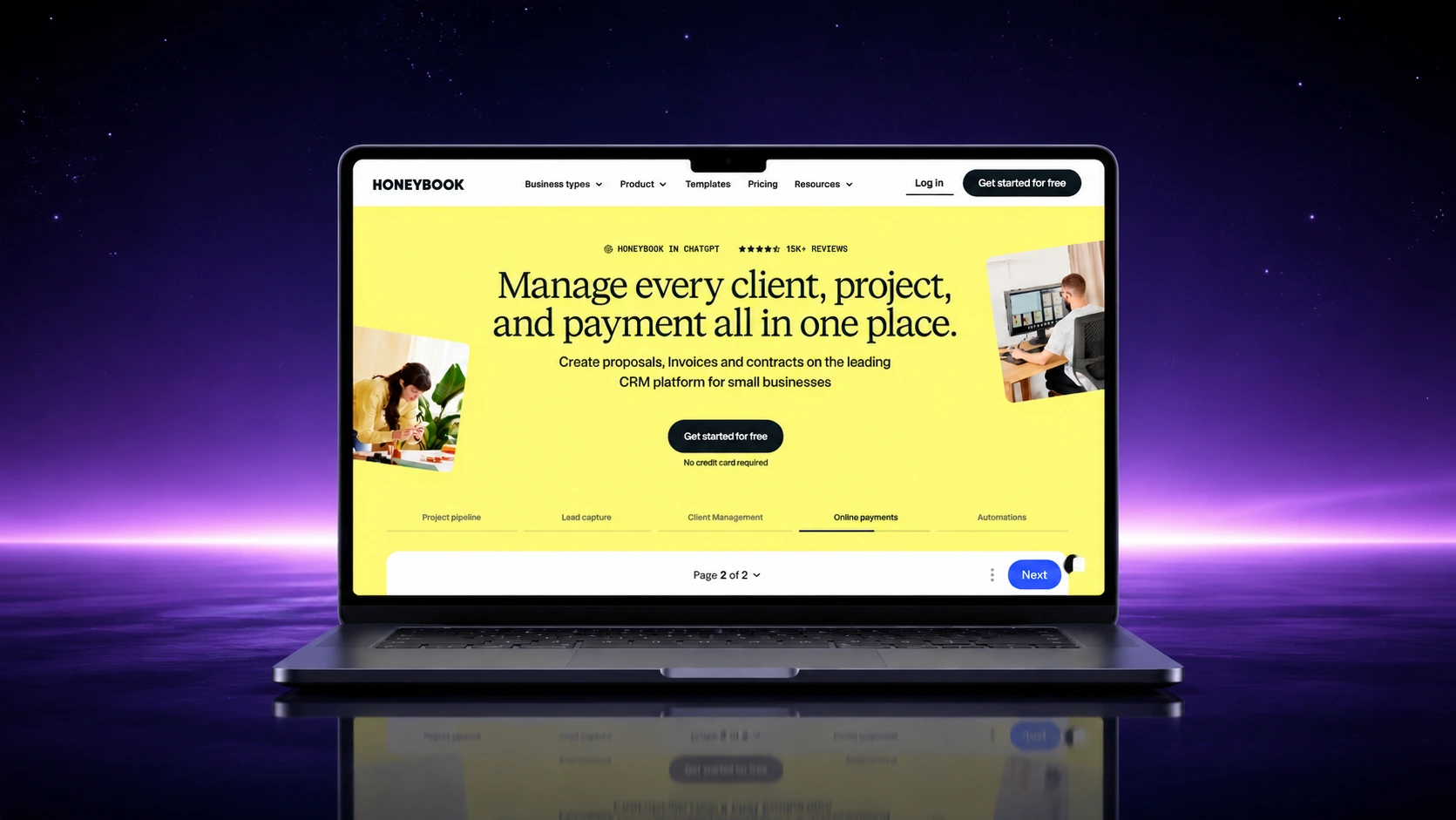
HoneyBook is aimed at independent service businesses, and its pages lean toward creatives like photographers and consultants. It handles proposals, contracts, invoices and payments, and it tracks when a client has opened, viewed or signed.
You can embed a contract in the proposal so the client reads and signs from the same link, and you can save proposals as templates to reuse. Payments can happen inside the proposal.
Cost: On its pricing page, the Starter plan was $29 a month billed yearly, with higher plans at $49 and $109. All plans start with a free trial. HoneyBook says it’s available to business owners in the U.S., Canada, the UK and Australia.
Watch out for: It costs more than the proposal-only options, and you’re buying a client-management system, not just a proposal tool. That’s great if you’ll use it all, and a lot to learn if you won’t.
Best for: Freelancers running a service business who want proposals, signing, invoices and payments tied to a client pipeline.
4. Better Proposals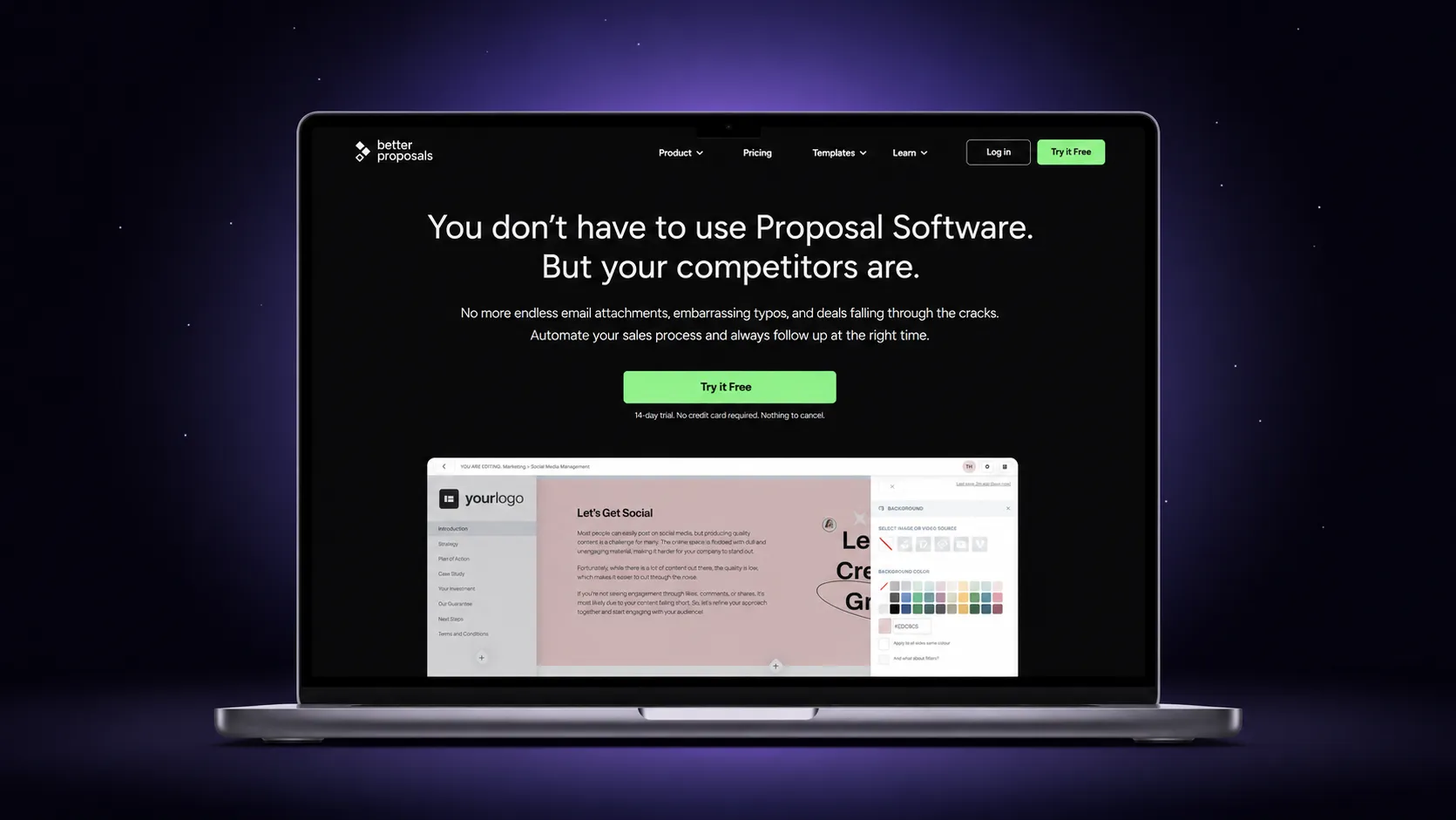
Better Proposals is a proposal-first tool. Its site offers over 260 templates and says you get an alert when a client opens a proposal, plus a view of which sections they read, in what order and for how long. E-signature and tracking are listed on every plan.
Cost: Plans are priced per user, and the Starter plan is limited to one seat and 10 proposals a month. It’s the entry point for most freelancers, and it offers a 14-day trial with no credit card.
Watch out for: The monthly proposal limit can bite if you send in bursts. Its pricing page was unclear about which figures were monthly and which were annual, so check the current price.
Best for: Freelancers who live in proposals and want detailed read tracking from day one.
5. PandaDoc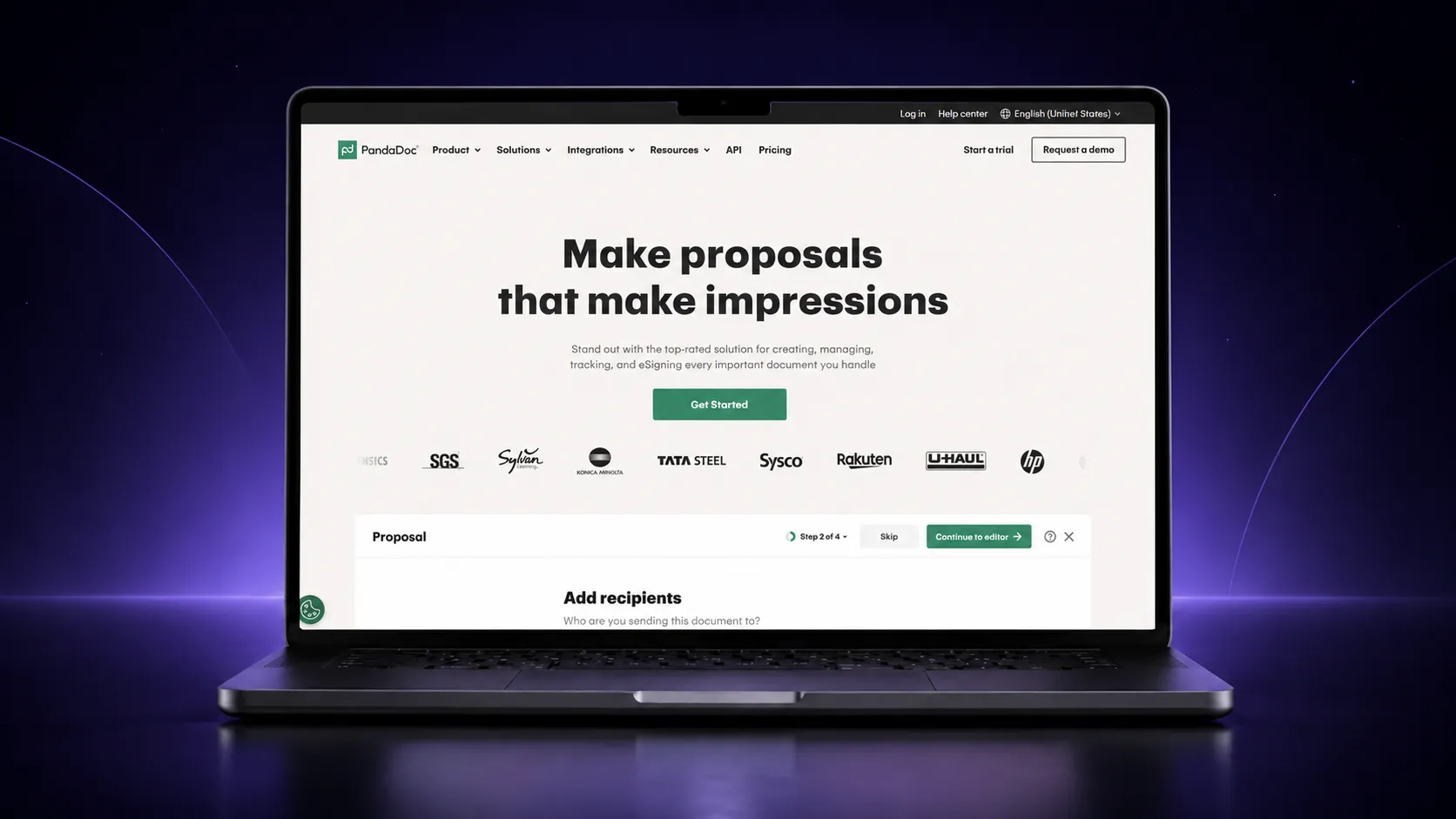
PandaDoc is a large document platform built for sales teams, and it has a free eSign plan that works for freelancers who mainly need documents signed.
Cost: The free plan includes real-time tracking and notifications, up to five templates and up to two recipients per document, and it delivers a certificate of completion for each signed document. PandaDoc’s pages gave two different limits for it (5 documents a month and 60 a year), so confirm the current cap. Paid plans are priced per seat, with Starter at $19 a seat a month and Business at $49 when we checked. Custom branding and the content library sit in Business. We cover this in more detail on our PandaDoc alternative page.
Watch out for: The free plan limits how much you can do in the editor, and the features most freelancers want for proposals, such as branding and a content library, are on the higher-priced plan.
Best for: Freelancers who need free, reliable signing and tracking and don’t mind a basic editor.
Affordable proposal software for freelancers: what it really costs
When you search for affordable proposal software for freelancers, the sticker price is only part of the story. Check these before you pick:
- Where the proposal feature starts. On Bonsai the cheapest plan doesn’t include proposals at all. Make sure the plan you’re pricing has the feature you need.
- Per-seat pricing. You’re one person, so per-seat pricing is fine, but it adds up if you ever bring in a subcontractor or assistant.
- Document caps. Better Proposals’ entry plan caps proposals per month, and PandaDoc’s free plan caps documents. If your work comes in waves, caps matter more than the price.
- Branding on free documents. Free plans often put the vendor’s branding on your proposal. For client-facing work, that can matter.
- What you’d pay for anyway. If you already pay for an invoicing tool, an all-in-one suite means paying twice.
A free plan is a good way to find out whether you’ll use a tool before paying for anything. Proposal.biz and PandaDoc both have one. For more free options, see our guide to the best free AI proposal generators.
Proposal software with e-signature for freelancers
Closing the deal in the same place as the proposal saves a step and a delay. When you compare proposal software with e-signature for freelancers, check three things:
- What gets signed. Some tools let the client sign the proposal itself. Others sign a separate contract linked from the proposal, which is how HoneyBook describes it.
- What you see afterwards. At minimum, you want to know it’s signed, and when. A confirmation email to both sides is a good sign.
- Whether signing costs extra. Proposal.biz and Better Proposals include it on every plan. PandaDoc includes it in the free plan within its limits.
E-signature rules differ by country and by type of agreement, so if you’re unsure what a signature covers for your kind of work, ask a lawyer. A tool can collect the signature, but it can’t tell you whether the terms in your freelance service contract are sound.
Proposal tracking software for freelancers
Tracking is what ends the guessing. Good proposal tracking software for freelancers should tell you:
- That it was opened, so you know silence isn’t just a lost email.
- When it was opened, so you can follow up the same day, while it’s fresh.
- What they read, so a follow-up can answer the part they spent time on, usually pricing.
Tools differ on depth. Proposal.biz shows opens on the free plan and per-section heatmaps on Professional. Better Proposals describes section-level tracking on its site. PandaDoc’s free plan includes tracking and notifications. HoneyBook shows opened, viewed and signed. See how it looks in our reports and analytics overview.
A practical habit: when you see the proposal was opened and hasn’t been answered, send a short, specific follow-up that picks up on the part they looked at. Opened-but-quiet is a different situation from never opened, and your follow-up should treat it that way.
How to choose
- You want proposals only, on a tight budget. Start with a free plan: Proposal.biz for a branded, AI-drafted proposal, or PandaDoc if you mainly need signing.
- You want proposals, contracts and invoices in one login. Bonsai.
- You run a creative service business and want client management and payments inside the tool. HoneyBook.
- You send proposals all the time and want detailed read tracking. Better Proposals.
Still working out your approach? Our guide on how to write a proposal using AI covers what to put in, and our wider roundup of the best proposal software tools looks at the market beyond freelancers. If you’re coming from Word or Google Docs, see proposal software vs word processors. To see how it works in practice, you can create and send proposals in Proposal.biz.
If you’d like to test one with no commitment, you can try Proposal.biz on the free plan and send a test proposal to yourself first.
Frequently asked questions
What is the best proposal software for freelancers?
It depends on what else you want in the tool. For proposals only, Proposal.biz, Better Proposals and PandaDoc’s free plan are worth testing. For proposals plus contracts and invoicing, look at Bonsai or HoneyBook.
Is there free proposal software for freelancers?
Yes. Proposal.biz has a free forever plan with one seat and 50 documents, and PandaDoc has a free eSign plan with document and template limits. Free plans often carry limits or vendor branding, so check what your client will see.
Do I need proposal software, or is Word or Canva enough?
For a few proposals a year, a document or a design tool works. Once you send proposals regularly, tracking, e-signature and reusable content save real time. Our guide to proposal software vs word processors covers the trade-off.
Can clients sign proposals electronically?
Yes, with tools that include e-signature. Proposal.biz and Better Proposals include it on every plan, and PandaDoc includes it in its free plan within limits. Some tools sign a contract linked from the proposal instead of the proposal itself.
Can I see whether a client opened my proposal?
With proposal software, yes. Most tools show opens, and some show which sections were read. Check what each plan includes, because depth varies.
Do freelancers need an all-in-one tool like Bonsai or HoneyBook?
Only if you want invoicing, contracts and client management in the same place. If you already have those covered, a proposal-focused tool is simpler and often cheaper.

Ronak Surti

 Dimple Maru
 Prabir Chaudhary
 Ronak Surti
![Curated List of Best Proposal Software Tools in 2025 [Strength and Weaknesses]](/_astro/proposal_softwaretools.DWLFJBFS_1kwJoK.webp)