Free tool for B2B teams

Free Electronic Signature Tool

Add the document details, type or draw your signature, and watch the signed page build on the right. A free electronic signature, ready to download or send in seconds.

Your signing details

Fill in every field. The page on the right starts with sample details and switches to yours as soon as you type.

The document

The agreement

Your signature

Confirmation emails

Signature style
Live preview Signed page

Company
Signer
Date

Agreement summary

Who is signing

    The signature

    Date and confirmation

    Download your signed copy

    Download your signed document

    Enter your work email to download the signed page as a PDF and share it.

    Templates Ready for Signing

    Signing a contract or agreement? Start from a ready template, add your details and send it for signature.

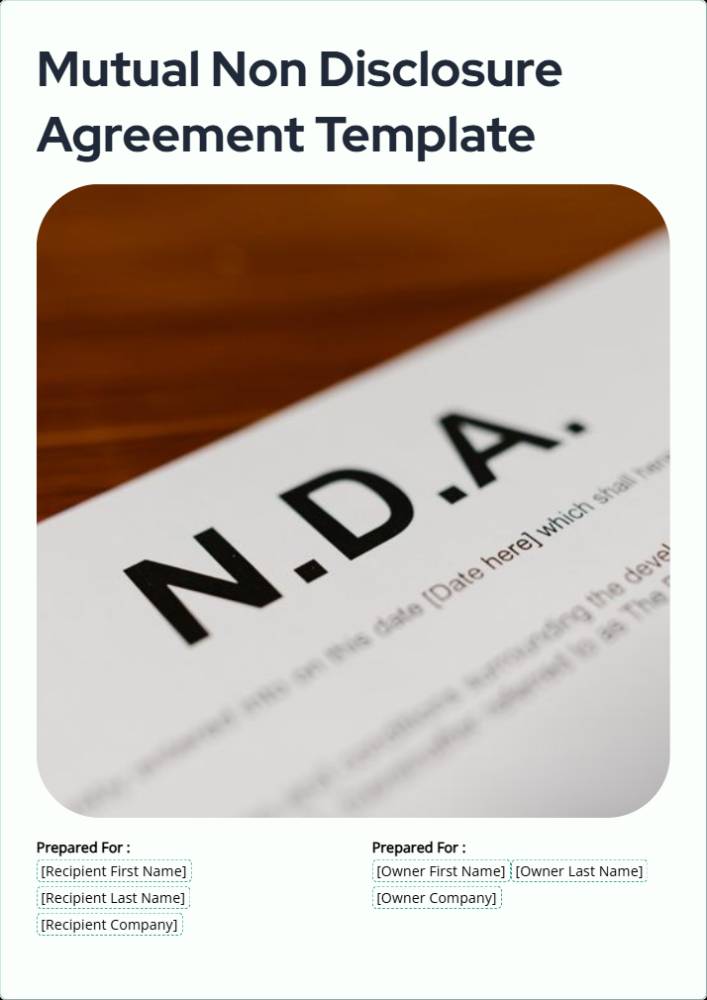
    Mutual Non-Disclosure Agreement (NDA) Template preview
    NDA

    Mutual Non-Disclosure Agreement (NDA) Template

    Master Professional Service Agreement Template preview
    Agreement

    Master Professional Service Agreement Template

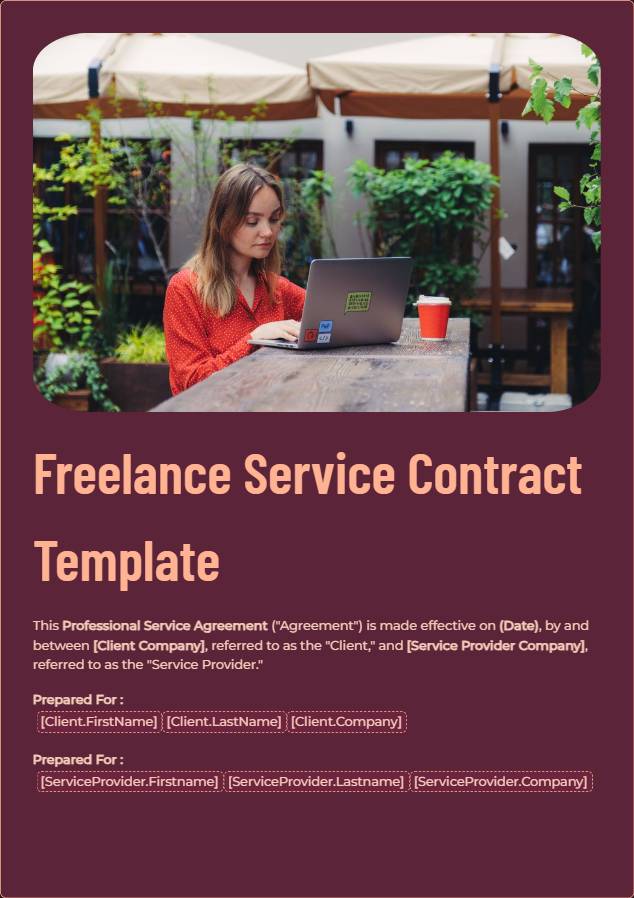
    Freelance Service Contract Template preview
    Freelance

    Freelance Service Contract Template

    Business Contract Template preview
    Contract

    Business Contract Template

    What Is an Electronic Signature Tool?

    An electronic signature tool lets someone sign a document on screen instead of on paper. They type their name, draw a signature or upload one, and it is placed on the document with the date. The signed copy is ready to download or share straight away, from any device.

    Paper signing means printing, signing, scanning and emailing a file back, which often adds a full day or more. Inside Proposal.biz, clients sign in the same link they read, and each side receives a confirmation email.

    How the Free Electronic Signature Tool Works

    Three steps. No printer, no scanner and no account.

    1

    Add the details

    Enter the document title, your company and who is signing. Each detail appears on the page instantly.

    2

    Sign it your way

    Type your name, draw a signature or upload an image. Pick a handwritten or clean style.

    3

    Download and share

    Download the signed page, or move it into Proposal.biz and request a signature from the other side.

    What to Check Before You Send for Signature

    Most signing delays come from small errors. Check these five things before anyone signs.

    1. Names spelled in fullUse the legal name of each person and company signing, exactly as it appears elsewhere in the document.
    2. The right signer namedConfirm the person signing has the authority to agree on behalf of their company.
    3. Dates that matchStart dates, end dates and deadlines should agree on every page.
    4. Final pricingTotals, payment terms and any discount should be the agreed version.
    5. One signature blockKeep one clear place to sign, not several.

    Where to Use Electronic Signatures

    Most documents that need a yes in writing can be signed on screen. These are the ones where a fast signature shortens the wait for revenue.

    Proposals

    Put the signature block at the end of the proposal. The client reads, agrees and signs in one sitting, while the decision is fresh.

    Contracts and SOWs

    Scope, timelines and payment terms are agreed in the same place they are read. No separate PDF to print, sign and send back days later.

    Retainers and renewals

    Send the renewal before the current term ends. A quick signature keeps work running without a gap in service or billing.

    Who Uses the E-Signature Tool

    Any team that sends documents and then waits for signatures.

    Agencies

    Get retainers and campaign agreements signed on the day the client says yes, not a week later.

    Consultants

    Send an engagement letter after the first call and start the work as soon as it is signed.

    Freelancers and solo founders

    Look professional from the first project without paying for a separate signing tool.

    Sales teams

    Close the gap between a verbal yes and a signed deal, and know the moment a document is signed.

    How to Get Clients to Sign Your Documents Faster

    Most documents are not stuck with the client. They are stuck between steps.

    1

    Send while the call is fresh

    Send the document the same day you agree terms. Each day of delay gives the buyer time to rethink or stall.

    2

    Tell them exactly what to do

    Say where to sign and by when in your email. A clear request with a date gets a faster reply than an open-ended one.

    3

    Let them sign where they read

    Asking a client to print, sign and scan adds days. Signing inside the document removes that step entirely.

    Quick Tips for Faster Signatures

    Small changes that get your documents signed days sooner.

    Instead of this
    Do this
    Emailing a PDF to print
    Let them sign in the document
    "Sign when you can"
    "Could you sign by Friday at noon?"
    Several signature boxes
    One clear signature block
    Sending a week after the call
    Sending on the same day
    Chasing with "any update?"
    Following up with a deadline

    Signing in a Word file instead? Here is how to insert a signature in Word.

    Why Use Proposal.biz for E-Signatures

    The free tool signs one page. Proposal.biz handles the whole document, from first draft to signature.

    • Signing inside the linkClients read and sign in the same shared link, on any device, with built-in e-signatures.
    • Confirmation for both sidesSigned status and signing date are recorded, and both parties get an email.
    • Paid at signingAttach a payment link and the client pays the moment they sign.
    • See when it is openedDocument analytics show when the client opens it and how far they read.
    Get documents signed free

    Frequently Asked Questions

    Common questions about using this free e-signature tool online

    Yes. This free electronic signature tool costs nothing. Preview the signed page as often as needed, then add your email for the PDF.
    In many countries, electronic signatures are accepted for most business agreements, as long as both sides intend to sign. Rules vary by country and document type, so check local requirements for regulated documents.
    Type your name, draw your signature or upload an image of it. The tool places it on the document with the date, ready to download straight away.
    Yes, in Proposal.biz. Share the document as a link, and the client reads and signs inside it on any device.
    An electronic signature is any mark on screen that shows agreement, such as a typed or drawn name. A digital signature is a specific type that uses certificate-based encryption.
    Yes. The tool works in any mobile browser, and you can draw your signature with your finger instead of using a mouse.
    In Proposal.biz, the signed status and signing date are recorded, and both sides receive a confirmation email with the details.

    Get Your Next Document Signed Today

    Built for sales teams, agencies and consultants who are tired of waiting on paperwork.
    Free forever.
    No credit card.