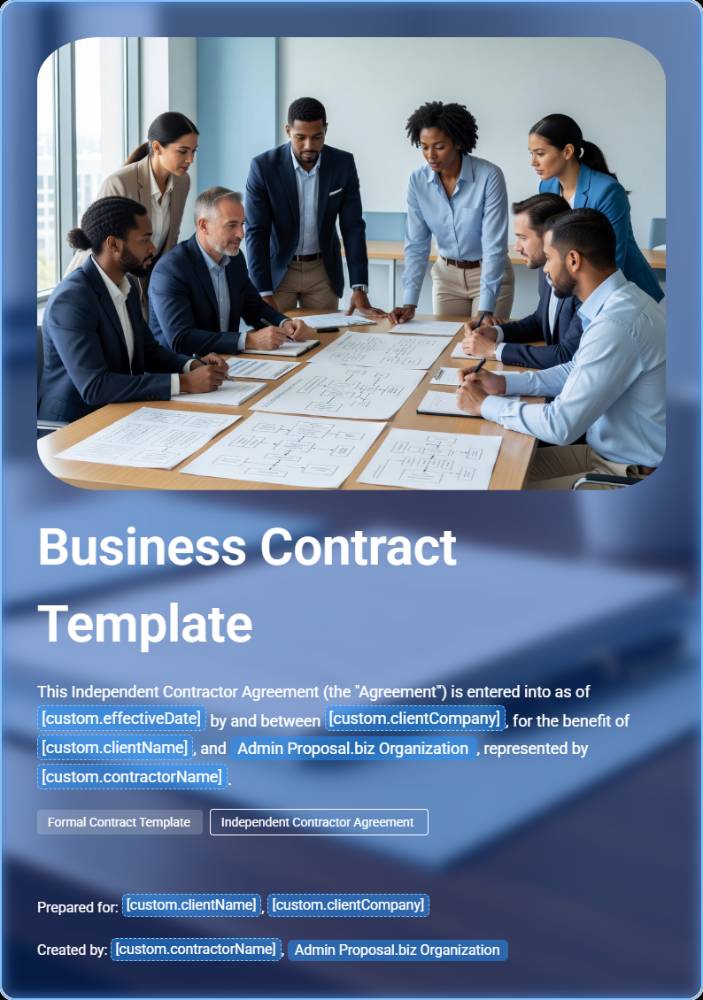
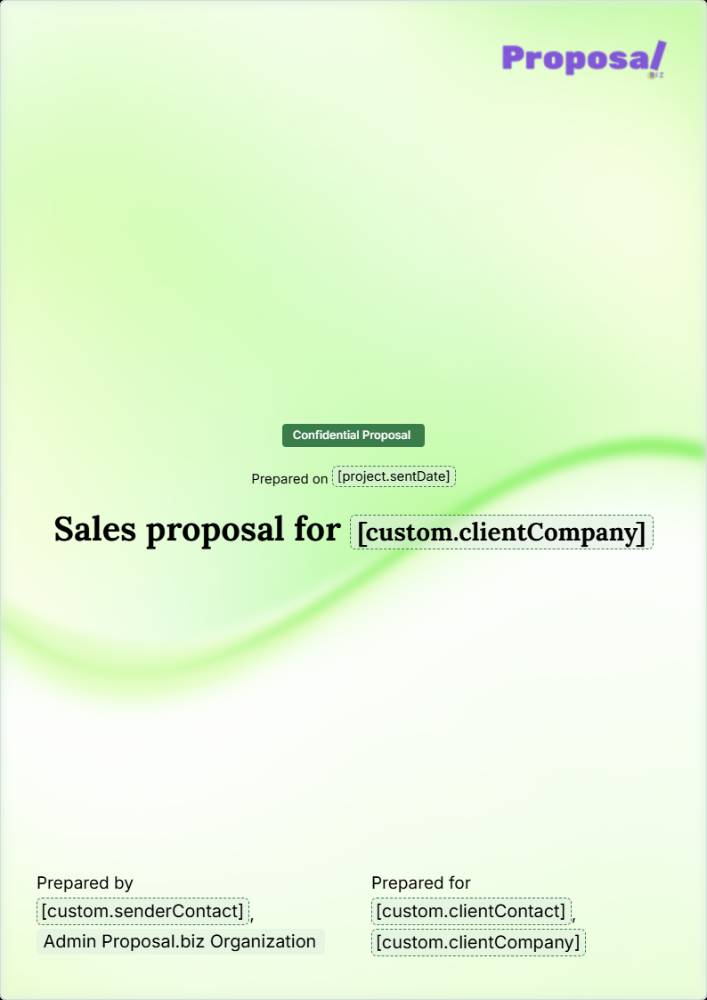
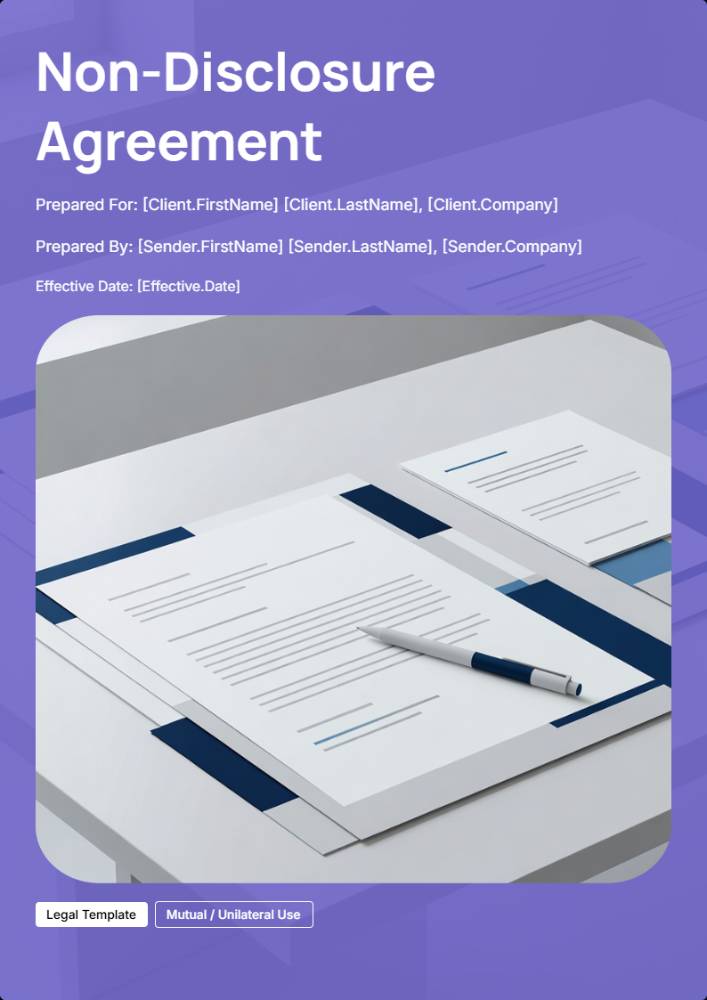
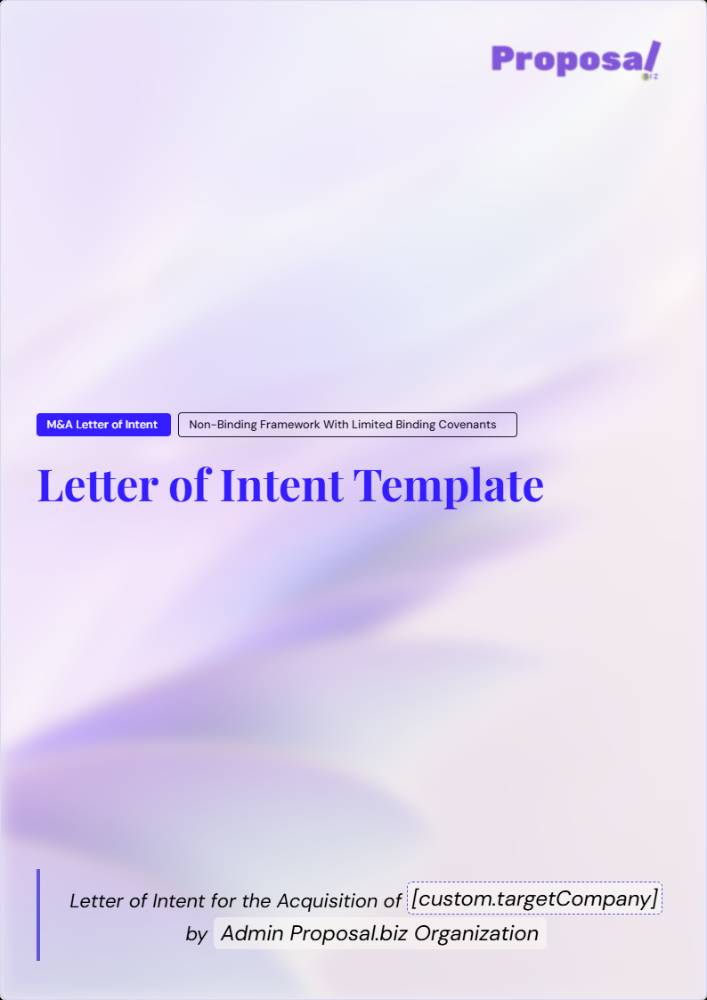
Sales

Business Document Templates Hub Template

Browse business document templates for proposals, contracts, agreements, and quotes, the company templates a growing team actually needs, all built to generate in your branding from a single prompt.

Template preview
Scroll to explore

Business Proposal for Centralized Document Templates Hub

A standardized central hub designed to serve as the single source of truth for [Company.Name] document templates, SOPs, legal agreements, and client-facing collateral.
Version [Document.Version]
Last Updated [Document.LastUpdated]
Hub Administrator [Hub.Owner]

1. Hub Overview & Metadata

The Centralized Document Templates Hub is the authoritative repository for reusable business documents across ExampleCo. It standardizes how departments create, access, customize, approve, and archive operational and client-facing materials while reducing legal risk, brand inconsistency, and process duplication.
Metadata field
Illustrative value
Hub title
ExampleCo Document Templates Hub
Version
1.0
Last updated
September 29, 2026
Hub administrator
Morgan Lee
Target audience
ExampleCo employees and contractors
Primary scope
Templates, SOPs, legal agreements, and client-facing collateral
Owning function
Operations with shared legal and departmental governance
Purpose Statement: This hub exists to maintain brand consistency, legal compliance, and operational efficiency across departments by ensuring all teams work from approved, current, and governed master documents.
  • Single source of truth: one approved location for master documents and current versions
  • Controlled customization: teams work from copies, not from master files
  • Governed ownership: every template has a named department owner and review cadence
  • Operational clarity: document creation, approval, filing, and retention are standardized
This proposal recommends a hub structure that is strict enough to support compliance and version control, yet practical enough for daily use by cross-functional teams.

2. Navigation & Template Directory Index

Templates should be grouped by functional category and indexed with a consistent directory record. Each entry below uses the required master fields: Template Name, Primary Category, Access Level, Master Link/File ID, and Owner Department.
Sales & Client Onboarding
Template Name
Primary Category
Access Level
Master Link/File ID
Owner Department
Proposal Template
Sales & Client Onboarding
Edit: Sales Leadership | View: Delivery, Finance
DOC-SAL-001
Sales
Master Service Agreement
Sales & Client Onboarding
Edit: Legal | View: Sales, Operations
DOC-SAL-002
Legal
Statement of Work
Sales & Client Onboarding
Edit: Operations, Legal Review Required
DOC-SAL-003
Operations
Invoice Template
Sales & Client Onboarding
Edit: Finance | View: Sales, Operations
DOC-SAL-004
Finance

Directory Index Continued

Human Resources & Hiring
Template Name
Primary Category
Access Level
Master Link/File ID
Owner Department
Job Description
Human Resources & Hiring
Edit: HR | View: Hiring Managers
DOC-HR-001
Human Resources
Offer Letter
Human Resources & Hiring
Edit: HR, Legal Approved
DOC-HR-002
Human Resources
Contractor Agreement
Human Resources & Hiring
Edit: HR, Legal | View: Finance
DOC-HR-003
Human Resources
Onboarding Checklist
Human Resources & Hiring
Edit: HR | View: Department Managers
DOC-HR-004
Human Resources
Legal, Compliance & Grants
Template Name
Primary Category
Access Level
Master Link/File ID
Owner Department
Mutual NDA
Legal, Compliance & Grants
Edit: Legal | View: Sales, Operations
DOC-LEG-001
Legal
Grant Proposal
Legal, Compliance & Grants
Edit: Grants Team | View: Leadership, Finance
DOC-LEG-002
Compliance / Grants
Vendor Agreement
Legal, Compliance & Grants
Edit: Legal, Procurement
DOC-LEG-003
Legal
Disclaimer Template
Legal, Compliance & Grants
Edit: Legal Only
DOC-LEG-004
Legal
  • Use one canonical directory record per master template
  • Retired templates must remain searchable only in the archive section
  • Duplicate templates across departments should be consolidated under one owner
  • Cross-functional templates must show both operational owner and required legal review path

3. Sample document values

These sample values show how completed repository documents can look. Replace them with verified details when preparing an actual file.
Field
Illustrative value
Primary use
Company name
ExampleCo
Hub headers, legal references, branded documents
Department name
Operations
Ownership, routing, and internal workflows
Document version
1.0
Headers, footers, audit tracking
Hub owner
Morgan Lee
Metadata, escalation, approval routing
Sender company
ExampleCo
Client-facing and legal agreements
Client company
Sample Client LLC
Proposals, contracts, onboarding
Sender first name
Morgan
Signature blocks, notices, correspondence
Sender last name
Lee
Signature blocks, notices, correspondence
Client first name
Alex
Client-facing agreements and communication
Client last name
Rivera
Client-facing agreements and communication
Work start date
October 1, 2026
SOWs, charters, work orders
Work completion date
December 15, 2026
SOWs, closeout, milestone documents
Document creation date
September 15, 2026
Audit and filing metadata
Document last updated
September 29, 2026
Hub metadata and controlled templates

4. Template Usage, Formatting & Governance Guidelines

Style & Brand Standards
  • Fonts: sample standard: Arial for body copy and Georgia for display headings; confirm the final fonts against ExampleCo brand policy before rollout
  • Color palette: apply the approved primary, secondary, and neutral brand colors only
  • Logo placement: approved logos may appear only in defined header or footer zones of client-facing templates
  • Voice and tone: professional, direct, organized, and consistent with departmental purpose
  • Formatting discipline: preserve approved margins, heading hierarchy, legal clauses, and footer metadata
Customization Protocol
Locate Master
Open the approved master template from the central hub and verify version 1.0 before use.
Create Copy
Make a working copy in the authorized department workspace; never edit the master file directly.
Populate Variables
Enter verified details in the working copy, such as Sample Client LLC and an October 1, 2026 start date.
Review & Approve
Route the customized file through the required reviewer path based on department and risk level.
File Output
Save the final document in the correct folder with naming conventions, approval status, and retention tags.

5. Access Control & Signature Workflow

Permission Levels by Department
Department / Role
View Permission
Edit Permission
Admin Permission
Sales
Approved sales and onboarding templates
Sales-specific working templates only
None unless assigned by Morgan Lee
Operations / PMO
Project delivery and service templates
Operational masters and controlled working copies
Possible co-admin by governance assignment
Human Resources
HR and hiring templates
HR master templates
None unless assigned by Morgan Lee
Legal / Compliance
All governed legal and compliance templates
Legal masters and mandatory clause libraries
Admin for legal-controlled collections
Finance
Billing and financial documents
Finance templates only
None unless assigned by Morgan Lee
Executive / Hub Governance
All categories
By exception only
Full admin authority through Morgan Lee
E-Signature Standard Operating Procedure
Determine Requirement
Require digital signatures for contracts, SOWs, offer letters, vendor agreements, approvals with legal effect, and any document that creates obligations.
Validate Signer Authority
Confirm each signer is authorized to bind the relevant party before the document is issued.
Execute in Approved Platform
Use the organization’s approved e-signature platform and preserve the final audit trail.
Retain Signed Record
Store the completed PDF, audit certificate, and metadata in the controlled repository under retention policy.

Implementation & Next Steps

To operationalize the hub, [Company.Name] should launch with a controlled first release, assign clear ownership, and establish a recurring governance rhythm tied to versioning, audits, and access reviews.
Standardize
Confirm hub taxonomy, metadata fields, token library, and folder structure.
Govern
Assign [Hub.Owner], department owners, reviewers, and approval thresholds.
Migrate
Move active templates into the hub, archive duplicates, and map replacement files.
Adopt
Train teams on copy-use-file rules, review cadence, and signature SOPs.
  1. Approve the hub governance framework and appoint [Hub.Owner].
  2. Finalize the master directory index and unique file ID convention.
  3. Publish the approved placeholder key and token request workflow.
  4. Audit existing templates by department and retire noncompliant files.
  5. Train employees and contractors on access, customization, and filing rules.
  6. Schedule quarterly reviews and an annual enterprise-wide template audit.
Sender & Receiver
Sender
Click to sign
SENDER
Company: [sender.company]
Email: [sender.email]
Website: [sender.domain]
Receiver
Click to sign
Company: [custom.receiverCompany]
Contact: [custom.receiverName]
Email: [custom.receiverEmail]

Trusted by 100+ businesses that sell expertise

Evoke Strategy
Uffizio
Charge&Go
Aktiv
Story99
Scribd
Prolexity
Hero
Accenture
Vyapar
Storyboard Films
Infosys
TCS
FinoWorks Technologies
Growlity
Evoke Strategy
Uffizio
Charge&Go
Aktiv
Story99
Scribd
Prolexity
Hero
Accenture
Vyapar
Storyboard Films
Infosys
TCS
FinoWorks Technologies
Growlity
Evoke Strategy
Uffizio
Charge&Go
Aktiv
Story99
Scribd
Prolexity
Hero
Accenture
Vyapar
Storyboard Films
Infosys
TCS
FinoWorks Technologies
Growlity

Business Document Templates Overview

Every business runs on the same handful of document types, over and over. This library collects business document templates across proposals, contracts, agreements, quotes, and internal reports, each with a ready-made structure so you are never starting from a blank page. Pick the one that matches what you need to send, and the sections are already there, waiting for your details.

What makes the library different is that nothing needs separate design work. Every template pulls your logo, colours, and fonts from your website the first time you use it, so a proposal, a contract, and a quote all look like they came from the same company, because they did. Send any of them as a single link, with signing and filing built in.


What's Included

Everything you need to create a professional proposal

Professional Design

Fully Customizable

Ready to Use

Mobile Responsive

How to Use This Template

Get started with your professional proposal in just a few simple steps

1

Choose Template

Select this template and click "Use template for free" to get started

2

Customize Content

Fill in your details, add your branding, and tailor the content to your needs

3

Send & Track

Send your proposal to clients and track when they view and approve it

Who Benefits From Business Document Templates?

Teams across sales, operations, HR, and leadership all draw from the same library instead of maintaining their own document formats.

Founder

Send professional documents from day one without hiring a designer or building templates in a word processor.

Sales Lead

Move between proposals, quotes, and contracts without switching tools or reformatting anything by hand.

Operations Manager

Standardise how the whole company documents deals, agreements, and internal reporting, so nothing looks ad hoc.

New Hire

Find the right template for the task at hand instead of digging through old files or asking a colleague for a copy.

Frequently Asked Questions

Everything you need to know about using this template

The library covers proposals, contracts, agreements, quotes, and internal reports, spanning sales, legal, operations, and HR use cases. Each business document template comes with a structure suited to that specific document type.
Yes. Paste your website URL once, and your logo, colours, and fonts are extracted and applied across every template you use afterwards, so nothing needs manual design work.
Yes. Describe what you need in a sentence, and the AI drafts the right document from that prompt, pulling in the relevant sections and your branding automatically.
Yes. Every template is built to be sent directly to a client or counterparty, with tracked links, in-document signing, and payment collection available where relevant.
Yes. Every section is editable in the drag-and-drop editor, so wording, structure, and layout can all be adjusted to fit the specific situation.
Yes. Once you have a version you like, duplicate it for future use so every new document starts from the same structure and branding.

Find the right document in seconds

Pick the document that matches the task in front of you, and let the branding take care of itself.

Free forever.
No credit card.