Free tool for B2B teams

Free AI Presentation Maker

Add your topic, your audience and your key points. The AI presentation maker turns them into a clear flow of slides you can present or share as a link.

Your presentation

All fields are needed. A sample topic shapes the outline on the right until you type, then it rebuilds around yours.

The basics

The message

The data

In their words

Presentation style
Live draft 0 words

Unlock the full presentation

Unlock the closing slides and copy the full outline with your work email.

Presentation Templates

Presenting something specific? Start with a template built for product demos, client reviews, reports or webinars.

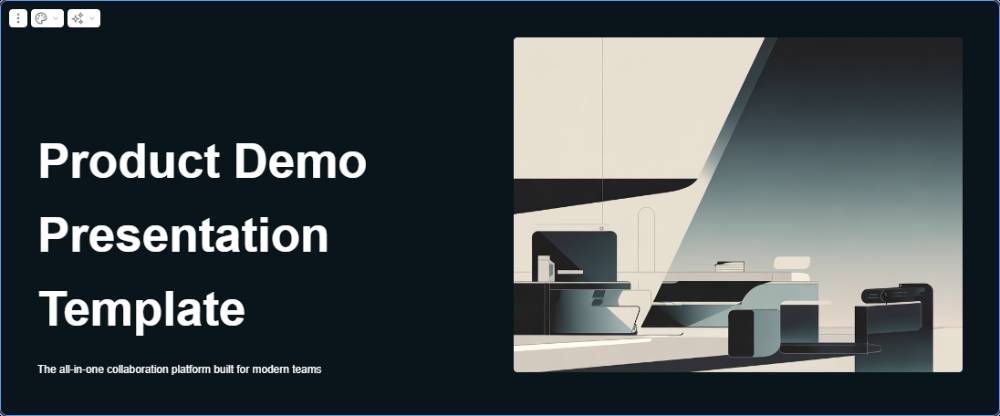
Product Demo Presentation Template preview
Product

Product Demo Presentation Template

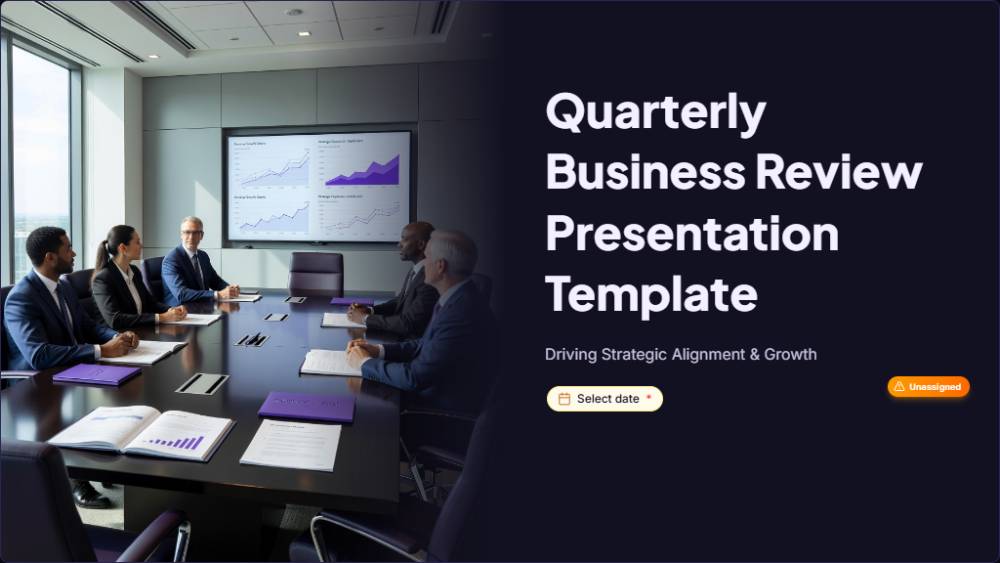
Quarterly Business Review Presentation Template preview
Client review

Quarterly Business Review Presentation Template

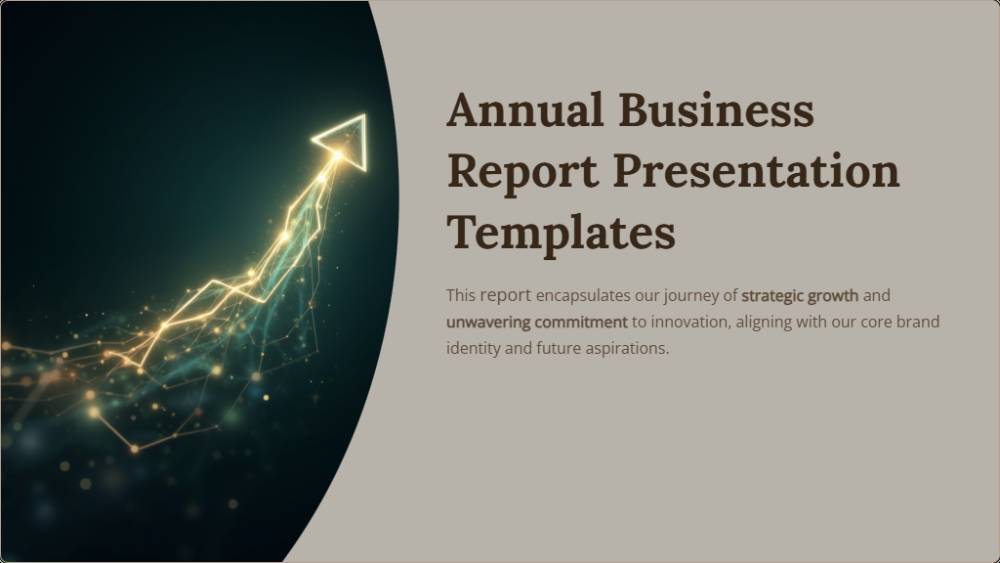
Annual Business Report Presentation Template preview
Report

Annual Business Report Presentation Template

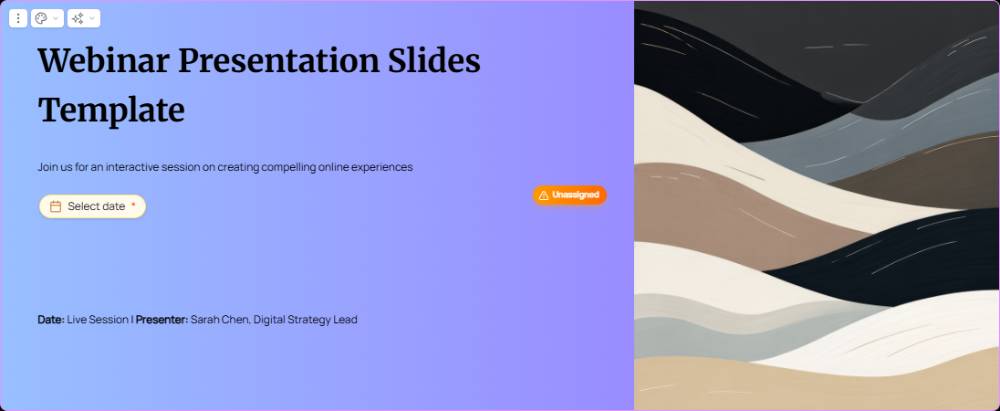
Webinar Presentation Slides Template preview
Webinar

Webinar Presentation Slides Template

What Is an AI Presentation Maker?

An AI presentation maker turns your topic and key points into a finished presentation. You describe the audience, the message and the data that supports it. The AI writes each section, keeps one idea per slide and lays it all out in a clean, consistent structure you can present.

Unlike a blank slide creator, there are no boxes to drag or fonts to match by hand. In Proposal.biz, the words and the layout appear together in your brand, ready to send as one link.

How the Presentation Maker Works

Three steps, then you are ready to present.

1

Set the brief

Add your topic, audience and main points, plus any figures you want to show. The outline updates as you type.

2

Let AI structure it

The maker turns your points into a clear flow, from opening to proof to next steps.

3

Present or share

Present straight from the outline, or take it into Proposal.biz for branding and a single shareable link.

What a Good Presentation Includes

Keep this order. Audiences decide early whether to listen, so earn attention first.

  1. An opening that names the problemStart with the situation your audience is in today, not with your company or your agenda.
  2. One message they will repeatDecide the single sentence you want quoted in the meeting after yours.
  3. Three supporting pointsMore than three and the audience starts forgetting the first one.
  4. Visible proofA number, a result or a client quote for each point.
  5. A clear askEnd with the decision you want them to make.

Where to Use Your Presentations

A presentation does its best work when a group has to agree. These are the meetings where structure and clarity win the room.

Sales meetings

Take the buying group from their problem to your plan and price, then share the deck with anyone who could not attend.

Client review meetings

Show what you delivered last quarter and what comes next. A clear review makes the renewal conversation far easier for you and the client.

Project kick-off meetings

Set goals, owners and dates in one place. Everyone leaves the room with the same picture of what happens next.

Who Uses the Presentation Maker

Any team that has to win a room, not just fill slides.

Founders

Present the company to investors, partners and new hires with a story that holds together.

Agencies

Pitch campaigns and report results in a format clients can read again after the meeting.

Consulting and services firms

Turn findings and recommendations into a presentation leaders can act on.

Sales teams

Give every rep a strong, consistent presentation for each stage of the deal, from first call to final pitch.

How to Keep Your Audience Past the First Slide

Attention drops fast in most meetings. These three habits keep people with you.

1

Lead with their problem

Open with a situation your audience recognises. People listen harder when the first slide is about them, not you.

2

Write headlines, not labels

Replace titles like "Our process" with the point itself. A headline such as "Launch in six weeks, not six months" does the explaining for you.

3

Leave time for questions

Plan to finish a few minutes early. The questions show what the group still needs before it can say yes.

Quick Tips for Better Presentations

Easy fixes that help any audience follow your slides.

Instead of this
Do this
Full paragraphs on every slide
One idea and one headline
An agenda as slide two
Open with the audience's problem
Charts with every number
One number that matters
The same deck for everyone
A version for each audience
Emailing a heavy file
Sharing a link you can track

Presenting to a client at review time? Use these AI prompts for a QBR presentation.

Why Use Proposal.biz for Presentations

The tool gives you a structure. Proposal.biz gives you a branded presentation to share and track.

  • Brand applied for youYour website supplies the logo, colours and fonts, held in the Smart Content Library and applied to each presentation.
  • Draft any documentAI document generation also turns a short prompt into proposals, reports and one-pagers.
  • Shared as a linkOne link opens on any screen, with nothing to download first.
  • See what they viewedTrack when your presentation is opened and how far each viewer scrolls.
Create a presentation free

Frequently Asked Questions

Questions people ask before building a client presentation with AI

Yes. Try as many topics and outlines as you like at no cost at all. An email then unlocks the closing section and copying.
Your company, topic and audience, how many sections you want, the main message, your key points, up to three figures and a supporting quote. A sample topic is preloaded so you can try it first.
For most business meetings, eight to twelve slides is enough. That leaves time to make each point properly and still take questions at the end.
A slide creator gives you blank slides to design. A presentation maker also writes the content and puts it in logical order.
Yes. Proposal.biz shares every presentation as a link that works on any device, so nobody needs to download a file or install anything first.
The free outline is unbranded. Once in Proposal.biz, every presentation picks up the logo, colours and fonts from your website automatically.
Yes. Rewrite any slide yourself, or have Document Chat merge two sections, add a slide or make it more formal.

Present Ideas That Win the Room

Built for teams who pitch, review and report in rooms that need convincing.
Free forever.
No credit card.