Free tool for B2B teams

Free AI Pitch Deck Creator

Add the problem, your solution and your traction. The AI pitch deck creator orders it into slides investors and buyers expect, ready for your next meeting.

Your pitch

Fill in each field. A sample startup shapes the deck until you type, then the slides follow your story instead.

The basics

The story

Traction

In their words

Pitch type
Live draft 0 words

Unlock the full pitch deck

Add your work email to unlock the ask slide and copy the deck outline.

Pitch Deck Templates

Pitching to a specific audience? Start from a deck template made for consultants, agencies, sales or investors.

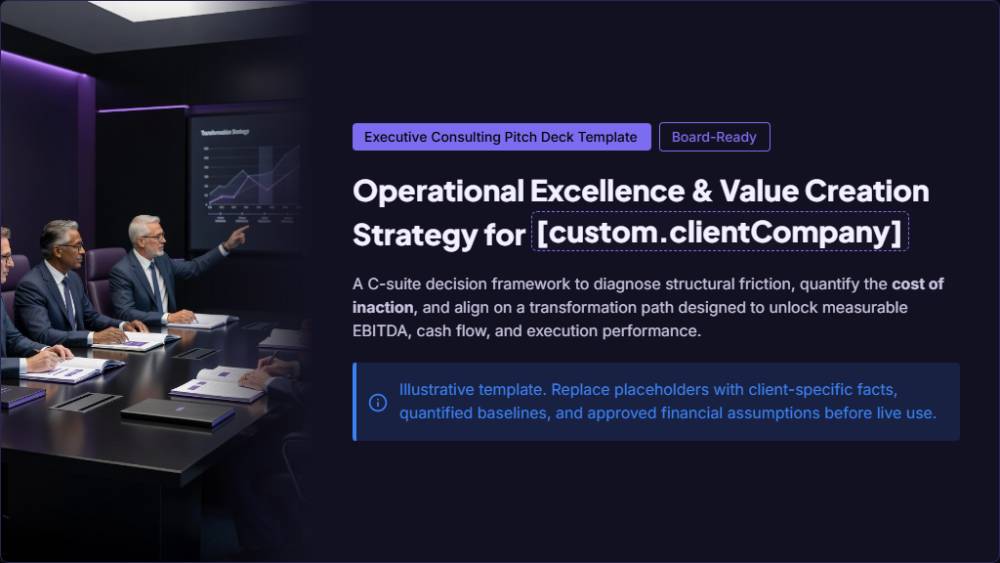
Executive Consulting Pitch Deck Template preview
Consulting

Executive Consulting Pitch Deck Template

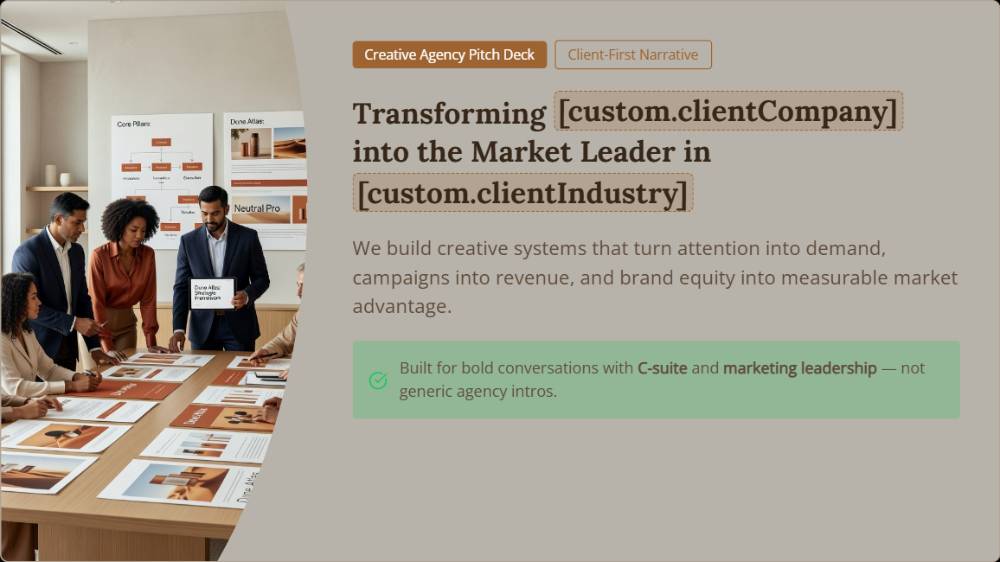
Strategic Creative Agency Pitch Deck Template preview
Agency

Strategic Creative Agency Pitch Deck Template

B2B Sales Pitch Presentation Template preview
Sales

B2B Sales Pitch Presentation Template

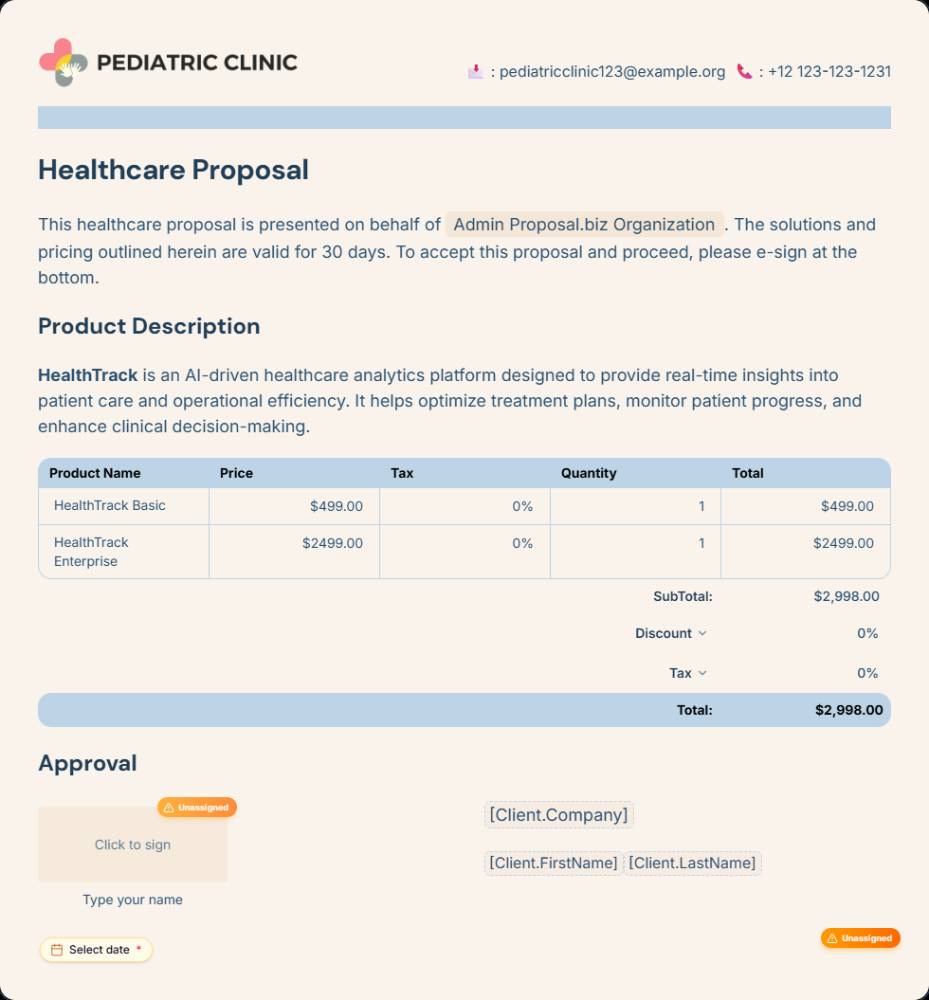
Investor Pitch One-Pager Template preview
Investor

Investor Pitch One-Pager Template

What Is an AI Pitch Deck Creator?

An AI pitch deck creator turns your company story into slides in the order investors and buyers expect. You explain the problem, your solution, the market and your traction. It writes a headline and body for each slide and assembles a deck ready to present or send.

Building a deck by hand often means a week of rewrites and debates over slide order. In Proposal.biz, the narrative and the design are produced together in your brand and sent as a link.

How the Pitch Deck Creator Works

Three steps from idea to investor-ready slides.

1

Tell your story

Fill in the problem, your solution, your traction and the ask. The deck outline updates as you type.

2

Let AI build it

The creator writes each slide and puts them in the order investors and buyers expect.

3

Pitch or share

Pitch from the outline, or bring it into Proposal.biz to brand it and share a tracked link.

What a Good Pitch Deck Includes

Keep this order. Investors and buyers both want the problem before the product.

  1. A problem worth solvingShow who has the problem, how often it happens and what it costs them today.
  2. Your solution, simply putOne sentence a non-expert could repeat, then one slide on how it works.
  3. Market and competitionWho else is solving this problem, and why you will win.
  4. TractionReal numbers that show momentum, with the trend over several months.
  5. The askHow much, what it is for, and what happens next.

Where to Use Your Pitch Deck

One deck rarely fits every room, even a great one. Keep the core story the same and adjust the emphasis for each audience you meet.

Investor meetings

Lead with traction and the size of the market. Send the deck as a link after the call so partners can review it later.

Sales pitches

Lead with the buyer's problem and proof from their industry. Keep the company history to one slide, or cut it entirely if the meeting is short.

Partner and channel calls

Show what both sides gain, who does what, and how the partnership would run in its first quarter.

Who Uses the Pitch Deck Creator

Any team that needs a yes from a room of decision makers.

Founders

Build a first investor deck in an afternoon, then refine it after every meeting you take.

Agencies

Pitch new clients with a deck that leads with their problem, not a list of your services.

SaaS and software teams

Create sales pitch decks for each segment, with proof from that industry.

Consultants

Convert discovery notes into a pitch showing the problem, your method and the result they can expect.

How to Get Your Pitch Deck Read Past Slide One

Most decks are skimmed, not read. Three habits keep people turning pages.

1

Put the hook on slide one

State the problem and your result in the first slide. If the opening is generic, readers assume the rest is too.

2

One point per slide

Each slide should make one claim in its headline and prove it below. Crowded slides get skipped, and skipped slides take your best argument with them.

3

Send a link, not a file

Attachments get blocked and forgotten. A shared link works on any phone and tells you the right moment to follow up.

Quick Tips for Better Pitch Decks

Edits that make investors and buyers take your deck seriously.

Instead of this
Do this
Opening with your team
Open with the problem
A huge market number
The market you can reach first
Claiming you have no competitors
An honest, specific competitor slide
Traction as a single number
Traction as a trend
A vague funding ask
The amount and what it buys

Prefer to start from a blank page? Begin with these AI prompts for pitch deck writing.

Why Use Proposal.biz for Pitch Decks

This tool writes your story. Proposal.biz turns it into a branded deck you can track.

  • Your brand from your websiteProposal.biz reads your website and keeps your logo, colours, fonts and case studies in the Smart Content Library.
  • From deck to proposalAI document generation turns the story into a proposal when a buyer says yes.
  • Edit with Document ChatHave it tighten a slide, adjust the tone or rework your ask.
  • Know when it is readTracked links show you when investors or buyers view the deck.
Create a pitch deck free

Frequently Asked Questions

What founders and sales teams ask about this pitch deck maker

Yes. Draft and preview decks as often as you need. Adding your email reveals the ask section and switches on copying.
Ten to fifteen slides covers most investor and sales pitches. That is enough for the problem, solution, market, traction, team and ask without losing the reader halfway through. A shorter version works well for a first email.
A clear problem, one simple solution, real traction and a specific ask. Each slide makes one point, and the order builds towards the ask.
A pitch deck asks investors or partners for backing. A sales deck asks a buyer to choose your product or service.
Yes. Choose the sales pitch type and the creator leads with the buyer's problem and proof, then closes with a clear next step instead of a funding ask.
Usually a link is better. Decks shared through Proposal.biz open on any phone, and you see when someone has viewed yours.
Yes. Rework slides by hand, or let Document Chat sharpen the problem slide, rework the ask or cut a section.

Pitch Your Next Idea With Confidence

Made for founders raising money and sales teams chasing a firm decision this quarter.
Free forever.
No credit card.