Employee Training Presentation Template
Unlock your full potential through effective time management. This training is designed to boost productivity, reduce stress, and enhance your overall work-life balance.
Train employees on a new process or skill with a presentation that covers objectives, steps, and takeaways in one deck the whole team can follow.
Trusted by 100+ businesses that sell expertise















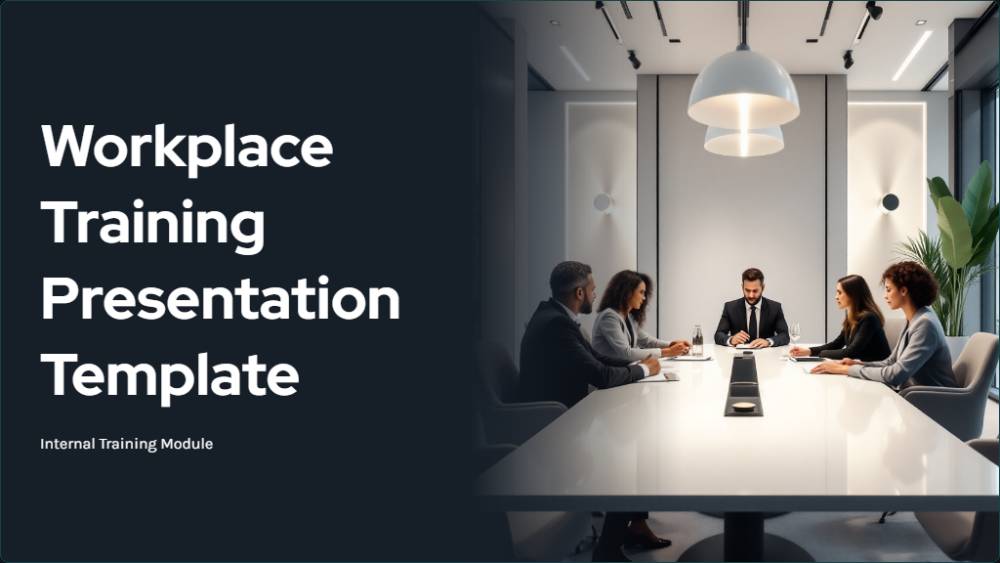
Training sessions lose people fast when the material jumps around without a clear structure. This employee training presentation template gives you ready sections for objectives, step-by-step instructions, examples, and key takeaways, so you deliver training instead of assembling slides from old decks. Built as a reusable training presentation template, it keeps every session consistent regardless of who is presenting it to the team.
The deck generates in your branding and stays easy to update as processes change. Present it live in a training session or share one link for employees to review at their own pace, keeping training consistent across every team and shift.
Everything you need to create a professional proposal
Professional Design
Fully Customizable
Ready to Use
Mobile Responsive
Get started with your professional proposal in just a few simple steps
Select this template and click "Use template for free" to get started
Fill in your details, add your branding, and tailor the content to your needs
Send your proposal to clients and track when they view and approve it
HR and team leads get the most from a deck that delivers the same training every time it's used.
Deliver the same training content every session, regardless of who is presenting it that day or which location.
Train a new process quickly using a ready deck, instead of explaining steps one on one each time.
Standardise how a process is taught across shifts, reducing errors that come from inconsistent training month to month.
Review training material at their own pace, revisiting any section that was not clear the first time around.
Explore more templates in the HR category
Everything you need to know about using this template
Start from a ready training deck and fill in only what matters, instead of rebuilding slides for every session.